As a longtime Kindle owner with thousands of books in my library, I've mastered the art of keeping things tidy without the hassle. Whether you're discovering great deals on Kindle books from essential sites or sourcing unlimited free content, your library can quickly become overwhelming. But with simple steps like deleting, sorting, filtering, and using Collections, you can regain control and find any book instantly.
These strategies draw from years of hands-on experience managing vast eBook collections across devices. Let's dive in.
Start by decluttering. If your library feels chaotic, removing books is the first step. As a fellow book collector, I know it's tough—physical shelves or digital ones. The good news? Books stay safely in your Amazon account for redownload anytime. Tools like Calibre can help manage collections across devices too.
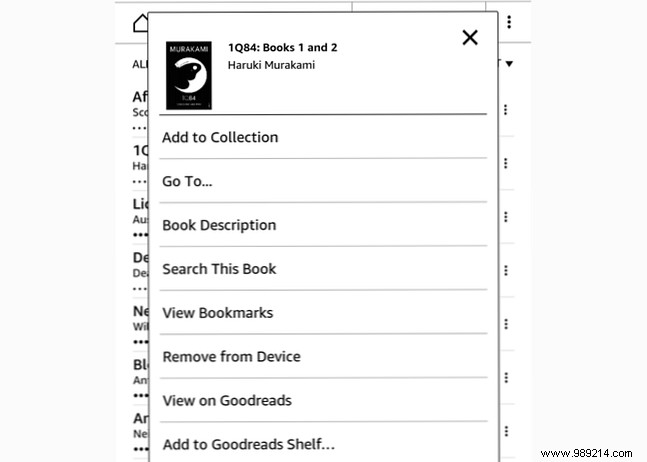
From the home screen, tap My Library. Scroll to the book, long-press the title or cover (or tap the three dots in List View), then select Remove from Device. It's reversible and doesn't affect emailed documents via Send-to-Kindle.
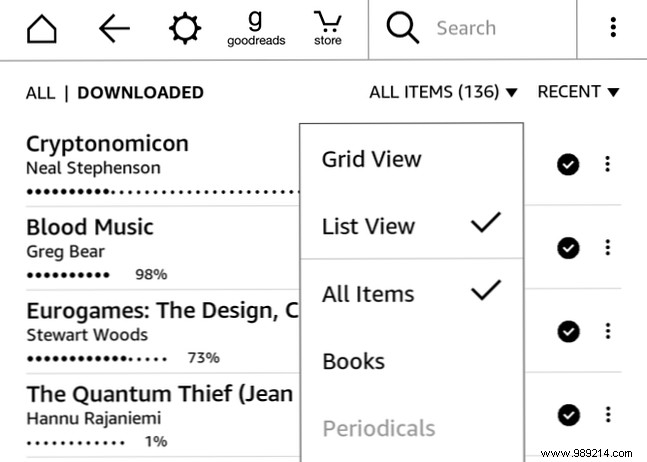
Next, sort for sanity. Switch to List View by tapping All Items and selecting it—far easier for navigation.
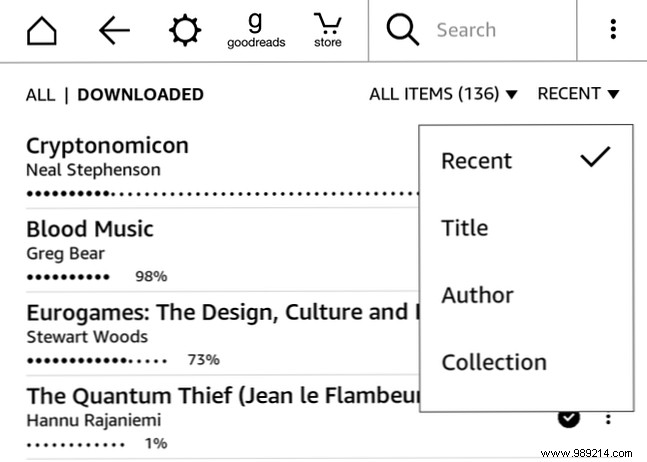
Tap the sort icon next to All Items (options like Recent, Title, Author, or Collection). Recent prioritizes recently opened books (though browsing highlights can shuffle it). Title and Author alphabetize everything. Collection sorting groups your folders at the top, with unassigned books below—ideal if you use Collections.
Books in Collections still appear in other sorts, ensuring full visibility.
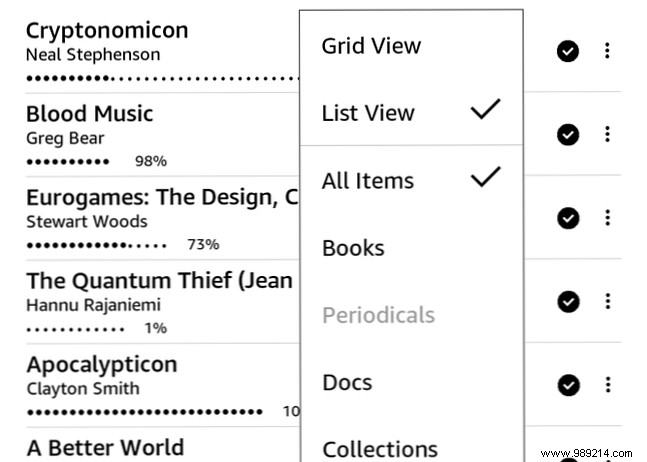
In the view menu (List/Grid), filter beyond All Items to Books, Periodicals, Docs, or Collections. Perfect for mixed-use Kindles with magazines or sideloaded files.
Collections are game-changers for organization. Tap the menu (three dots top-right) and select Create New Collection.
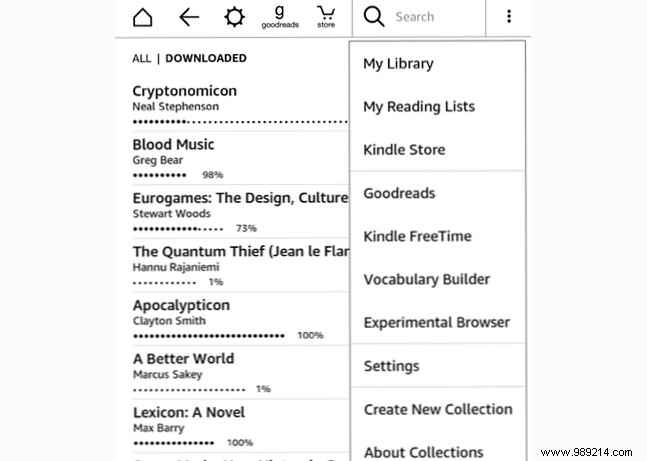
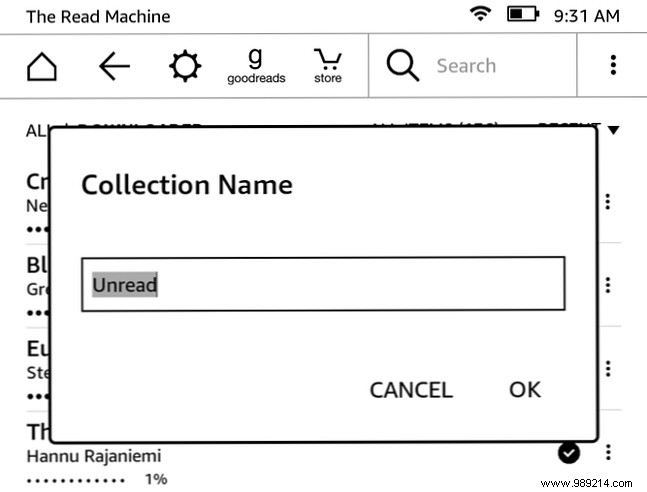
Name it (e.g., "Unread") and tap OK.
Add multiple books via checkbox selection, or long-press singles and choose Add to Collection. Books can belong to multiple Collections, acting like tags.
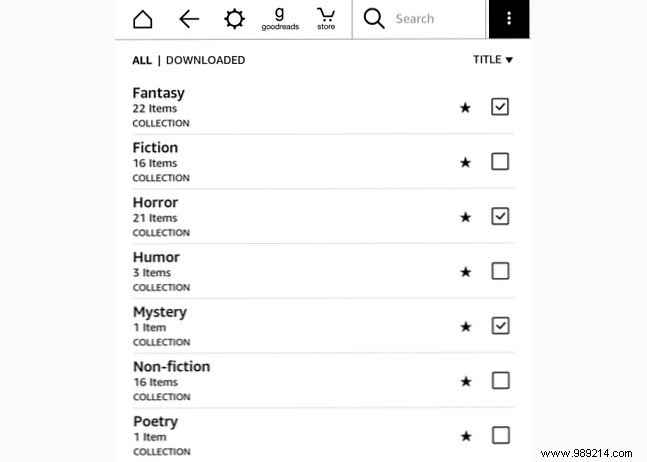
My setup: "Read," "Unread," and "Read Again." I've experimented with genres (Sci-Fi, Nonfiction) but prefer reading-status based for simplicity. Tailor to your style.
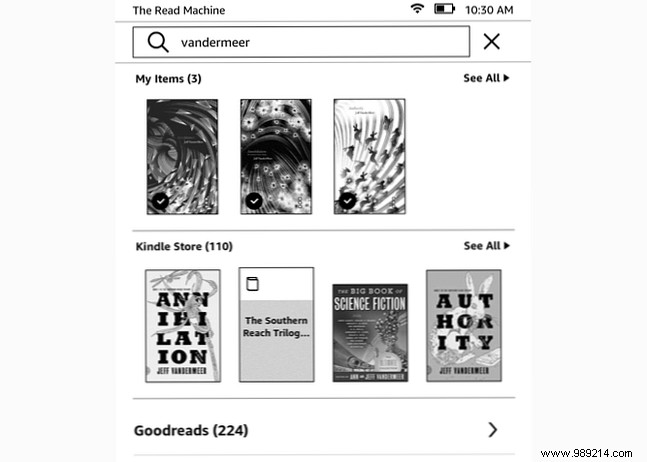
Use the search bar for titles or authors—results show device books (book icon) vs. Store (cart icon). "Search Everywhere" pulls from Goodreads too.
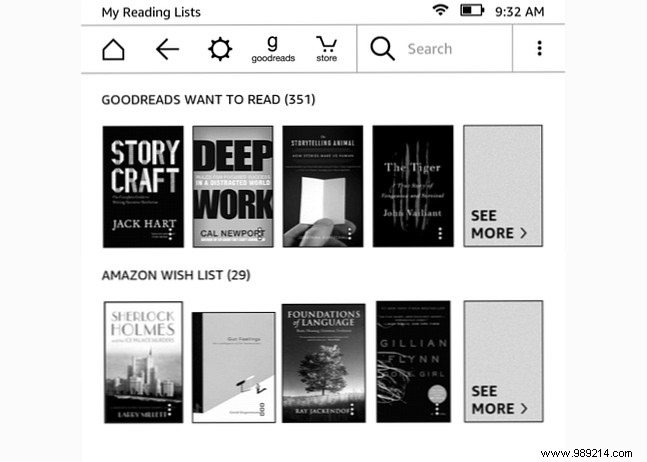
Track future reads via Goodreads "Want to Read" and Amazon Wish List. Menu > My Reading Lists for quick access and one-tap purchases.
These proven methods transform chaos into a curated library. How do you organize yours? Share in the comments!
