Netflix is the go-to streaming service for millions, but spotty internet or long flights can disrupt your binge. Since 2016, Netflix has offered downloads for offline viewing, letting you watch favorites anywhere without Wi-Fi.
This feature is straightforward, but key rules apply across devices. As a tech expert who's tested Netflix on iOS, Android, and Windows for years, here's everything you need to know.
These apply to all platforms:
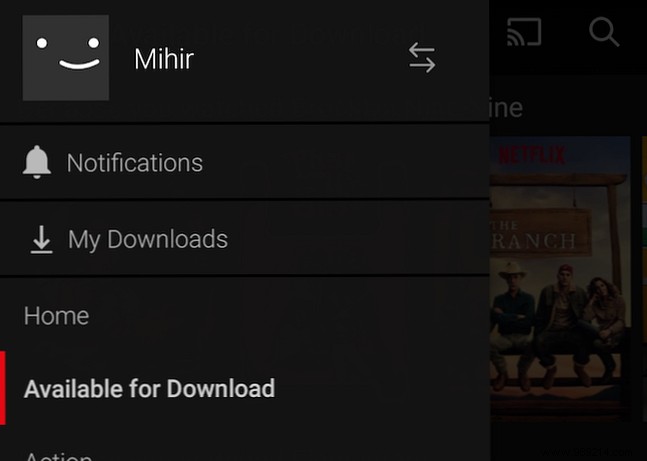
Downloads use the same data as streaming, but save bandwidth for rewatches. Files store locally, so manage space wisely.
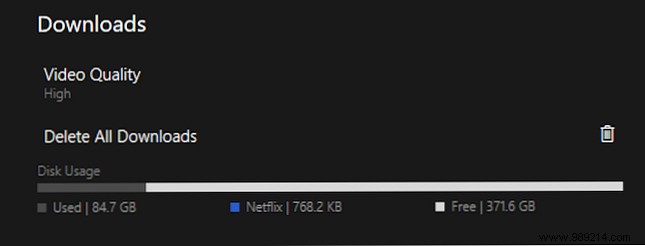
In app settings, select Standard (720x480) or High quality (device-dependent, up to 4K where available). A 1-hour Standard download is ~250MB; check sizes before saving.
View total storage used and delete all with one tap if needed.
Unlike pirated files, Netflix downloads are temporary. Titles may leave the catalog, auto-deleting from your device (with prior warning). Some have 48-hour playback limits after first play, like library loans.
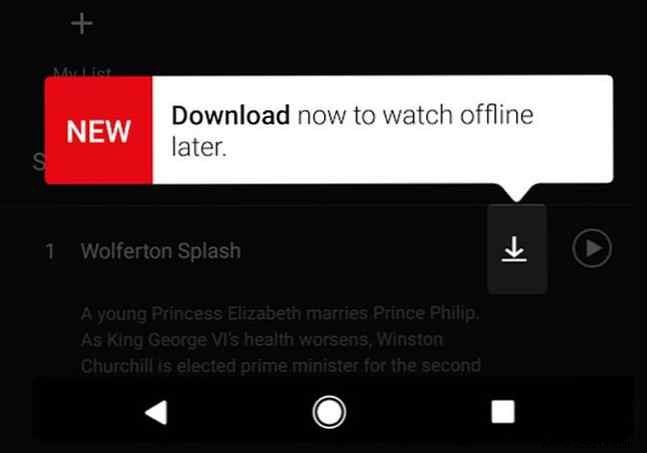
Renew expiring titles a few times without redownloading, or remove manually.
Windows 10 PCs/Tablets: Use Netflix app (not browser); Windows 10 required. Saves to primary drive.
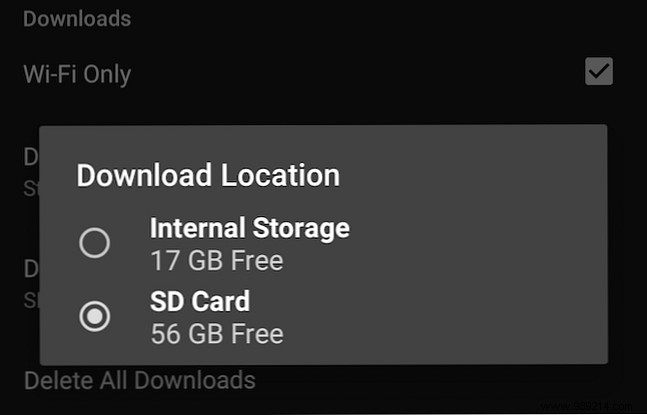
Android Phones/Tablets: KitKat 4.4.2+ with Netflix app. Choose internal storage or SD card via Menu > App Settings > Download Location.
iOS (iPhone/iPad): iOS 9+ with Netflix app.
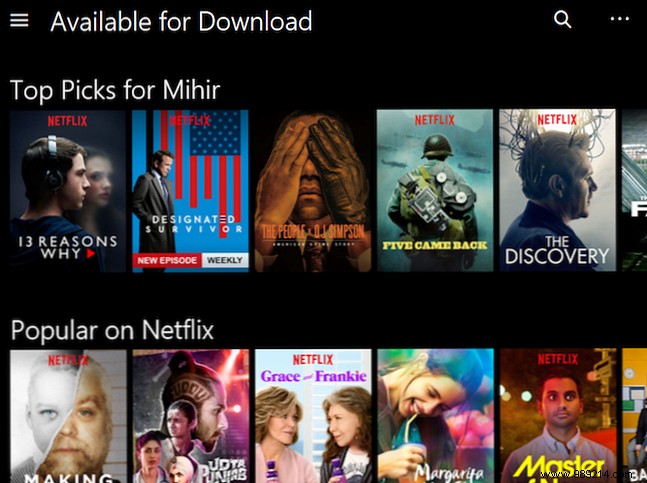
Install the official app, log in, and find the download arrow next to eligible titles. Tap to start.
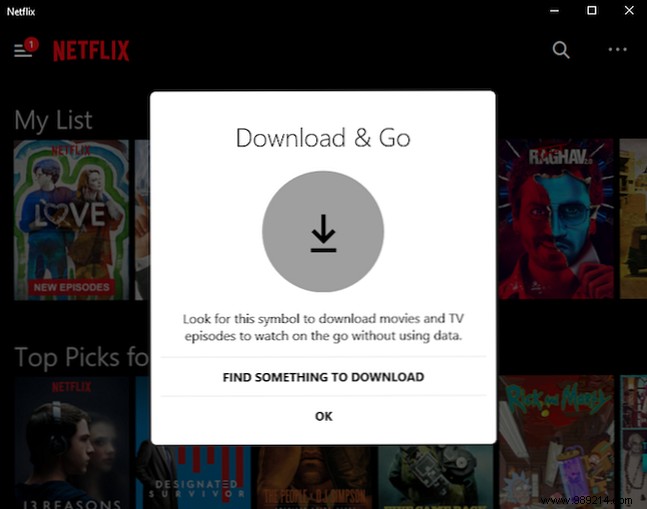
Access via "My Downloads." Watch online or off—internet enhances quality without buffering.
Best fix for buffering: Pre-download planned watches.
Unfortunately, unsupported. Emulators like BlueStacks fail reliably. Wait for official support.

I preload School of Rock and Archer seasons for instant mood boosts. What are your must-have offline Netflix picks? Share below!
