Don't have a smart TV? No problem. Transform your smartphone into a versatile remote for your Windows PC's entertainment setup, especially when connected to a TV via HDMI. The free ControlPC app (note: no longer available) lets you control playback from afar.
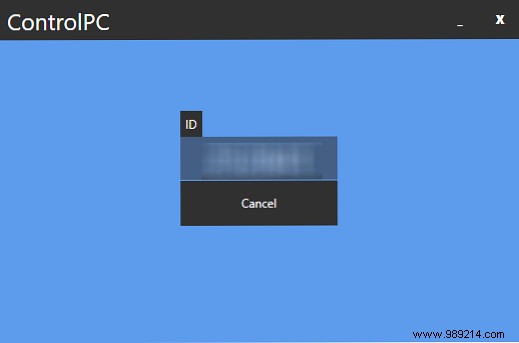
Setup is straightforward: Download the app on your Windows PC and iOS or Android phone. Launch the mobile app to see a six-digit number on screen. Enter it on your PC to pair the devices instantly.
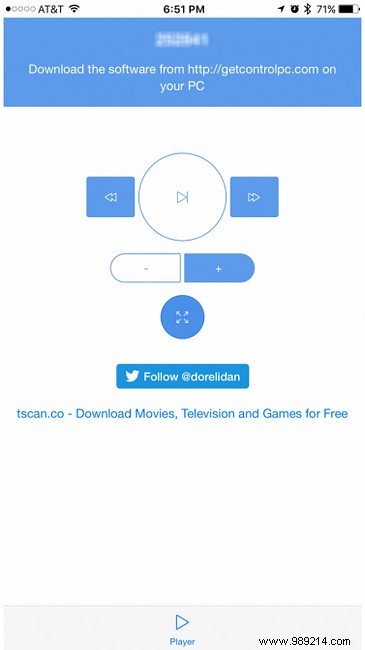
Now, when running Netflix, YouTube, VLC, or Windows Media Player, use your phone for basic remote functions. Select your content on the PC first, then relax on the couch to play, pause, adjust volume, skip forward/back 10 seconds, or toggle fullscreen.
While features and design are basic, it delivers reliably with incredibly quick setup. Expect a slight response lag during use, typical for wireless control.
Do you stream Netflix on your PC? What's your must-have app for a better experience? Share in the comments.
