As an Amazon Prime member in the United States, you can enhance your entertainment options by subscribing to premium TV channels through Amazon Prime Video. These add-ons let you access exclusive shows, movies, concerts, and more—like Patria on Showtime, Fleetwood Mac performances on Qello Concerts, or Power Yoga classes on Gaia—directly alongside your core Prime benefits, including offline downloads.
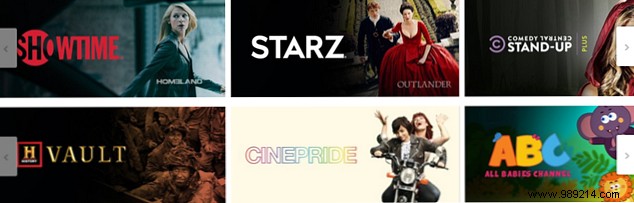
Amazon Prime offers a diverse selection of premium channels tailored to every taste, from blockbuster movies and series to documentaries and kids' content. For a complete list, visit the Amazon Video Subscriptions page.
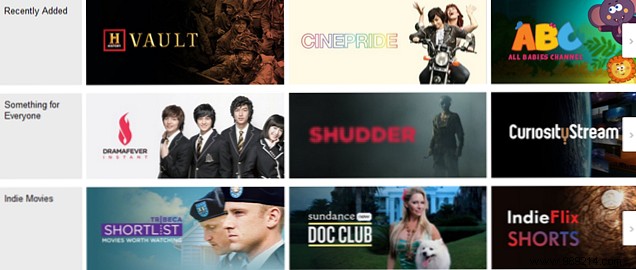
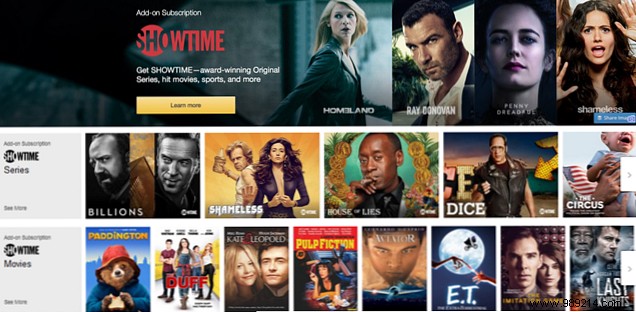
Explore channels on the Amazon Video Subscriptions site, organized into categories like Featured, Recently Added, and Documentaries. Select a channel for detailed listings, often sorted into subcategories such as Series, Movies, Sports, and Comedy Specials—for instance, Showtime offers targeted sections for easy discovery.
Drill down into any program for full details, including descriptions, seasons, runtime, and ratings.
Most channels provide free trials, varying by service: Starz offers 7 days free ($8.99/month after), while Showtime gives 30 days ($8.99/month post-trial). Check specifics on each channel page.
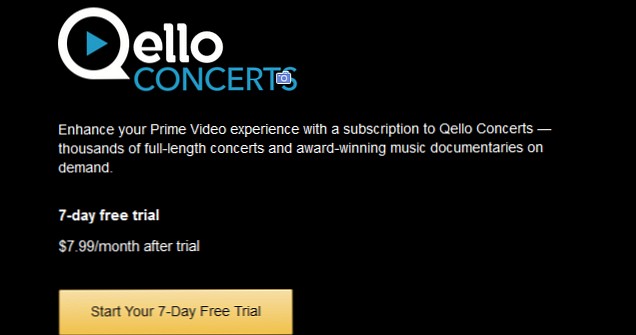
Subscribe seamlessly via the Amazon Video app on your device (under Subscriptions) or the website. Click Learn more on a channel page, or subscribe directly while browsing a show. You'll see trial and pricing details upfront.
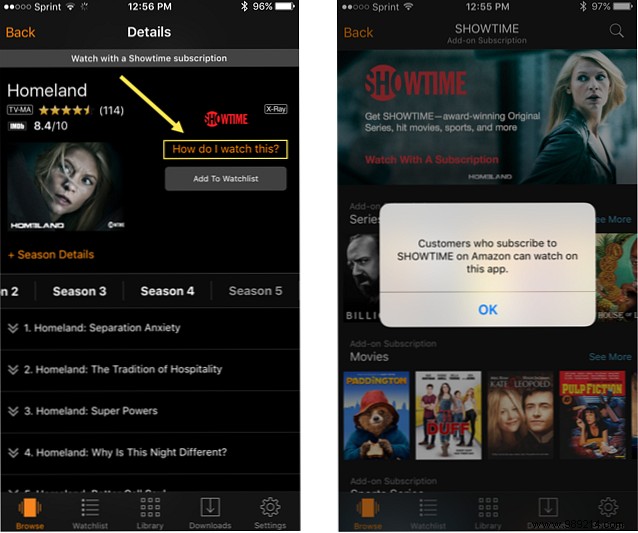

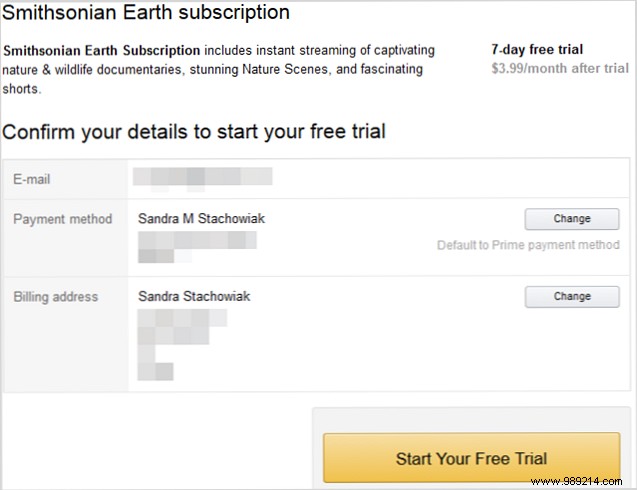
Select Subscribe and watch, Start, or Start free trial, then follow prompts. On the website, confirm payment details, review terms, and complete signup via your Amazon account.
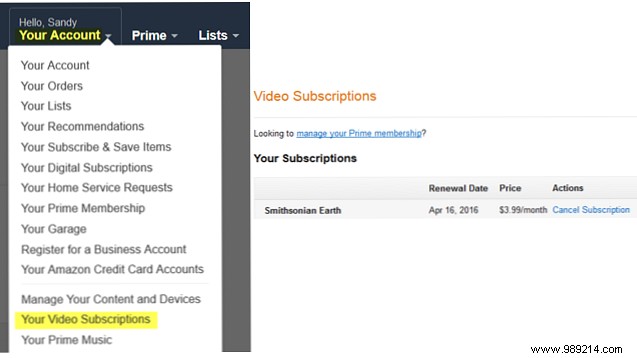
View active subscriptions at Your Account > Your Video Subscriptions. See renewal dates, costs, and cancel anytime via the Cancel Subscription button—confirm to avoid charges.
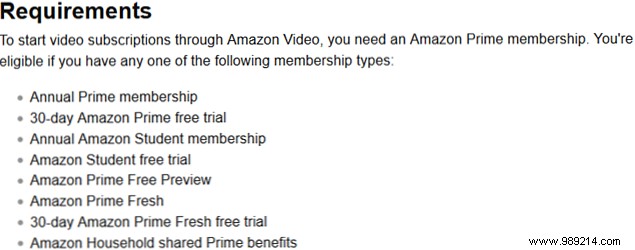
Note these restrictions:
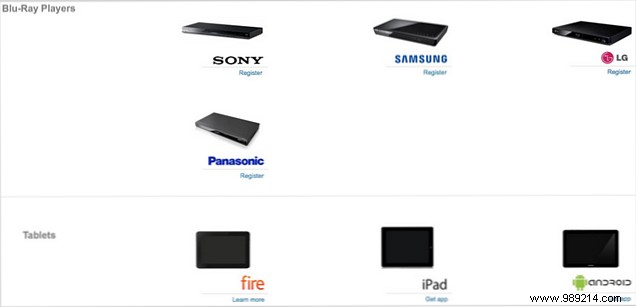
Requires an active Amazon Prime membership ($99/year). Compatible devices range from smart TVs to mobiles—check Amazon Video: Watch Anywhere for full compatibility.
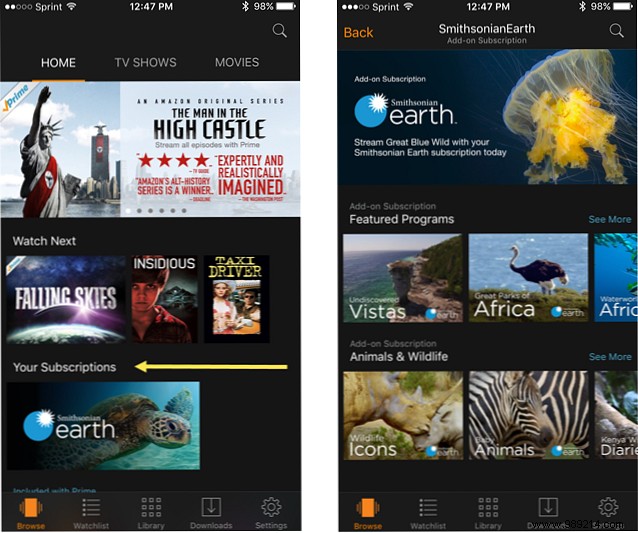
Access subscribed channels in the Your Subscriptions section of the app or website. Pick a show and dive in during your trial.
Which premium channels have you added to Prime Video? Share your favorites—series binges, workouts, or concerts—in the comments below!
