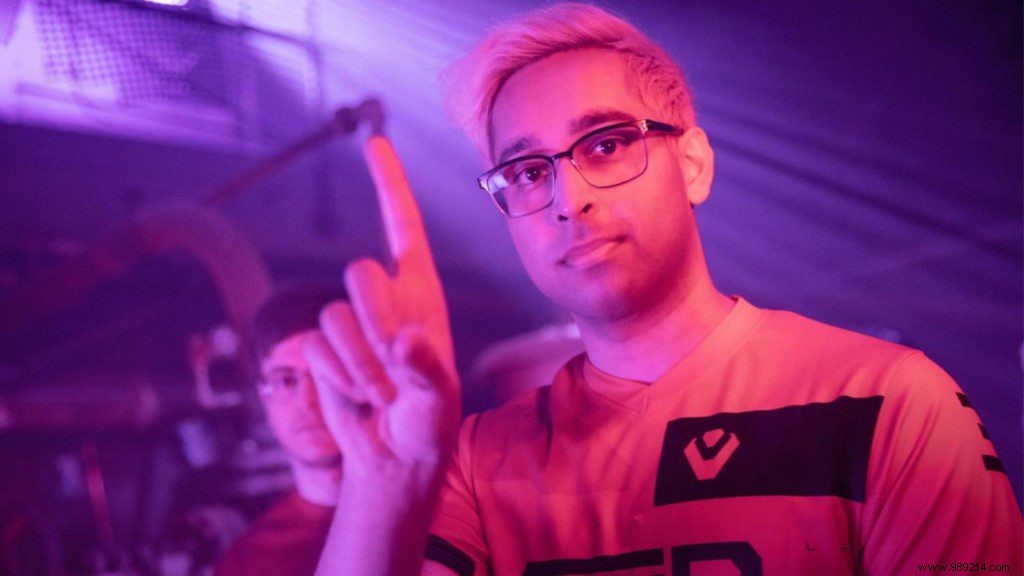
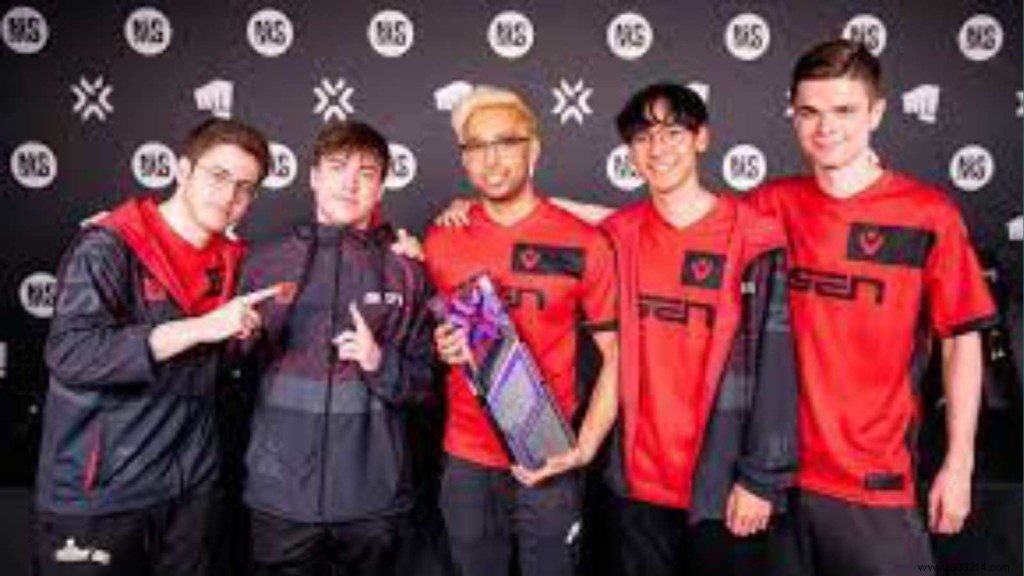
Valorant pros like Sentinels' ShahZaM continue to inspire players worldwide. Known as a top Jett main and elite in-game leader (IGL) with tournament-leading ACS, his setup offers real insights for competitive play. Here's ShahZaM's latest sensitivity, keybinds, crosshair, minimap, graphics, and hardware details, sourced directly from his configs.
ShahZaM Valorant Settings
Shahzeb "ShahZaM" Khan (born October 8, 1993) is an American pro player for Sentinels. A former CS:GO standout with Cloud9, OpTic, and Complexity Gaming, he's now a Valorant force.
ShahZaM Valorant Sensitivity
Mouse: Logitech G703 Lightspeed Wireless Gaming Mouse
- DPI: 400
- Sensitivity: 0.53
- eDPI: 212
- Polling Rate: 1000 Hz
- Scoped Sensitivity: 1
- Windows Sensitivity: 6
ShahZaM Valorant Keybinds
Keyboard: Custom
- Walk: L-Shift
- Equip Primary Weapon: 1
- Ability 1: E
- Crouch: L-Ctrl
- Equip Secondary Weapon: 2
- Ability 2: Q
- Jump: Mouse Wheel Down
- Equip Melee: 3
- Ability 3: C
- Use/Plant: F
- Equip Spike: 4
- Ultimate: X
ShahZaM Valorant Crosshair
- Color: Green
- Outlines: On / 0.5 / 1
- Center Dot: Off
- Inner Lines: 1 / 3 / 1 / 3
- Outer Lines: 0 / 0 / 0 / 0
- Movement / Firing Error: Off / Off
ShahZaM Valorant Minimap
- Rotation: Rotation
- Fixed Orientation: Side Based
- Keep Player Centered: On
- Minimap Size: 1.2
- Minimap Zoom: 0.9
- Vision Cones: On
- Map Region Names: Never
ShahZaM Graphics Settings
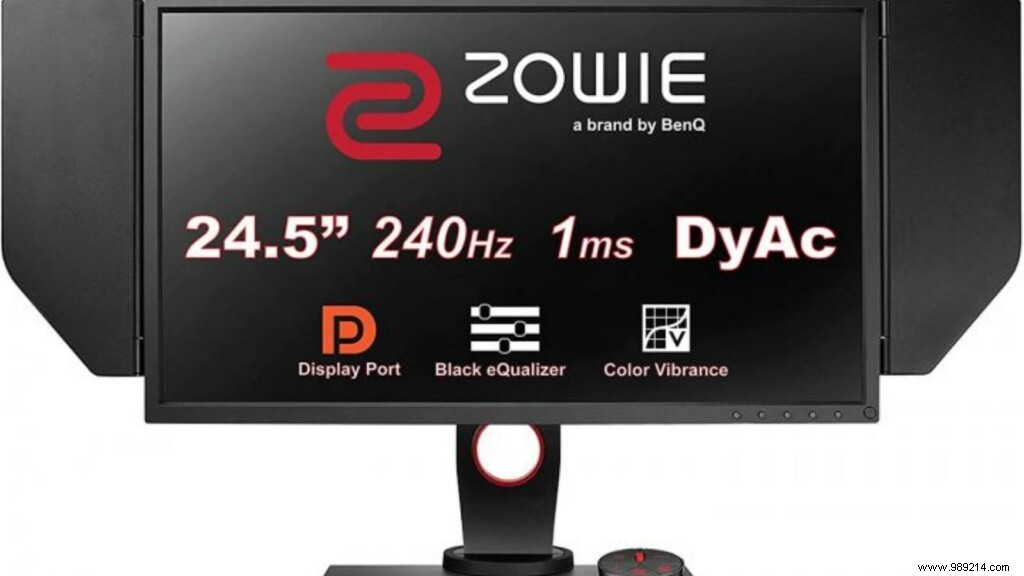
- Display Mode: Fullscreen
- Resolution: 1920x1080
- Frame Rate Limit: Unlocked
- Material Quality: Low
- Texture Quality: Low
- Detail Quality: Low
- UI Quality: Medium
- Vignette: Off
- VSync: Off
- Anti-Aliasing: None
- Anisotropic Filtering: 1x
- Improve Clarity: On
- Bloom: Off
- Distortion: Off
