Valorant has solidified its place as a top FPS game over the years, but like any live-service title, it occasionally encounters error codes after patches, updates, or even without clear triggers. Error Code 1 is a frequent culprit, often linked to the Riot Client, affecting players worldwide. The good news? It's usually a quick fix. As experienced Valorant troubleshooters, we've resolved this countless times—here's a reliable guide based on official recommendations and community-tested steps.
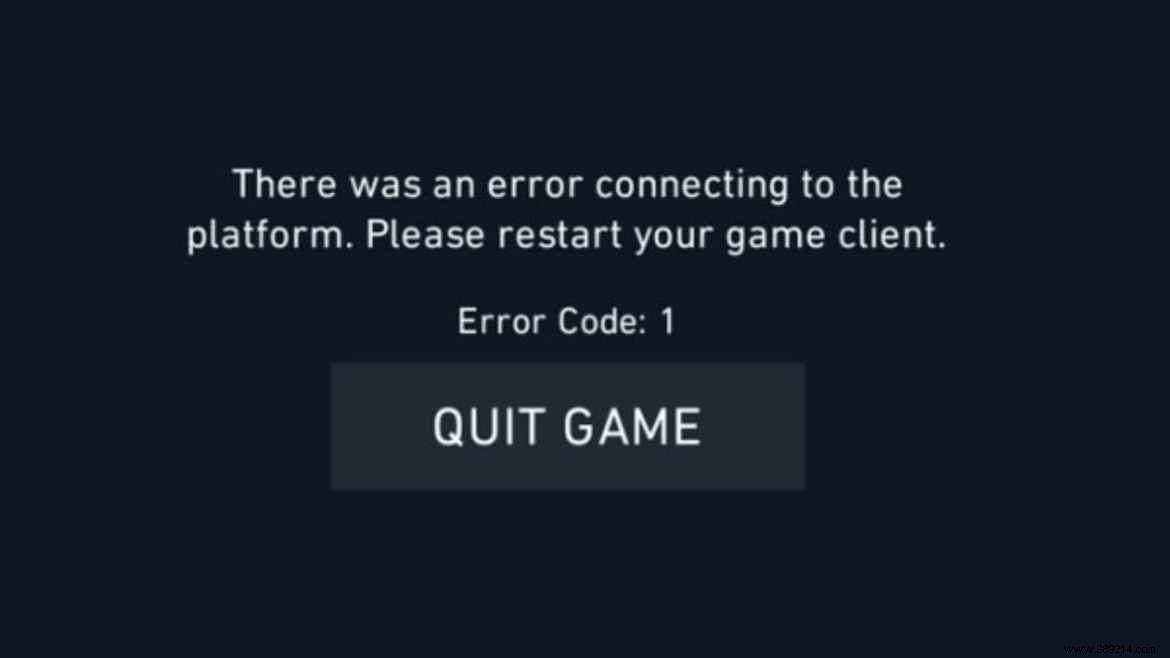
This error signals a connection issue with the Riot Client, commonly triggered post-update or during server hiccups. The message typically reads: “VALORANT has encountered a connection error.” Simple restarts or Vanguard tweaks resolve most cases.
| Code | Symptom | Solution |
|---|---|---|
| 1 | Connection error | Restart VALORANT and Riot Client |
Follow these proven steps in order:
