As seasoned Roku users with years of hands-on experience testing thousands of channels, we've mastered the ins and outs of this versatile platform. Roku channels—essentially apps—unlock access to over 4,500 official options in the Channel Store, delivering more than 450,000 movies and TV episodes. There are also thousands of private channels available via unique codes.
Note that some channels are geo-blocked outside their home countries. A VPN on your router and a new Roku account in the target region can help, though full setup details are outside this guide's scope.
Don't let the name mislead you—Roku channels aren't traditional TV stations. Think of them as apps packed with diverse content. You'll discover them in the Channel Store or via private codes.
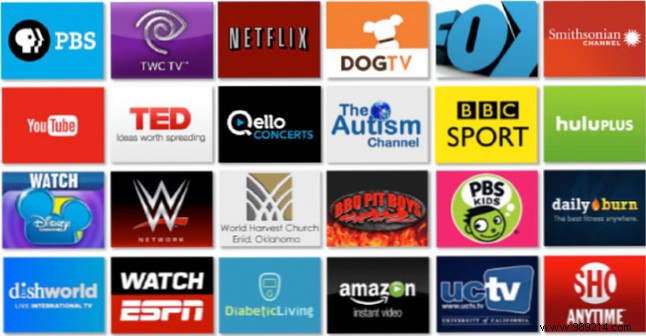
Public channels are easy to locate; private ones require a bit more effort.
From your Roku home screen, select Channel Store and browse by category. U.S. users can also visit channelstore.roku.com on the web.
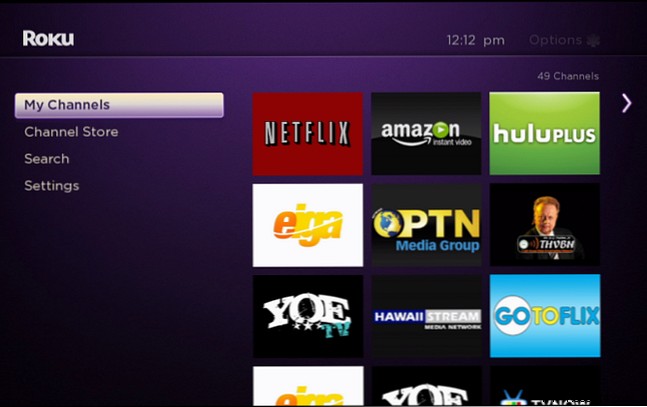
These hidden gems aren't in the store. Check trusted directories like:
For public channels, just click Add Channel. Private channels need a code from the sites above or forums like Reddit's Roku subreddit.
1. Log into my.roku.com on a computer.
2. Go to Manage account > Add channel with a code.
3. Enter the code and confirm.
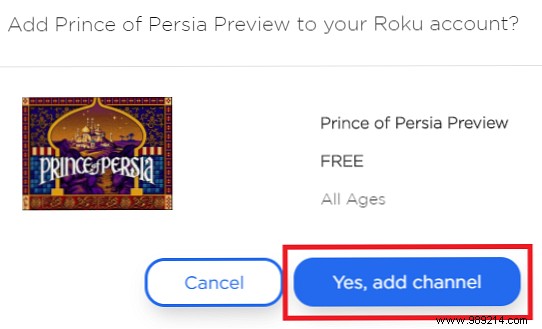
It may take 24 hours to appear. Speed it up: On Roku, go to Settings > System > System update > Check now.
With many channels, organization matters. On the home screen, highlight a channel, press the * (star) button, select Move channel, and use the D-pad to reposition. Press OK to save.
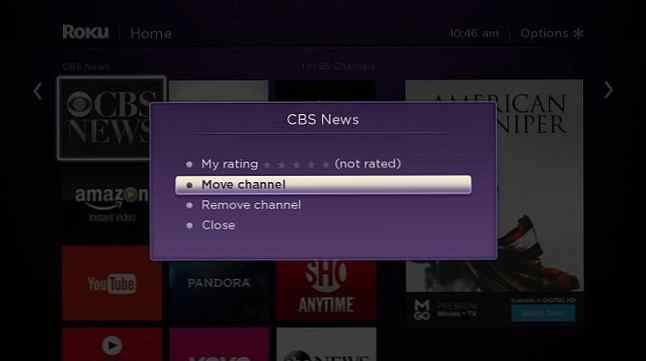
Highlight the channel on home, press *, and select Remove channel. Warning: Roku doesn't save an installed list, so note private codes before deleting—public ones are easy to refind.
Official Channel Store apps are vetted and 100% legal. Private channels started for developer testing but some host pirated content. Roku cracks down hard now; avoid illegal apps or paid pirate services—many developers have shifted to Android TV.

Now you're equipped to find, add, organize, and manage channels like a pro. Share your top picks—public or private (with codes!)—in the comments below. What's your go-to for the best streaming experience?
