Errors like code 59 are common in Valorant, affecting players worldwide. According to Riot Games' official support page, Error Code 59—also known as "LegalInfoInitFailure" or "59LoginQueueFetchTokenFailure"—signals login queue or system connection issues with the Riot Client. It's often triggered by patches, updates, or server outages, but most cases resolve quickly without a full game reinstall.
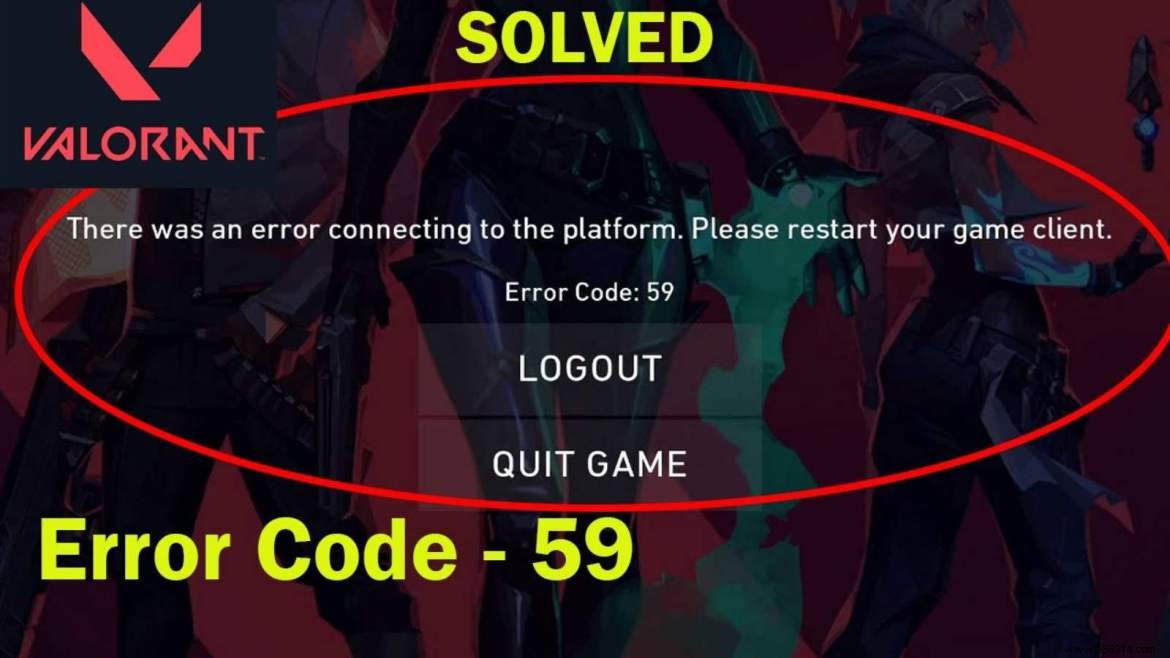
This error typically appears when launching the game. Riot advises starting with a simple restart of the Riot Client, as it addresses most login queue problems. Check the support site for server status banners during outages—patience is key while Riot resolves backend issues.

If restarting doesn't work, follow these proven steps based on Riot's recommendations:
These fixes have helped countless players get back to matches fast, drawing from Riot's direct guidance and community-tested solutions.
