As a podcast enthusiast with years of experience curating massive libraries, I've seen how quickly collections grow. From cooking tips to deep dives into spirituality, podcasts enrich our lives—but managing them can become overwhelming. Enter Pocket Casts, the powerful app that streamlines organization on iOS and Android.
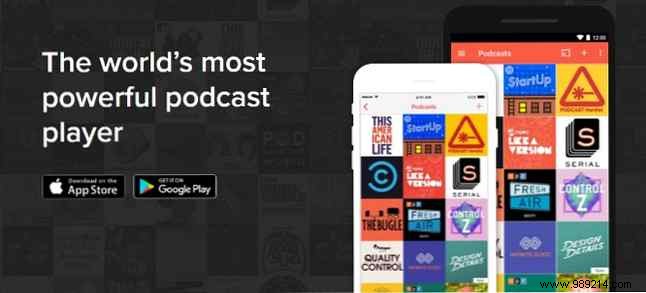
Pocket Casts, dubbed "the world's most powerful podcast player" on its official site, excels at listening, sharing, and organizing. Available for iOS and Android ($3.99), it handles diverse collections effortlessly, far surpassing basic apps.
Podcasts span endless topics, but finding the right one is simple in Pocket Casts. Enter a term, browse by genre, or check popular picks. Its intuitive, robust search makes discovery fun and efficient, even for newcomers.
Hunting for new shows? The vibrant Discover section, with color-coded blocks for Featured, Most Popular, and Trending, uncovers hidden gems tailored to your tastes.
For heavy listeners, Pocket Casts shines in organization. Create playlists, use filters for new episodes, favorites, or ongoing series. Customize by release date, downloads, playback status, and more to keep everything accessible.
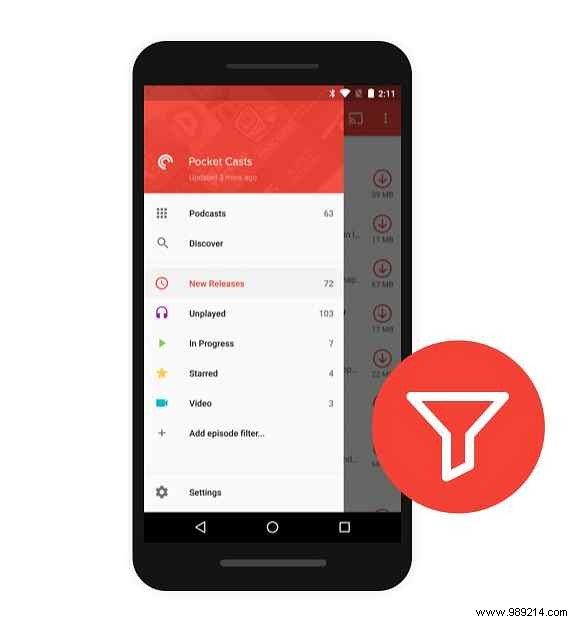
Never miss an episode: Set Pocket Casts to download new ones daily over Wi-Fi. It's seamless, ensuring your queue stays fresh without manual effort.
These expert tips, honed from daily use, elevate your experience.
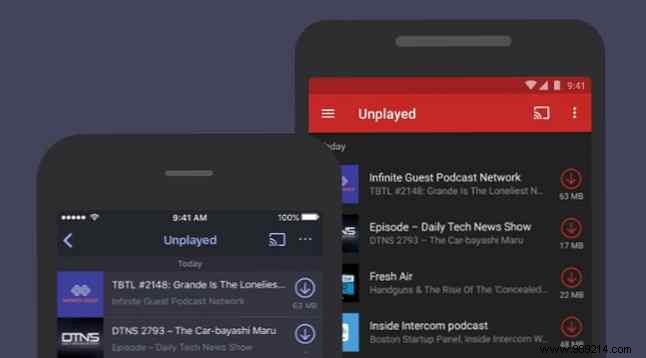
Queue episodes automatically or manually in the Up Next playlist—like Spotify's queue. From the player or episode list, tap "Add to Up Next" or swipe for bulk adds. Perfect for long tasks like cleaning.
Control space per podcast: Tap the three-dot menu > Podcast Settings. Toggle auto-stream/download, set Auto Cleanup for old episodes, or delete after playback. For global tweaks, go to Settings > Storage and Data Usage.
Skip silences with Trim Silence, speed up to 3x, via the bottom-left playback controls. For long intros, set a Start From timestamp in Podcast Settings.
Plays with screen off for sleep sessions. Use Sleep Timer to auto-stop, or let single episodes end naturally—minimizing drain without extra settings.
In Discover > Nearby, enable Wi-Fi/Bluetooth to see what locals are streaming, sparking fresh ideas.
Pocket Casts adapts to any listening style with pro-grade tools. Which podcast will you tackle first? Share in the comments!
