Once you start using subtitles, you'll never want to watch without them. They're essential for catching whispered dialogue, unfamiliar accents, or foreign films in movies and TV shows.
Let's say you have a video file—perhaps ripped from a DVD or Blu-ray using top tools like those in our guide to the Top 11 Tools to Rip DVDs and Blu-rays to Your Computer. Optical drives don't last forever, so backing up your collection is smart.
Head to trusted subtitle sites like Subscene or OpenSubtitles. Search for your movie or show—they're organized by language and often include versions with sound effects for the hearing impaired.
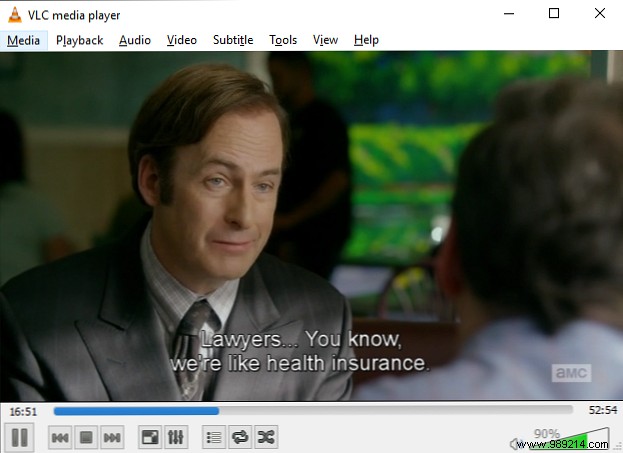
Subtitle files typically come in .SRT, .SUB, or .SBV formats. Download the right one, open your video in VLC Media Player, go to Subtitle > Add subtitle file, and select it.
For even less effort, place the subtitle file in the same folder as the video with a matching filename (e.g., movie.mp4 and movie.srt). VLC will auto-detect and load them next time you play.
Want more control? Learn to create your own subtitles with a text editor and Aegisub (How To Create Your Own Subtitles With Any Text Editor And Aegisub) or embed them permanently using Handbrake (How to Use Handbrake to Attach Subtitles to a Movie File).
Do you use subtitles for shows and movies? Where do you source them? Share in the comments!
