While streaming services like Spotify offer convenience, your physical music collection—CDs, cassettes, vinyl, and MiniDiscs—holds irreplaceable value. Digitizing them into MP3 or FLAC preserves these treasures without taking up space.
Here's a proven process to convert and archive your media effectively.
No matter the source, you'll need reliable audio software. After years of testing options, Audacity stands out as the free, open-source choice for professionals and hobbyists alike. It handles recording, editing, noise reduction, and exporting across Windows, Mac, and Linux.
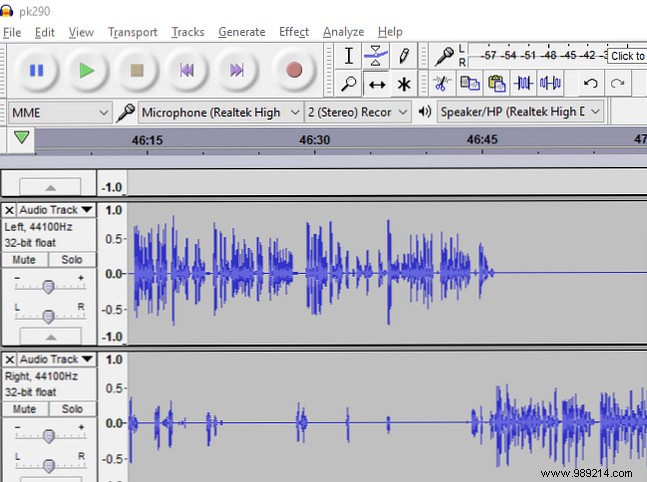
Download Audacity (Free) and install it before proceeding. All examples here use Audacity, though tools like Adobe Audition work if you're familiar.
Ripping CDs is straightforward with most computers' built-in drives.
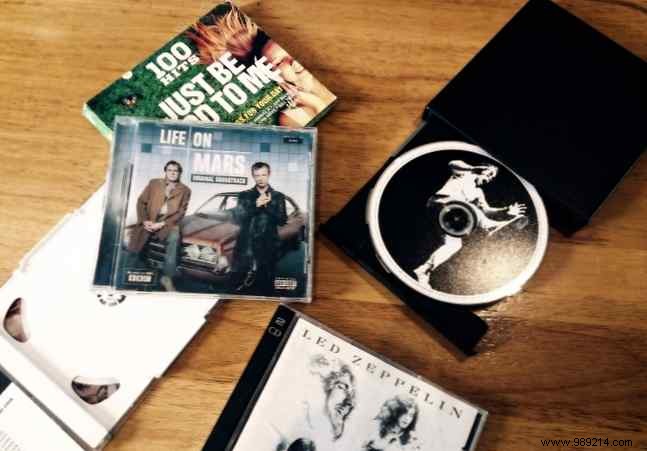
Operating systems often include CD ripping tools. In iTunes, insert the CD, then go to Edit > Preferences > Advanced > Import. Select MP3 Encoder (160 or 192 Kbps) from the dropdown. Rip directly—far simpler than external recording.
Cassettes peaked in the 1980s but degrade over time, especially near magnetic fields. Digitize them now to safeguard memories, from mixtapes to live recordings.
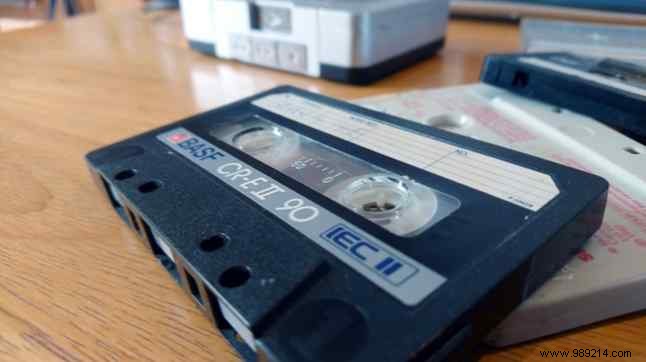
Opt for a USB capture card like the Somaer Audio Grabber, which includes cables for your cassette deck. Alternatively, try a dedicated USB cassette player like the Wikoo Portable Cassette Player.
USB 2.0 Audio Capture Card for Cassette to MP3 | Wikoo Portable Cassette to MP3 Converter
Connect to your PC, ensure Audacity detects it as an input (restart if needed). Position the tape, hit Record in Audacity, then Play on the deck. Record in real-time—flip the tape midway for both sides.
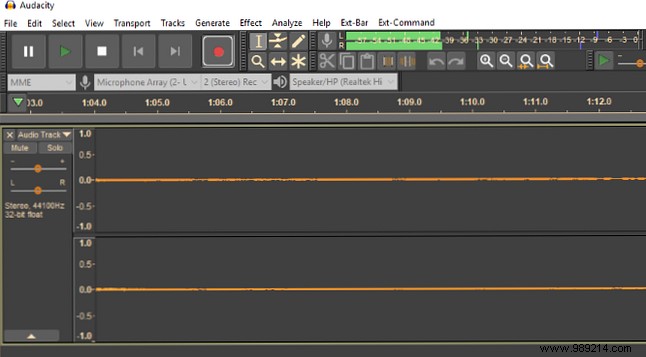
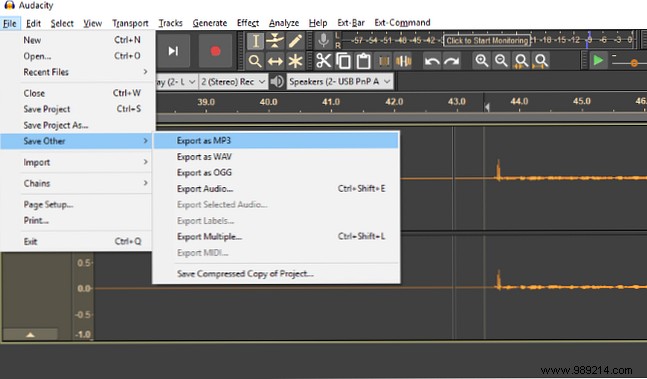
Export via File > Export > Export Audio as MP3. First-time users: Install the LAME MP3 encoder when prompted. How to Create Valid MP3 Files with Audacity
MiniDiscs offered portability but faded against CDs. No native USB players exist, so use analog connections:
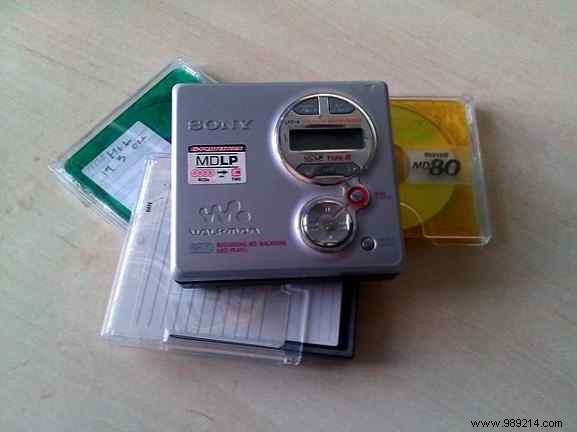
Record in Audacity as with cassettes. Once digitized, explore 5 Things To Do With Your Old MiniDisc Collection.
Vinyl's resurgence doesn't negate digital backups. Follow our detailed guide to recording vinyl with Audacity to protect your collection from wear.
MP3 (since 1993) is compact; FLAC is lossless for pristine quality.
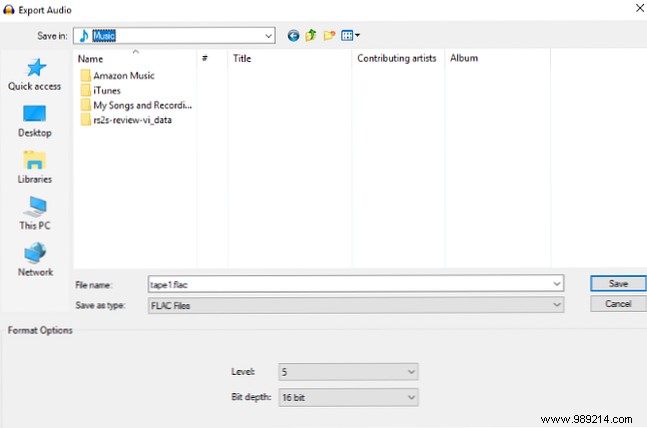
In Audacity, select File > Export > Export Audio and choose FLAC for audiophiles.
Digitizing CDs, cassettes, and MiniDiscs revives forgotten gems. With Audacity, it's accessible for anyone. Refresh your skills with Audacity 2.2.0 New Features.
