While MP3 remains the go-to format for its compact size, FLAC delivers superior lossless quality. If you need to shrink those high-fidelity FLAC files into MP3s without spending a dime, we've got you covered with reliable, tested tools across platforms. As audio enthusiasts with years of experience optimizing media libraries, we'll walk you through straightforward conversions that preserve as much quality as possible.
Here's how to convert FLAC to MP3 for free, no matter your setup.
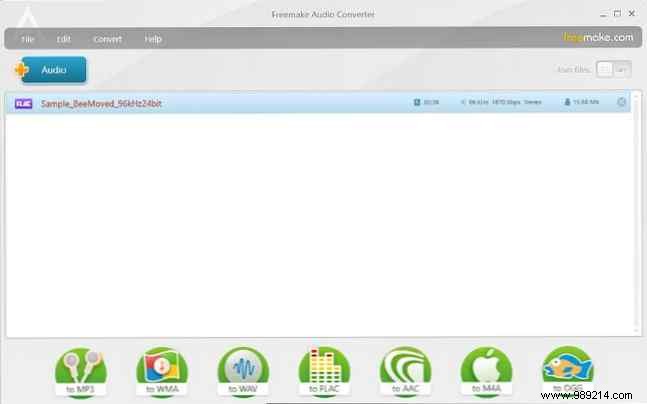
Freemake Audio Converter stands out as a lightweight, efficient choice for Windows users. Once installed, hit the blue + Audio button to add individual tracks or entire folders for batch processing.
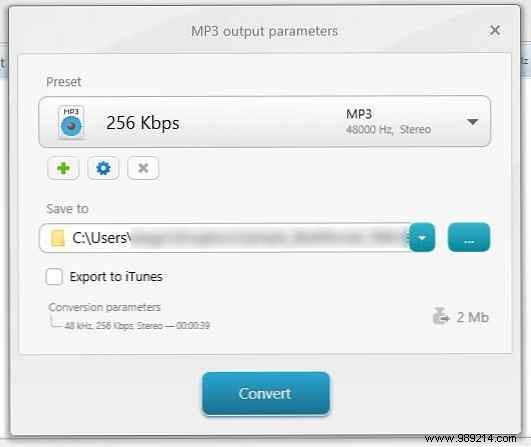
Select to MP3 from the bottom toolbar. Tweak settings like bitrate using presets such as Optimal Quality, choose your output folder, and opt to add to iTunes if desired. Conversions are swift and bloat-free.
Download: Freemake Audio Converter (Free)
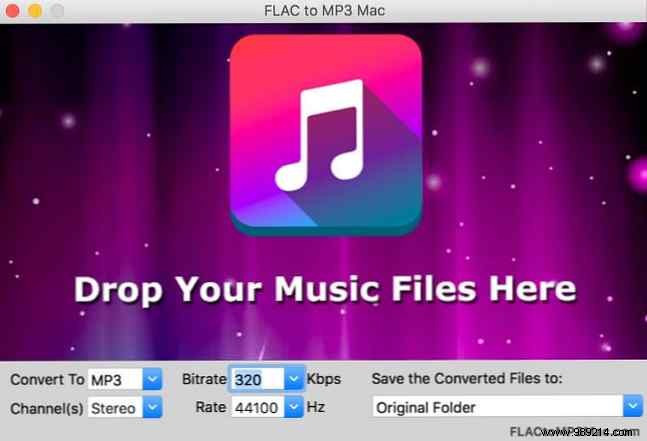
For Mac, FLAC to MP3 Mac offers a dead-simple interface. Click the central music note icon or drag-and-drop FLAC files directly into the window.
Choose MP3 as output, adjust bitrate for your preferred quality, and convert. It's hassle-free, letting you focus on enjoying your music.
Download: FLAC to MP3 Mac (Free)
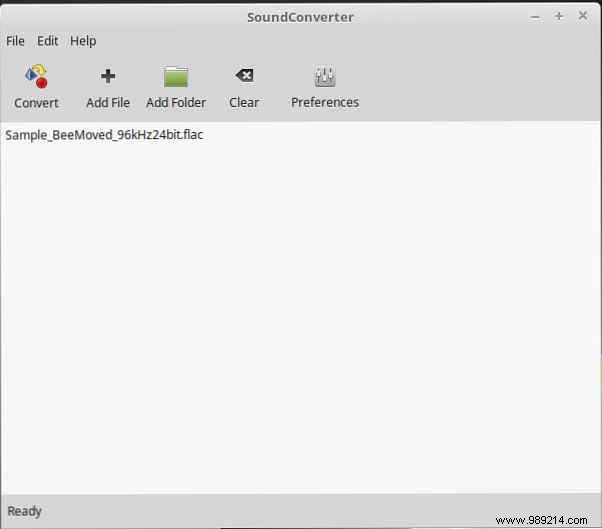
SoundConverter provides a clean, familiar interface on Linux. Install via Terminal:
sudo apt-get install soundconverterAdd files or folders using Add File or Add Folder—drag-and-drop supported too.
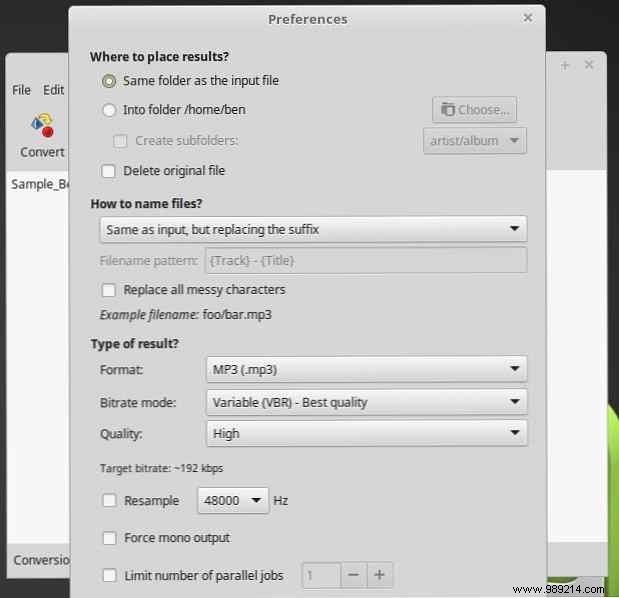
Go to Preferences: Set Format to MP3 under Result type, adjust quality, output location, and naming. Hit Convert for quick results.
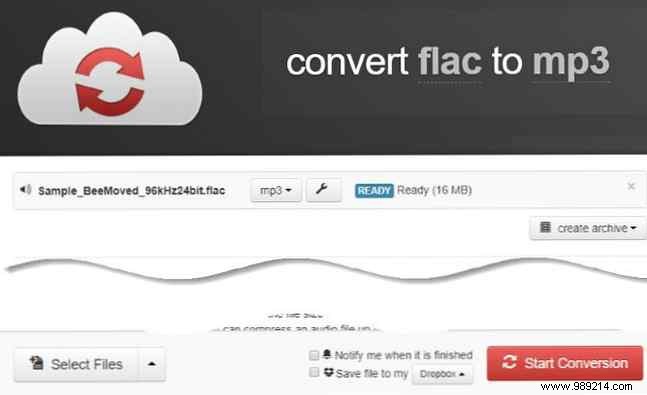
CloudConvert excels as a fast, no-nonsense online tool. Upload FLAC files by drag-and-drop or browsing, select mp3 from the dropdown, and fine-tune with the wrench icon (bitrate, trim, etc.). Click Start conversion for instant downloads.
Free tier offers 25 minutes daily; link Dropbox or Google Drive for seamless workflows.
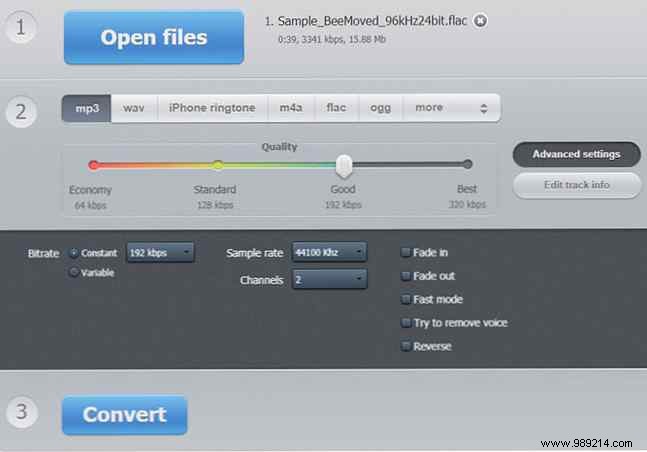
This straightforward service lets you drop files, pick MP3 output, and tweak quality, bitrate, sample rate, plus fades and metadata. Hit Convert and download.
These five vetted tools handle FLAC-to-MP3 conversions effortlessly. Use web options for occasional needs; desktop apps shine for bulk jobs. No more compatibility headaches with FLAC files!
What's your go-to converter? Share in the comments—we'd love to hear your recommendations.
