Garena Free Fire Max has skyrocketed in popularity, attracting millions of dedicated players worldwide. As seasoned gamers and Free Fire enthusiasts, we've guided countless players through the game's features. In this detailed tutorial, discover how to create your own guild in Free Fire Max and elevate your gameplay.
Guilds bring together passionate players to battle in matches, compete in tournaments, and build lasting communities. They enable seamless interaction across servers, fostering teamwork and strategy. With your own guild, you can rally friends, chase weekly tournament victories for exclusive rewards, and unlock daily guild bonuses.

Creating a guild is straightforward. Here's how to do it right:
Step 1: Launch Free Fire Max and tap the Guild icon on the right side of the lobby screen.
Step 2: Tap "Create Guild" in the lower right corner.
Step 3: Enter a unique name for your guild. Pro tip: Opt for stylish, memorable names to stand out—check our popular guild name ideas for inspiration.
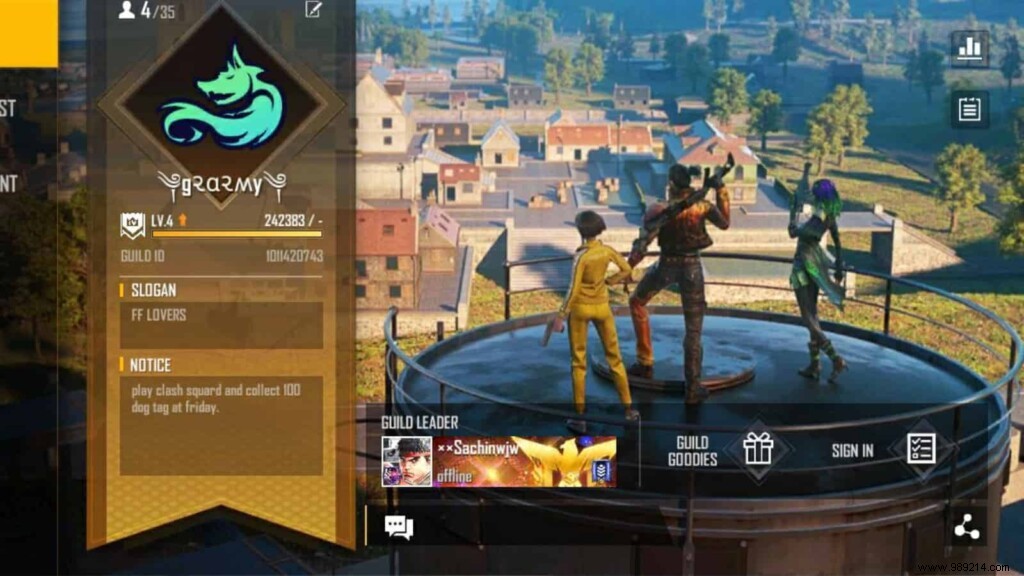
Step 4: Confirm creation by paying 5,000 Gold or 1,000 Diamonds.
Step 5: Navigate to the member list and select the Invite option at the bottom.
Step 6: Select your guild and use the 'Guild Invite' feature to bring in friends.
Note: Tailored for newcomers—these steps demystify guild creation for those just starting out.
Follow our Instagram for the latest DJ Alok giveaways and up-to-date gaming news.
