While Wikipedia is renowned for its captivating rabbit holes of knowledge, it's also an invaluable travel tool for discovering nearby points of interest and must-see spots. As experienced travelers, we've relied on it countless times to enhance our explorations.
Download for free: Android | iOS
To unlock this feature, enable location services in the app. You can search manually by city or address, but automatic detection makes on-the-go discovery effortless.
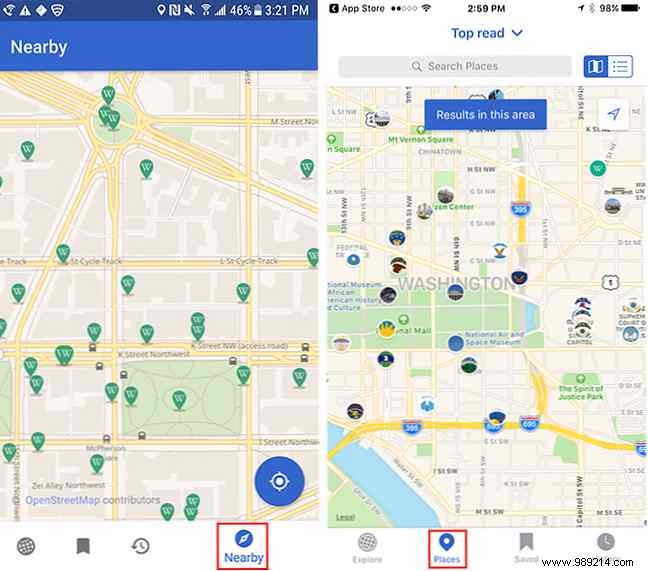
With location enabled, open the map tab: on Android, tap the compass icon (bottom right, labeled Near after first use); on iOS, it's the second icon labeled Places.
Both platforms display a map pinpointing fascinating nearby locations. iOS users can switch between map and list views for added convenience.
This feature shines for exploring your hometown, a new city, or pre-trip planning via search. It's a trusted way to uncover hidden attractions backed by Wikipedia's authoritative content.
What's your favorite creative use for the Wikipedia app? Share in the comments!
