As music enthusiasts with years of experience testing streaming services, we've seen Spotify's recent web player update spark widespread frustration—many call it a downgrade from its previous version. The desktop app fares no better, especially since Spotify discontinued third-party app support in 2015, stripping away beloved features like advanced tools and customization.
While Spotify remains a leading music streaming platform, its official clients lack the depth power users crave. Fortunately, a dedicated developer community has filled the gap with innovative third-party apps. Here are seven standout alternatives to try today, each restoring functionality the official app has lost.
Available on: Windows, Mac (beta), Chrome
Launched in late 2014 in response to Spotify's third-party app purge, Soundbounce excels in collaboration. While Spotify offers basic collaborative playlists (via Menu > Collaborative Playlist), Soundbounce revolutionizes this with "Rooms."
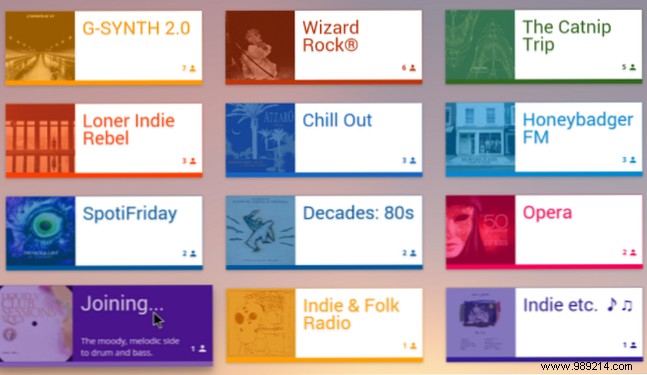
Join a room for your favorite genre, chat in real-time, vote on tracks, and add songs collaboratively. Create your own if needed. Requires Spotify Premium and uses the LibSpotify SDK.
Available on: Windows, Mac
Spotify boasts over 35 million songs—perfect for parties—but lacks dedicated party tools. Festify changes that.
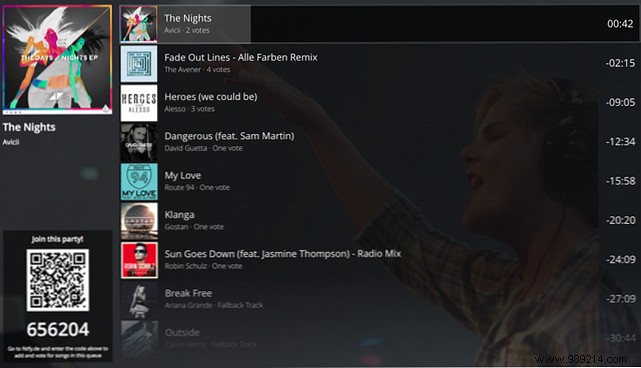
Connect to your Spotify Premium account, share a unique QR code for guests to join, vote on songs, and suggest queue additions. Automatic "rewind playlists" keep the music flowing. As host, override votes, pause playback, or add password protection.
Available on: Windows
Spotify Premium lets you tweak audio quality (Edit > Preferences > Music Quality on desktop; Settings > Music Quality > Streaming on mobile). But on Windows desktop, audio routes through the system mixer, potentially degrading fidelity—frustrating for audiophiles.
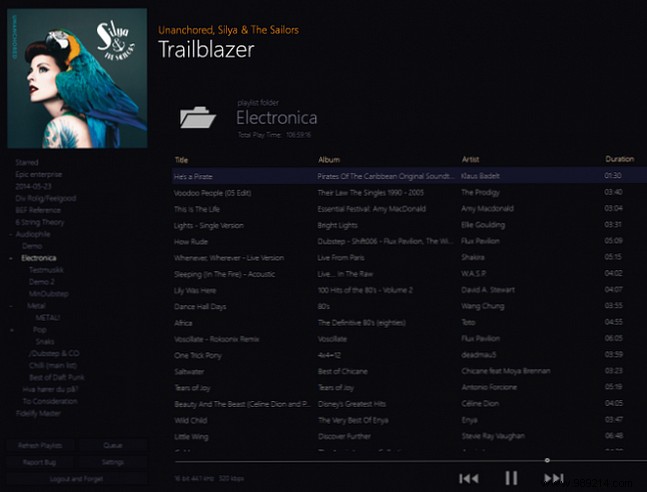
Fidelify bypasses this with WASAPI mode, delivering richer, unprocessed sound straight from Spotify.
Available on: Mac, Linux, Raspberry Pi
Unlike Spotify-exclusive apps, Mopidy is a versatile music server supporting Spotify, Google Play Music, SoundCloud, Internet Archive, TuneIn Radio, YouTube, and more.
It's not beginner-friendly: install backend extensions for services, web interfaces, touch support, and notifications. Ideal for tech-savvy users seeking a powerful hub.
Available on: Windows, Mac, Linux, Android
A user-friendlier take on Mopidy, Tomahawk integrates 27 services including Spotify, YouTube, Amazon Music, SoundCloud, Deezer, and local files.
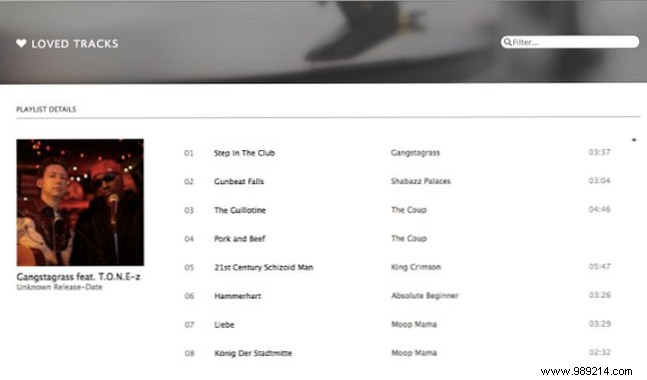
Search once, see all sources listed. Enjoy cross-service playlists, latest releases, charts, and friend/influencer sync.
Available on: Windows, Mac, Android, iOS
Spotify offers zero DJ features; djay fills the void with pro tools and full Spotify integration.
Virtual turntables, tempo/pitch controls, filters, EQ, loops, cues, sampler, and Automix for seamless blends—no expertise required. Desktop versions ~$80, mobile ~$5; includes Spotify Premium trial.
Available on: Windows, Mac, Linux
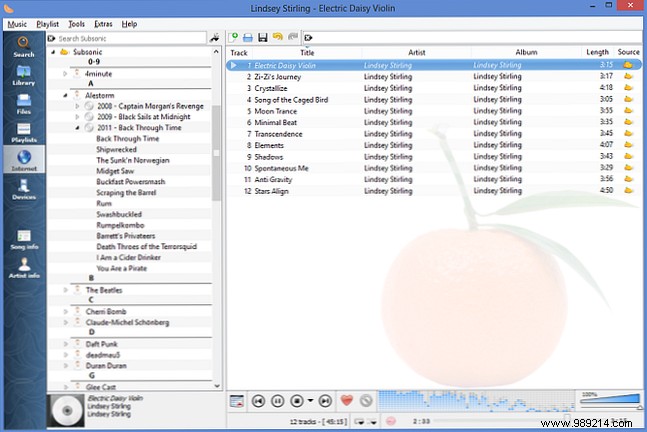
Forked from Amarok, Clementine streams from multiple sources plus local/cloud storage (Box, Dropbox, Google Drive, OneDrive). Superior podcast management outshines Spotify's limited library.
These apps cater to party hosts, collaborators, audiophiles, and more. Which fits your needs?
Tell us: What apps would you add? What features set them apart? Share in the comments below.
