Managing third-party app access is essential for protecting your privacy across social media and streaming platforms like Spotify. Apps can change ownership or expand permissions over time, potentially exposing your data. The good news? Revoking access is straightforward and empowers you to stay in control.
Spotify recently introduced a dedicated tool for this, making it simple to review and revoke authorizations without hunting through individual app settings.
Here's how to do it step by step:
1. Go to Spotify.com and click Sign in to log in with your credentials.
2. Click your username in the top-right corner, then select Account from the dropdown menu.
3. In your account dashboard, scroll down the left sidebar and click Apps.
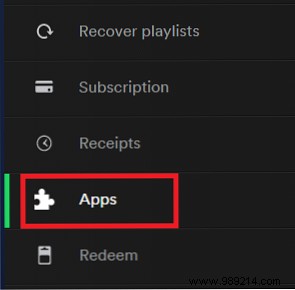
4. Locate the app you want to remove, then click Revoke access next to it.
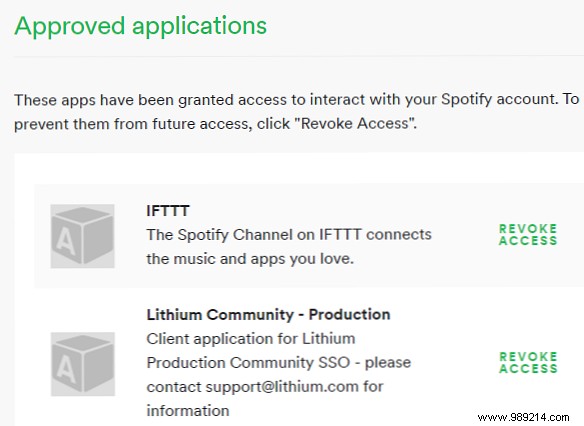
Many Spotify users spot Lithium Community in their app list and wonder about it. Rest assured, it's legitimate—it's the platform powering Spotify's official community forums. You'll see a 'Powered by Lithium' notice at the bottom of any forum page. Lithium also supports communities for brands like Skype, Best Buy, Sony, and Verizon.
You can revoke it, but it'll reappear after your next forum post as it's tied to those features.
When was your last check of connected apps? First-timers often uncover surprises. Share your experience in the comments below—we're here to help demystify online privacy.
