Looking for a seamless way to enjoy YouTube videos while multitasking on your computer? As a longtime Firefox user and extension enthusiast, I've tested several add-ons that make this effortless.
The Firefox YouTube Video Player Popup Addon lets you launch any YouTube video into a compact, resizable window that stays pinned above your Firefox browser. It's perfect for uninterrupted viewing while browsing.
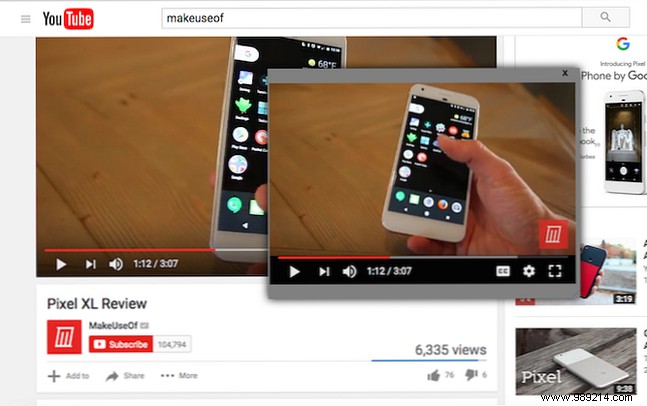
This tool shines for staying productive online, though it only floats over Firefox windows. Switching to other apps will hide it. Dragging the window works, albeit occasionally glitchy, and it defaults to the upper-left corner.
For true always-on-top functionality across all programs, Stay On Top is my go-to. It pins an entire resized Firefox window—ideal for following YouTube tutorials step-by-step. Just open your video, adjust the size, and click the blue button.
Prefer Chrome? Check out our guide: How to Keep Chrome Tabs Pinned to Other Apps.
Share your favorite Firefox YouTube tips in the comments below!
