As a long-time Kodi user and media enthusiast, I've fine-tuned this powerful open-source media center for optimal performance across devices. With endless customization options, from skins to profiles, you can tailor Kodi to your exact needs—whether streaming movies, managing photos, or enjoying podcasts.
The key to loving Kodi? Personalization. A customized setup turns it into an indispensable hub for all your media. This guide shares my top 12 proven tips, drawn from years of hands-on experience, to elevate Kodi from great to exceptional. (Note: Always use legal add-ons; we do not endorse piracy.)
Sharing Kodi in a household? Set up individual profiles for personalized experiences. Each user gets their own libraries, playlists, and settings.
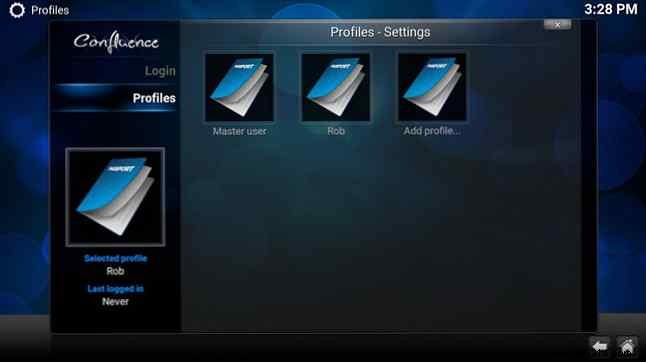
Navigate to System > Profiles > Add Profile. Assign a password, and decide on shared content or full separation.
Kodi's built-in repository is solid but limited. Expand your options by adding trusted third-party repositories like the classic SuperRepo or Fusion.
Start at System > File Manager > Add Source to enter repository URLs (search online for current, reliable sources).
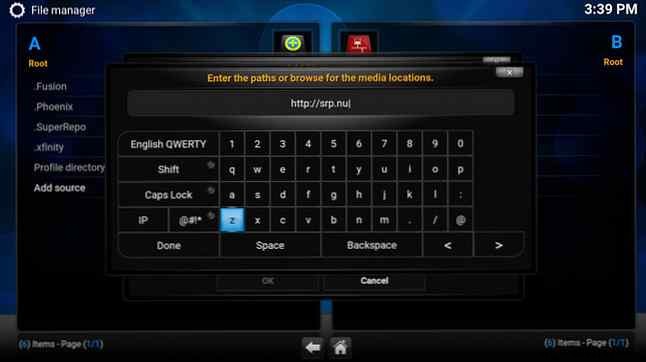
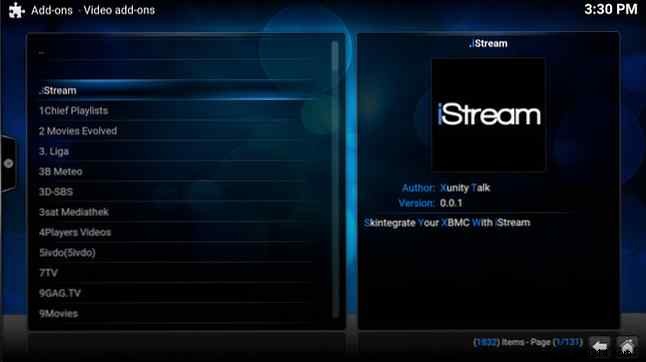
Then, System > Add-ons > Install from ZIP file, select your source, and confirm with the 'Add-on enabled' notification. Install video, audio, or other add-ons via Videos > Add-ons > Get More.
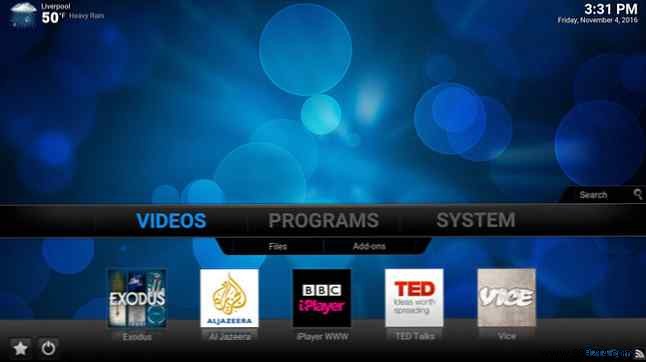
Streamline navigation by tweaking the home window. Go to System > Settings > Appearance > Skin > Start Window Options.
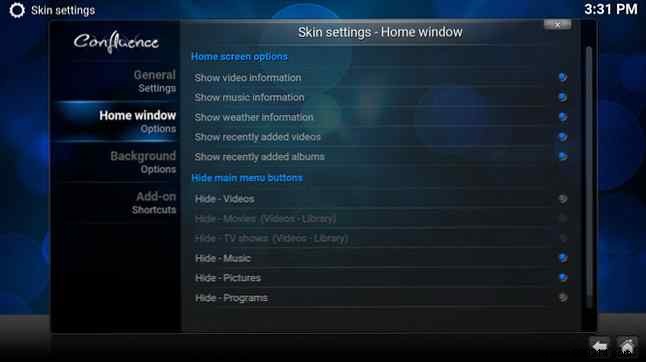
Hide unused sections like 'Pictures' for a cleaner interface.
Pin favorite add-ons for one-click access. Under System > Settings > Appearance > Skin > Add-on Shortcuts, assign up to five per category (Videos, Music, etc.).
Pair with 50 essential Kodi keyboard shortcuts for efficiency.
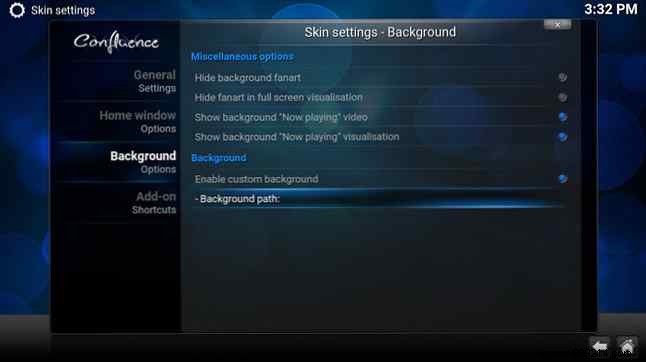
Personalize with your image: System > Settings > Appearance > Skin > Background Options. Enable custom background, set path (1920x1080 ideal).
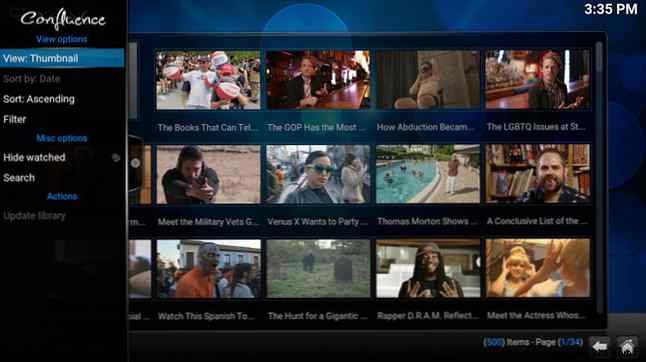
In any library, hit the left arrow for view options. Toggle layouts for better media browsing.
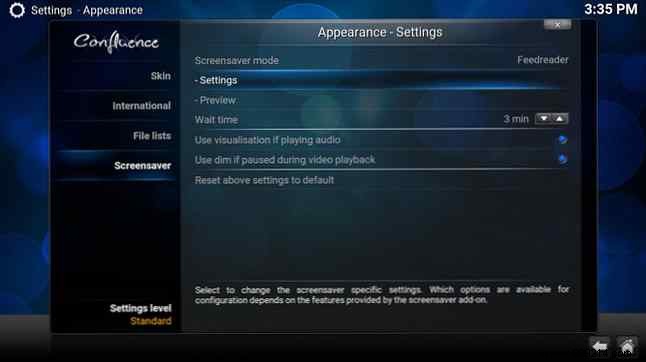
Enhance idle time: System > Settings > Appearance > Screensaver. Select defaults or Get More for clocks, slideshows, etc. Set timeouts and triggers.
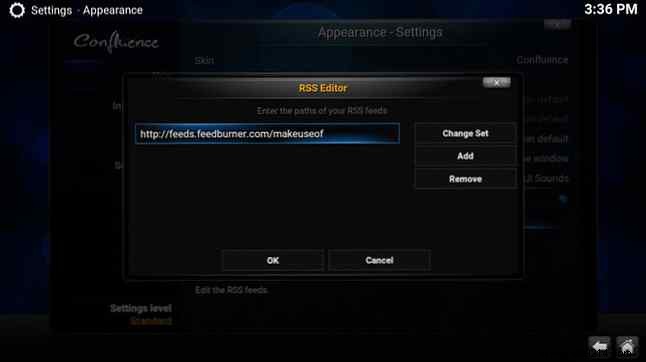
Tailor the bottom ticker: System > Settings > Appearance > Skin. Edit or disable feeds, add custom URLs.
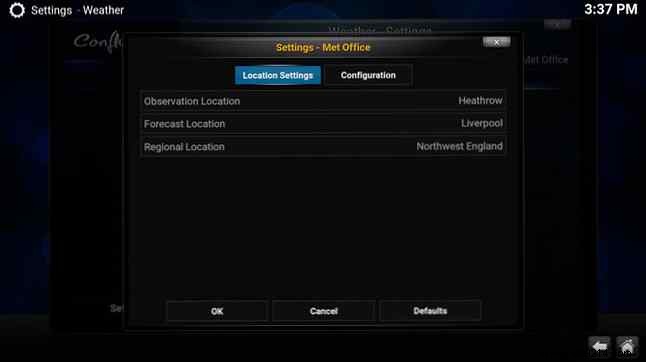
Get forecasts: System > Settings > Regional > Weather. Pick a service, set location, and enable on home screen via Skin settings.
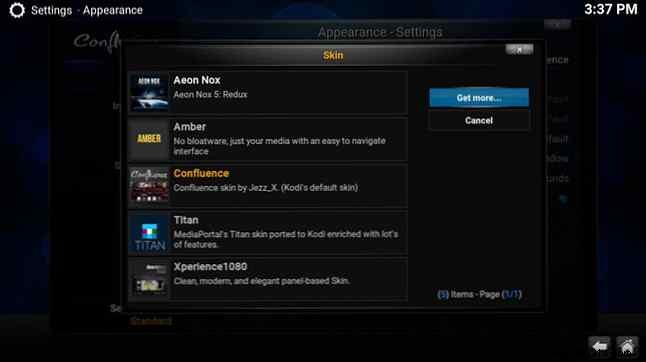
Transform the look: System > Settings > Appearance > Look and Feel > Skin > Get More. Try Titan for deep customization. Defaults save your tweaks.
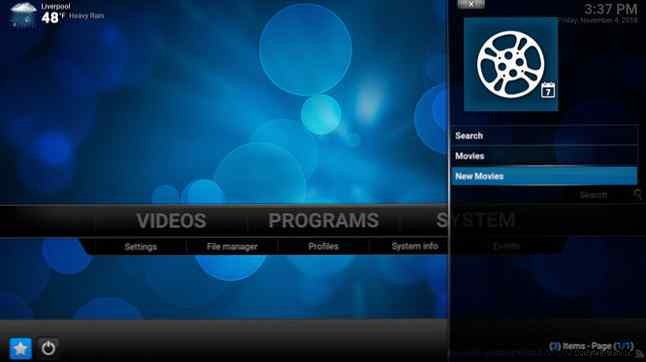
Quick access via the star icon (or menu). Right-click add-ons/sub-menus and Add to Favorites—ideal for heavy users.
Backup your config for Raspberry Pi or others. Search 'Kodi backup settings' for device-agnostic guides, like those for media servers.
Master these, and Kodi supports every format, integrates streaming services legally, and becomes unbeatable. More ways to supercharge Kodi.
Share your customizations in the comments!
