Post-COVID shifts and the rise of home streaming have transformed movie nights, but you can still share the experience remotely with Plex. Built-in Watch Together and third-party SyncLounge make synchronized viewing easy and fun, no theater required.
Plex's Watch Together lets you stream together directly in the app, while SyncLounge offers extra flexibility. Both deliver theater-like sync from your couch.
Watch Together is Plex's native tool for group viewing, currently in beta but performing reliably with an intuitive interface. As experienced Plex users, we've tested it extensively—it's a solid choice for seamless sessions.
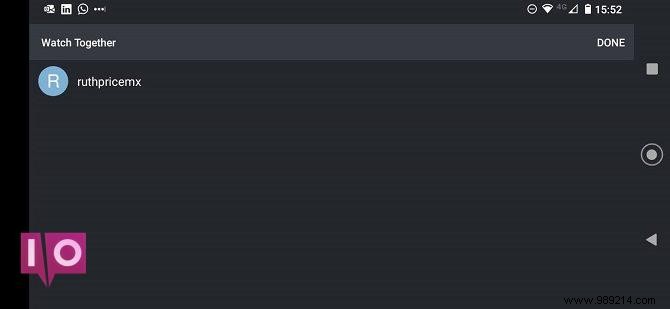
Available free to all Plex users during beta, though future changes may apply. Plex docs indicate it stays free for their ad-supported content, but personal libraries might require Plex Pass. Compatible devices: Android, Android TV, Apple TV, iOS, Roku. Web app not supported yet.
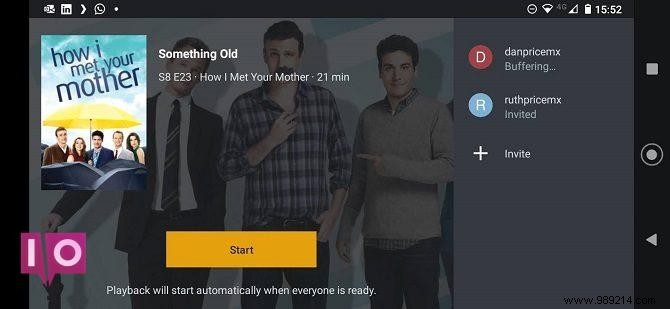
Plex hasn't specified an official limit, but performance hinges on your media server hardware, network speed, drive access, and video quality. Plex warns: adding too many users risks playback issues and inaccessibility.
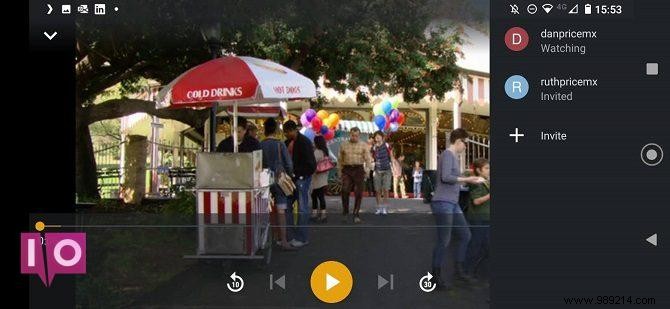
On a supported device, tap More (three dots) on the pre-play screen and select Watch Together. Invite Plex friends only—add via Settings > Users & Sharing > Share Libraries using username/email. Restart app if new friends don't appear.
Invitees see a Watch Together row on their home screen. In the lobby, the host starts playback and controls play/pause, audio, and subtitles exclusively.
SyncLounge (formerly Plex Together) syncs Plex apps across users for perfect timing. It's web-based and open-source, ideal for quick setups.
Extras over Watch Together: hide username, rejoin recent rooms, autoplay TV episodes, user status rings (sync offset/color-coded), and client type hover info.
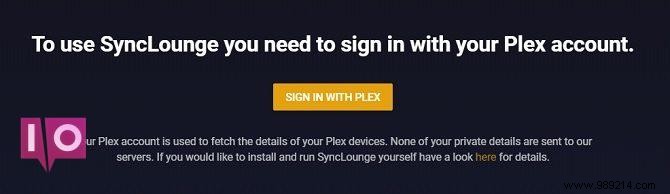
Visit SyncLounge site, enter Plex credentials (or self-host from GitHub). Host creates room and invites; guests join. Host controls playback, subs, audio.
Credentials aren't stored on their servers—log out anytime without revoking Plex access.
SyncLounge edges out with no 'friends' requirement and pooled libraries. But Plex could limit third-party API access post-beta. Long-term, Plex's native tool should prevail with official support.
Beyond Plex, Netflix Party (Teleparty) works for Netflix, and YouTube has built-in sync options.
