Tencent is gearing up for the PUBG Mobile 1.7 update launch, with the beta version now available for players to test and share feedback. This guide provides the latest beta APK download links and a step-by-step installation process, based on our hands-on experience with prior betas.
PUBG Mobile delivers regular updates packed with collaborations from major franchises, introducing fresh modes that refresh classic maps like Erangel. To help dedicated players dive in early, we've compiled the PUBG Mobile 1.7 beta APK files and a reliable installation walkthrough.

The developers have dropped the invite code requirement, making the beta accessible to everyone. Choose the APK that matches your device:
Android x64 (64-bit): click here
Android x86 (32-bit): click here
Related: PUBG Mobile x League Of Legends collaboration date officially announced
Follow these proven steps to install the beta APK and access new features like Piggyback and updated weapons:
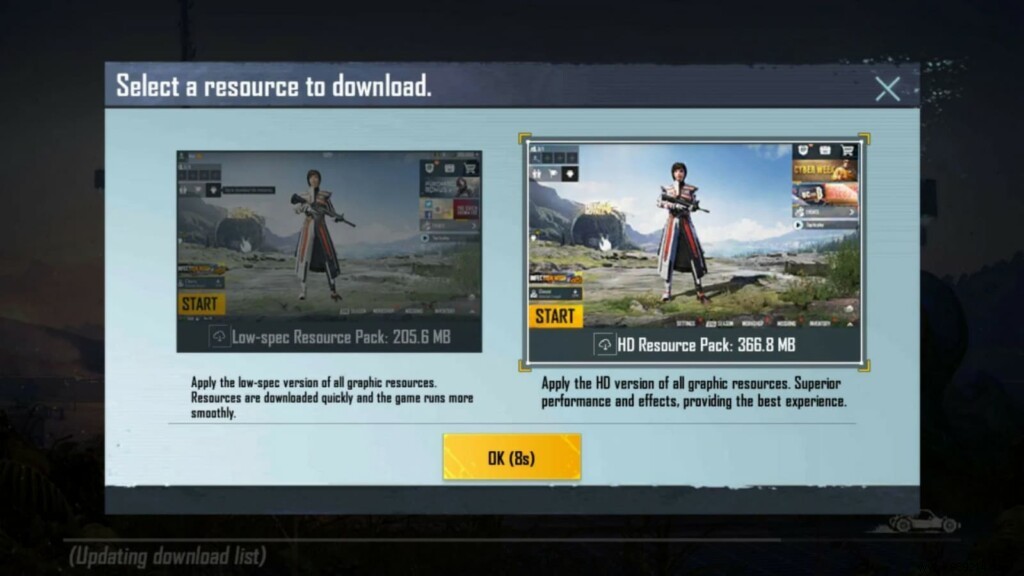
Launch PUBG Mobile, then select the Low (205.6 MB) or HD (368.8 MB) resource pack. Log in with a guest account to explore the 1.7 beta features.
PUBG Mobile Pro League North America Season 2: XSet crowned champion, Ghost Gaming qualifies for PMGC 2021
