PUBG Mobile Lite developers have released version 0.22.0, packed with fresh content for smoother gameplay on low-end devices. Grab it from the Google Play Store or download the APK from trusted sources to avoid errors.
Designed for budget Android phones, PUBG Mobile Lite addresses the full game's storage demands, lag, and high ping issues. Regular updates ensure it remains a favorite among global players.
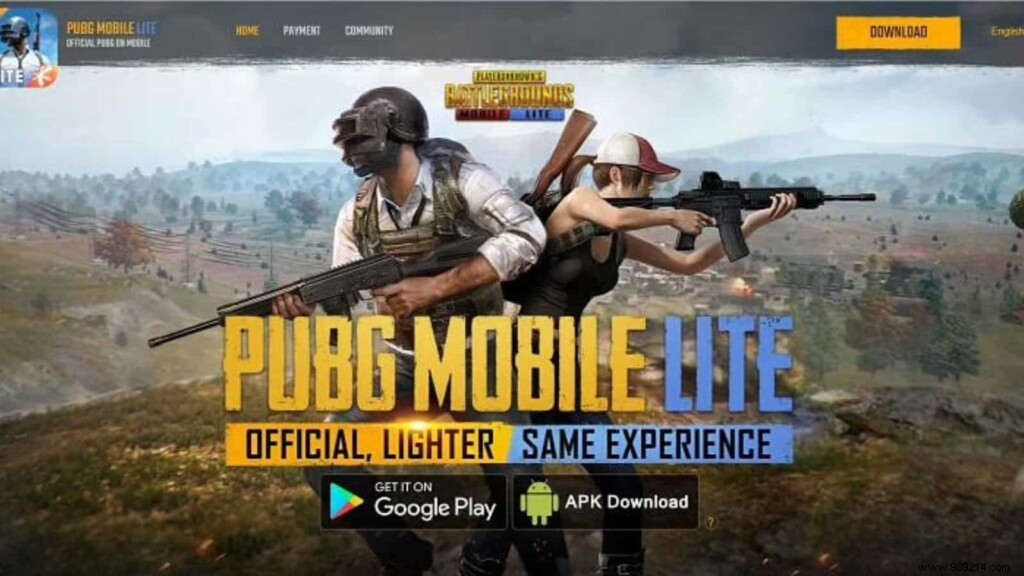
Unable to update via Google Play? Prefer sideloading? Always use trusted sources like official sites. Here's the process for the latest APK:
Step 1: Click the link to download PUBG Mobile Lite 0.22.0 directly to your Android device from the official site.
Step 2: Enable "Install from unknown sources" in your device settings to proceed with installation.
Step 3: Open the game and log in using your linked social media account.
Related: PUBG Mobile x Koenigsegg: PUBG Mobile announces collaboration with Koenigsegg, everything you need to know
Version 0.22.0 delivers new weapon skins with upgradeable mods for enhanced customization. Explore these standout additions:



Note: Indian users should avoid downloading, as PUBG Mobile Lite is banned in India.
PUBG Mobile Lite Season 30 Winner Pass Release Date and Rewards Revealed
