PUBG Mobile developers have rolled out the beta for the upcoming 1.6 update. As with previous releases, this beta is available to a limited group of players first, allowing the team to iron out compatibility issues, test servers, and refine gameplay.
Content creators have previewed a fully revamped user lobby, plus exclusive weapon skins for the M416, QBZ, and more. Following the 1.5 update's Mission Ignition Mode—which smashed pre-registration records at over 150 million, rewarding players with the Galaxy Messenger Set—the 1.6 beta teases even bigger surprises.
To join, you'll need an invite code that links your global PUBG Mobile account to the beta servers. This controlled access helps keep cheaters out and ensures a fair testing environment.
Read more: PUBG Mobile Ban Panoramic: Anti-Cheat System Bans 1,197,429 Accounts This Week
We've outlined the exact process to install the PUBG Mobile 1.6 beta on your Android device, based on official channels.
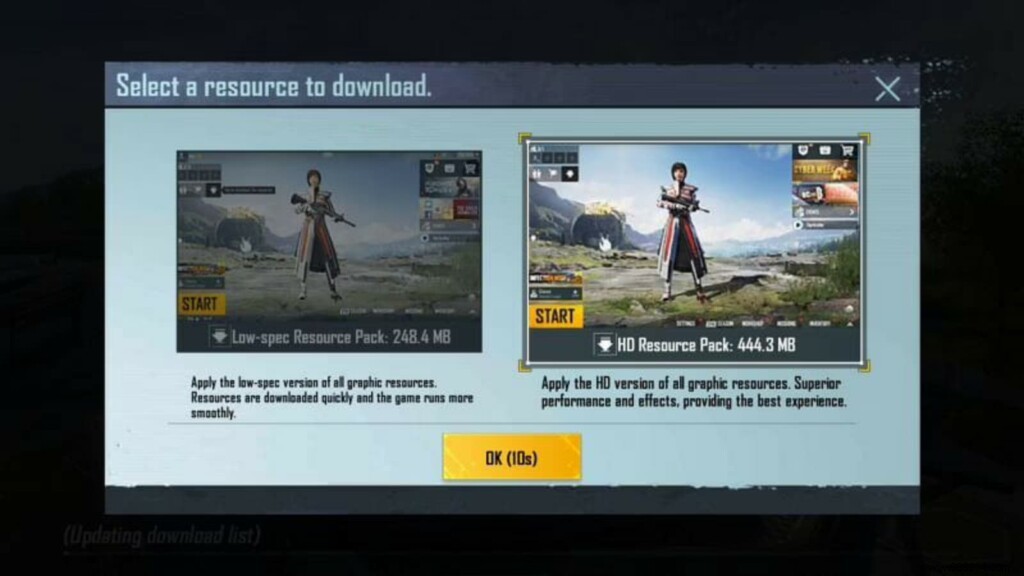
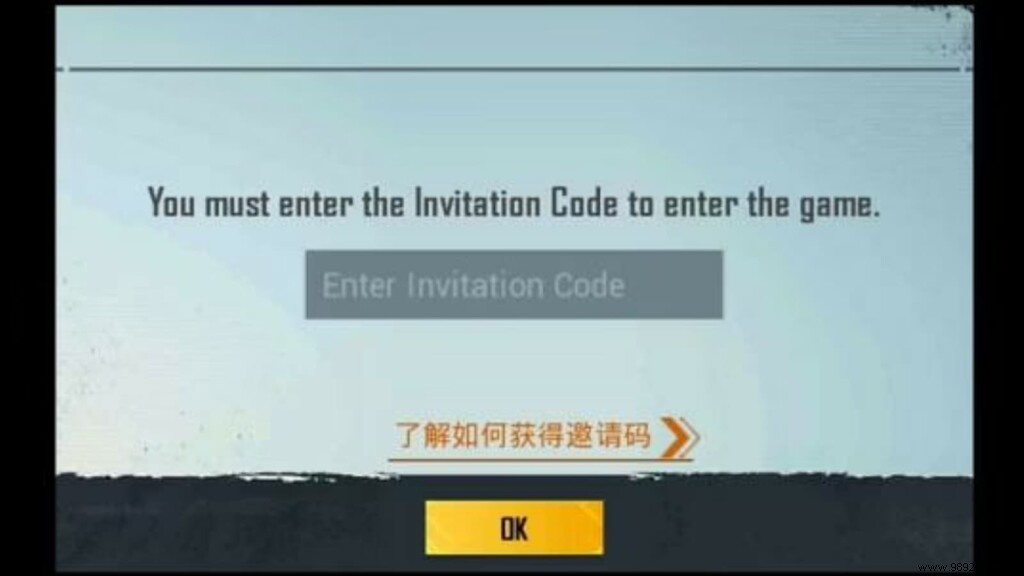
With limited spots, you might encounter launch hiccups. Simply re-download the APK from the link above to resolve issues and play smoothly.
Note: PUBG Mobile remains banned in India. Indian players should stick to Battlegrounds Mobile India, available on Google Play and the App Store.
PUBG New State: Pre-registration for iOS devices is now live
