Calibre isn't the flashiest app out there, but as a veteran user managing thousands of eBooks across devices, I can attest it's the gold standard for eBook organization—free, ad-free, and packed with pro-level tools.
Many of its most powerful capabilities are tucked away, ready to transform how you handle your library. Here are seven game-changers I've relied on for years.
Download Calibre for Windows, Mac, and Linux
Multi-volume series like the Lord of the Rings or hefty tomes like encyclopedias often come split—or need to be for faster e-reader loading. Enter the EpubSplit and EpubMerge plugins, which let you combine or divide EPUB files effortlessly.
To install:
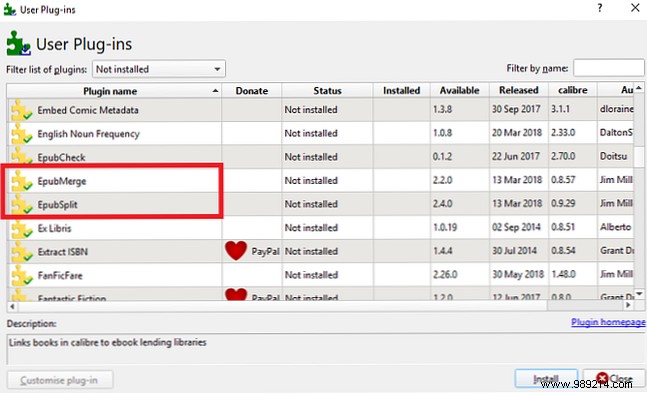
Select a book, choose the plugin from the toolbar, and specify sections to merge or split.
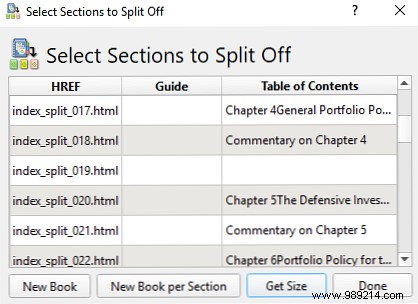
Note: Works only with EPUB files. We'll cover format conversion next.
Navigating magazine subscriptions—online-only, Kindle editions, or app-bound—can be a hassle. Calibre simplifies it by automating downloads to your e-reader.
Click Fetch News on the homepage. Pick a language in the left panel, select a title (add paywall credentials if needed), check Download hours in the right pane, and hit Download Now.
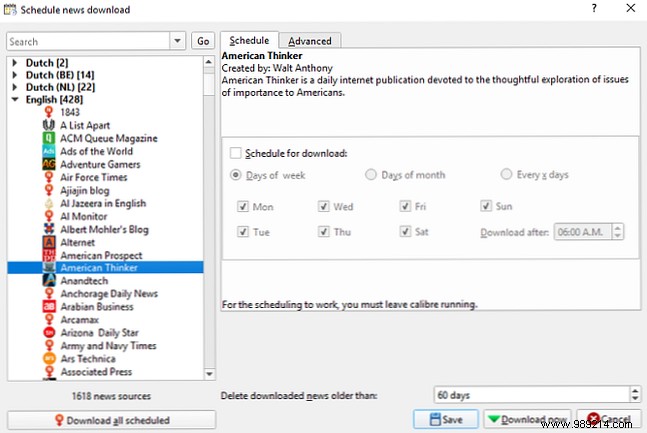
For auto-delivery: Go to Preferences > Behavior and enable Automatically send downloaded news to eBook reader.
Note: Keep Calibre running for automation. (Pair with top Android magazine apps for mobile reading.)
Multiple Kindles or family devices? Skip manual syncs—host your entire library as a server accessible anywhere.
From the menu: Connect/share > Start content server (allow firewall access if prompted). Note the displayed IP:port.
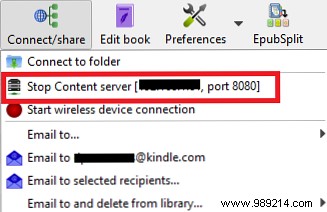
Enter [IP]:[port] in any browser (including Kindle's). Browse books, click titles to read, or hit + (top right) to upload new ones.
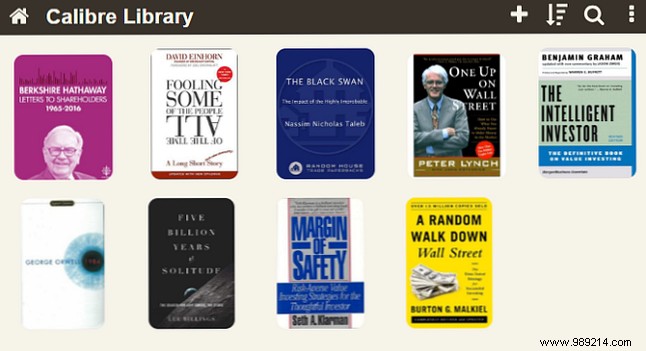
Note: For remote access beyond your home network, set up port forwarding on your router to Calibre's port.
eBook formats are chaotic: EPUB is standard, but Kindles demand AZW3/MOBI, plus LIT and more. Calibre converts seamlessly.
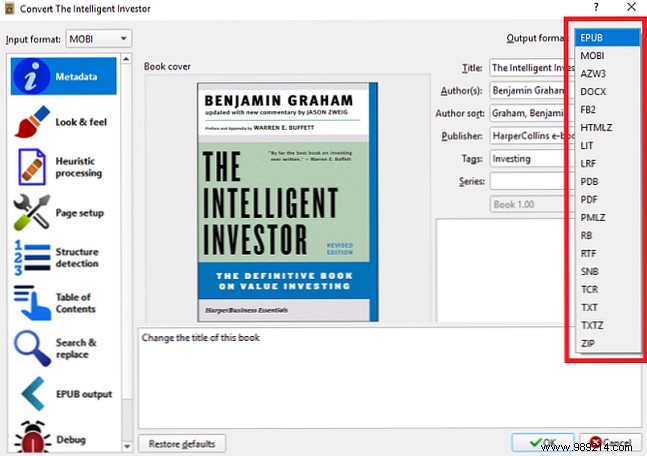
Verify in Jobs (bottom right) or book info panel.
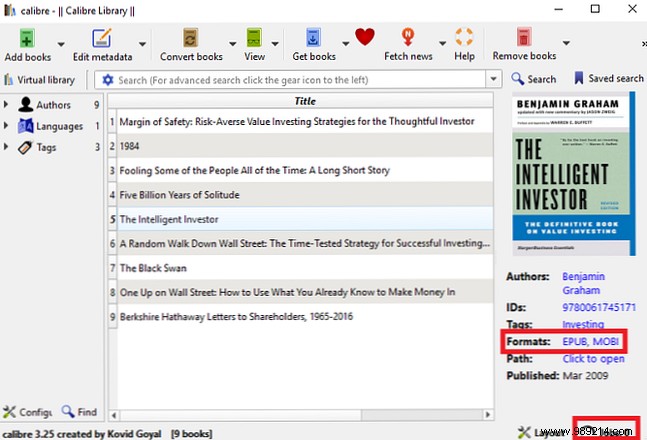
Note: Auto-convert imports to Kindle MOBI via preferences.
True ownership of digital media is rare, but Calibre reclaims yours by removing DRM from Amazon, Kobo, and more purchased titles.
Detailed guide: How to Remove DRM from Every eBook You Own. Read more.
Organized metadata elevates large libraries. Skip manual entry—Calibre fetches it automatically, including covers.
Right-click book > Edit metadata > Download metadata and covers. Select Download both.
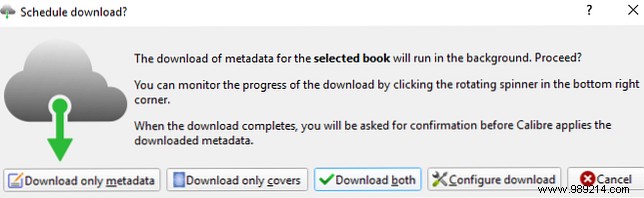
Review/edit via notification.
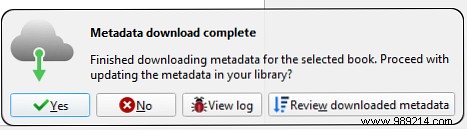
Sources: Amazon, Google Images, Open Library, and more.
Prefer cloud access without server setup? Use Dropbox.
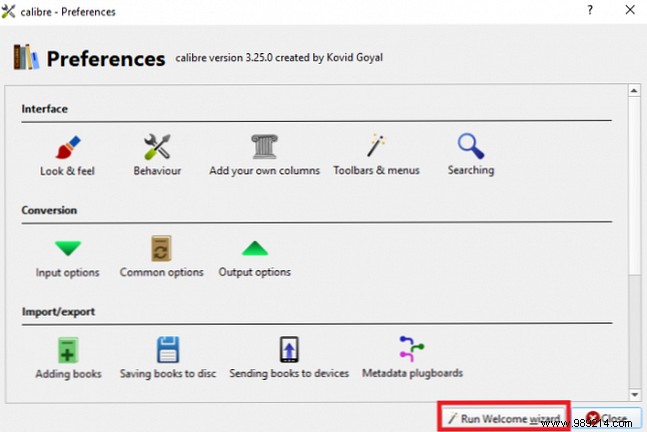
Install Dropbox, then in Calibre: Preferences > Run setup wizard and point to your Dropbox folder.
Drag-drop books in. Manage locally while accessing remotely.
These features shine with a full library. Score free eBooks from top sites or Amazon Kindle. Read more.
