As a gaming tech expert with years of experience reviving retro consoles, I've guided countless users through connecting their beloved Nintendo Wii to newer TVs. Don't abandon your progress in Super Mario Galaxy—here's how to get it hooked up seamlessly.
Follow these proven methods to connect your Wii using its standard AV cable options: RGB, S-Video, SCART, VGA, Component, or even HDMI.
These steps work for HD and HD-Ready TVs, even if legacy ports are scarce. Note: The Wii tops out at 480p resolution.
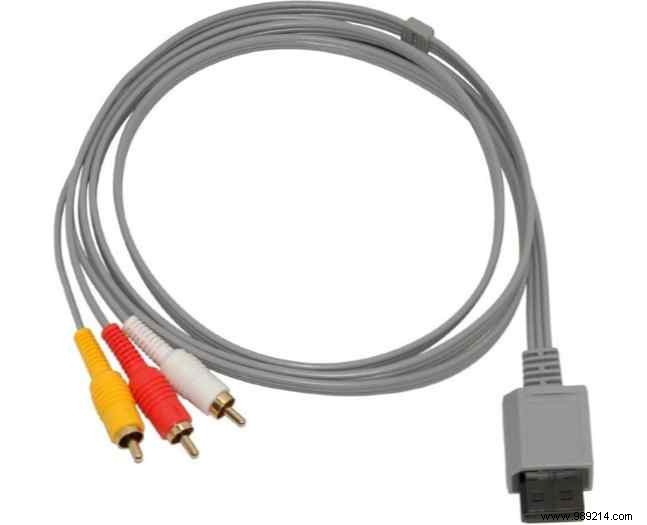
Mcbazel Audio Composite Video AV Cable for Nintendo Wii – Buy Now on Amazon: $3.24
The Wii ships with a proprietary AV cable: Wii end to RCA inputs (red/white audio, yellow video). Power on the Wii, then use your TV remote's TV/Video, Input Select, EXT, AUX, AV, or channels 00/99 to switch inputs.
This simple setup works for most connections.
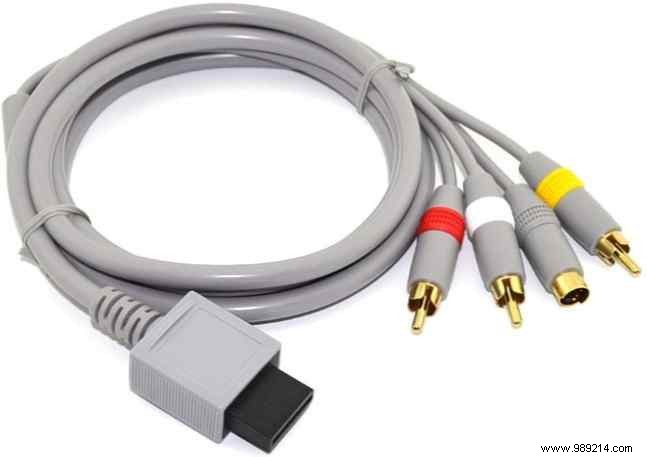
Cinpel S-Video Cable for Nintendo Wii – Buy now on Amazon
Upgrade to S-Video for sharper video, paired with red/white RCA audio. Connect to matching TV ports (often grouped on the back or side), power on, and select the input.
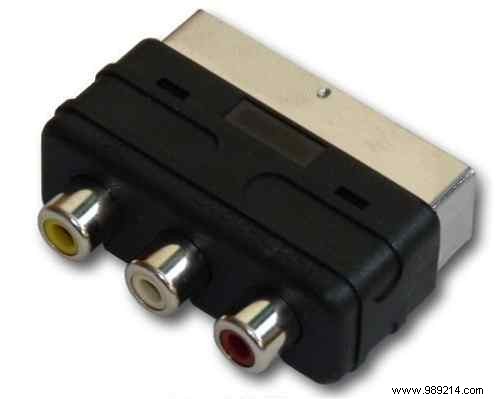
Indigo Banana Media RCA to SCART Adapter – Connects to PS2, Wii, Xbox, etc. Buy Now on Amazon: $14.28
SCART is great for TVs with this port—use an RCA-to-SCARt adapter. It supports extensions and splitters like a USB hub. Plug RCA (red/white/yellow) into adapter, connect to TV SCART, and select input.
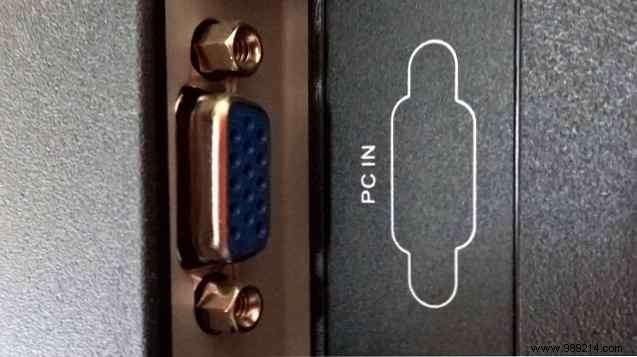
Mayflash Wii/PS3 VGA HDTV AV Cable – Buy Now on Amazon: $39.99
Ideal for VGA monitors or if your Wii runs Linux (check our guide on installing Linux on unconventional devices). Plug into VGA input, power on, and set display to VGA.
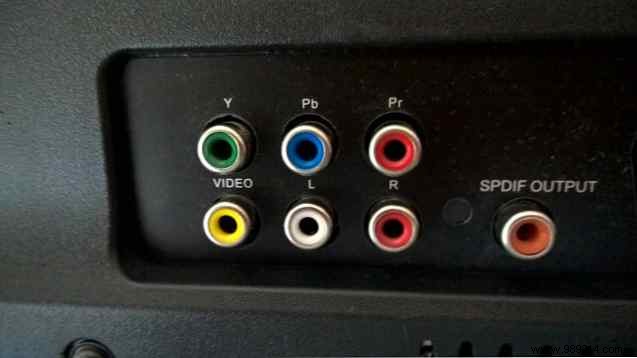
Component AV Cable for Nintendo Wii to HDTV – Buy Now on Amazon: $7.97
Connect five cables: red/white audio, green/blue/red video (Y/Pb/Cr). Match labels if colors differ. Enable progressive scan if available. In Wii Settings > Display, set TV Resolution to EDTV/HDTV (480p) and Widescreen to 16:9—confirm changes. Component inputs are near RCA.
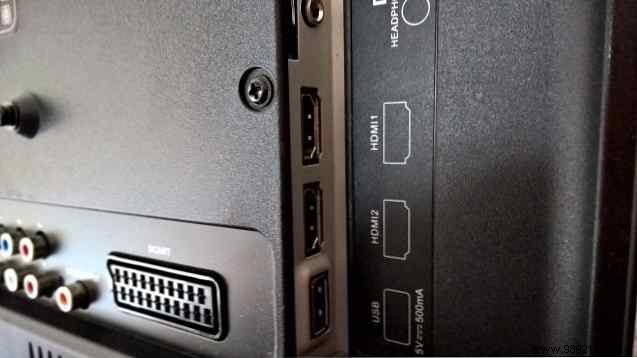
Dragonpad Wii to HDMI Converter – Supports 720p/1080p. Buy now on Amazon
Use an AV-to-HDMI adapter with a basic HDMI cable (no need for premium ones—see our HDMI cable guide). Connect to Wii and TV HDMI, select input. Quick upgrade for HDTVs.
For optimal HDMI, install the Wii Dual mod (by Dan Kunz) on compatible boards: RVL-CPU-40/60, RVK-CPU-01/02. Visit shop.dansprojects.com for details or service.
No digital audio, but options include Dolby Prologic II, stereo, mono, or virtual surround. Go to Wii Settings > System > Sound, select, and confirm. Learn more in our surround sound guide.
These methods ensure your Wii games shine at 480p. Pair with Wii emulators for classics—see our top Wii emulators list.
