Free Fire remains the top mobile Battle Royale game, boasting over a billion downloads on Google Play. In this guide, we'll walk you through downloading the Free Fire OB32 Advance Server APK.
Garena regularly rolls out OB patch updates to bring fresh features and events. The OB32 Advance Server APK launched on January 6, 2022. Ahead of major updates, Garena releases the Advance Server for early testing. Here's how to get the Free Fire OB32 Advance Server APK.
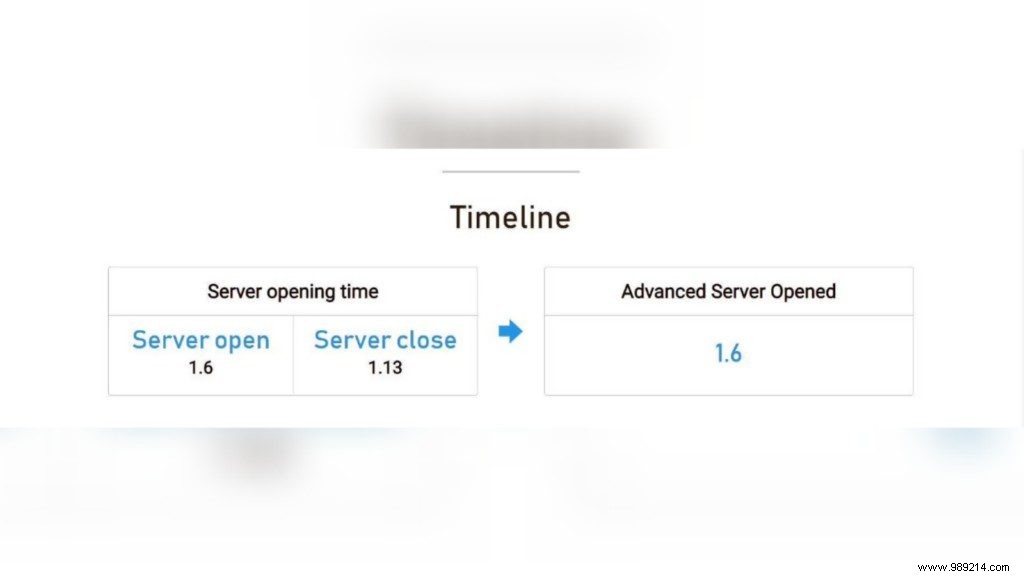
The Free Fire OB32 Advance Server is now live, available via the official website. Per the OB32 timeline, it's accessible until January 13, 2022. These servers help refine gameplay mechanics and test new features before global rollout.
How to get broken reality emote from Free Fire New Age cooldown event?
Follow these straightforward steps to download and install the OB32 Advance Server APK:
Step 1: Visit the official Free Fire Advance Server website using this link.
Step 2: Click the "Download APK" button to grab the latest APK file.
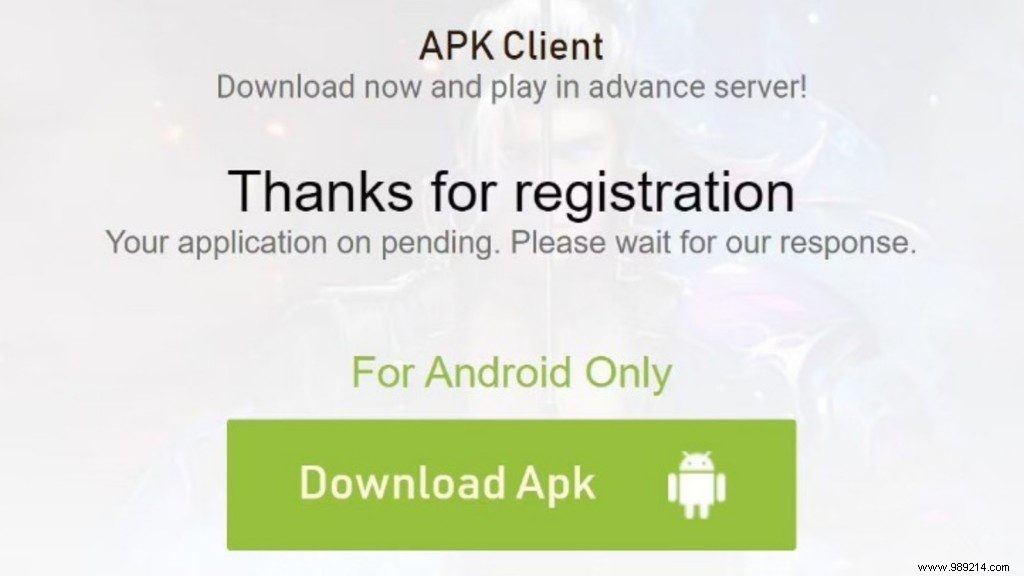
Step 3: Install the downloaded APK file on your device.
Step 4: Launch the Advance Server app and enter your activation code to start playing.
Note: Anyone can download the APK from the website, but only players with an activation code can access the server.
Follow our Instagram for the latest DJ Alok giveaway and updates on gaming and eSports news.
Also read – Chrono vs K (Captain Booyah): Who is the best ranked Free Fire character for January 2022?
