
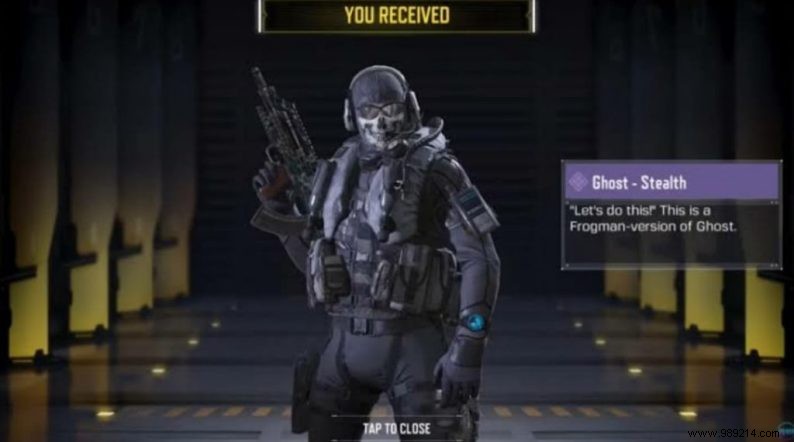
Call of Duty Mobile remains a powerhouse in the gaming world, captivating millions with its Multiplayer (MP) and Battle Royale (BR) modes. Already a hit on consoles and PC, its mobile version has only amplified its popularity. The latest Season 13 update brings a festive winter theme, complete with snowy map overhauls that transform familiar battlegrounds into chilly arenas. One standout reward? The exclusive Ghost-Stealth skin, available for free to eligible players.
Season 12 delivered epic Battle Pass outfits like Captain Price-Going Dark, Urban Tracker-By Night, Velkian-Megalith, and Ghost-Jawbone. Now, Season 13 introduces the sleek Ghost-Stealth skin, the newest addition to Ghost's arsenal.
Community admin Rahul Singh from Call of Duty Mobile India shared straightforward steps to unlock this skin. Start by ensuring you're logged into your Activision account—ideal for players already set up, as it syncs your progress seamlessly.
Download the Season 13 update via Google Play Store or App Store, then complete any in-game downloads for outfits, maps, and weapons.
Launch the game, head to Settings (top-right corner), and select Account Link. Register or link your Activision account here, or connect via Facebook to save progress effortlessly.
Once linked, the Ghost-Stealth skin will automatically appear in your inventory—a perfect holiday perk to gear up for snowy skirmishes.
How to Win a Prop Hunt in Call of Duty Mobile
