Since its global launch yesterday on Android and iOS, PUBG: New State has encountered connectivity hiccups for many players. Krafton has swiftly responded with an optional update exclusively for Android users to ensure smoother gameplay.
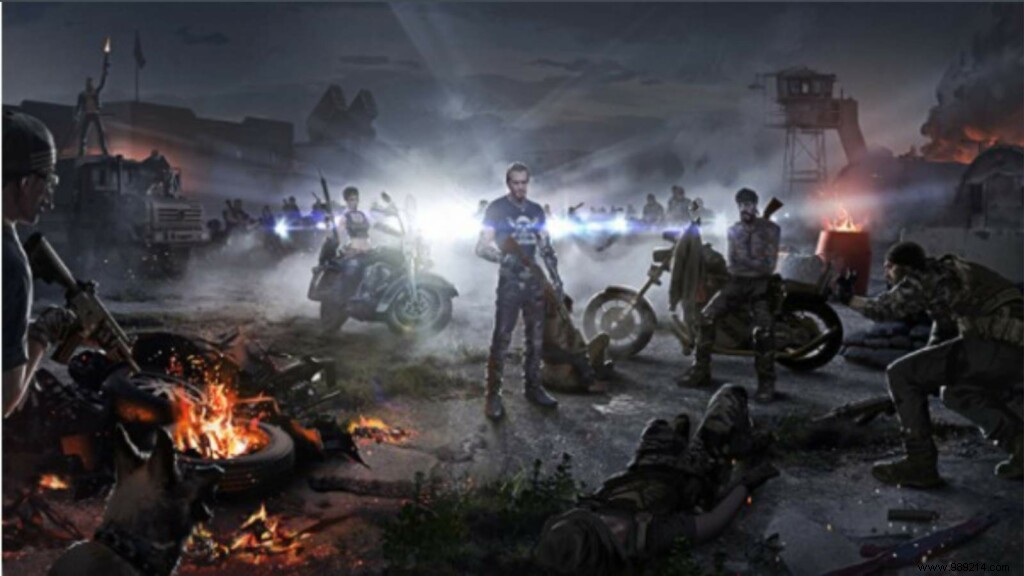
PUBG: New State builds on the iconic battle royale formula of PlayerUnknown's Battlegrounds, transporting players to a futuristic 2051 world. Navigate the expansive Troi map via hyperloops, deploy drones, and pilot electric vehicles in next-gen combat.
The worldwide rollout saw initial server overloads, prompting a two-hour delay and multiple maintenance sessions. While core issues like reward distribution from the Global Launch Event have been addressed, some players still face crashes or connection problems.
Related: Top 30 Best Nicknames in PUBG: New State
This optional patch—available only via Google Play Store—resolves key stability concerns without being mandatory. We strongly recommend installing it for optimal performance.
Note: Android-only update via Google Play Store.
The update tackles these specific fixes for reliable gameplay:
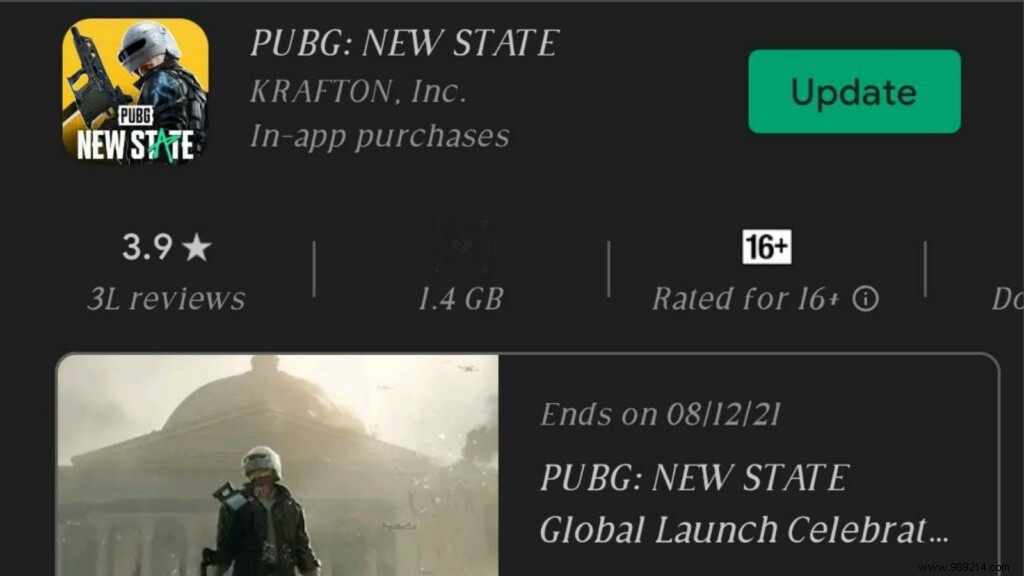
Step 1: Open Google Play Store and search for PUBG: New State.
Step 2: Tap the Update button to install.
If download issues persist, clear Google Play Store cache and retry. Krafton conducted several maintenance breaks to stabilize servers amid high launch traffic.
