SEAGM (SEA Gamers Mall) is a trusted global platform delivering reliable top-up services for popular games worldwide. This expert guide walks you through topping up Free Fire Diamonds on SEAGM, including their current 3% cashback promotion on purchases of 800 diamonds or more.
Free Fire keeps players hooked with fresh cosmetics, events, and daily updates—but most require diamonds, the game's premium currency. In-game purchases come at a premium price, so savvy players turn to trusted third-party sites like Games Kharido, Codashop, SEAGM, and MOOGOLD for better deals.
Recently, top options like Games Kharido and Codashop paused Free Fire Diamond recharges due to technical glitches. With those unavailable, SEAGM stands out as the go-to for fast, affordable top-ups.
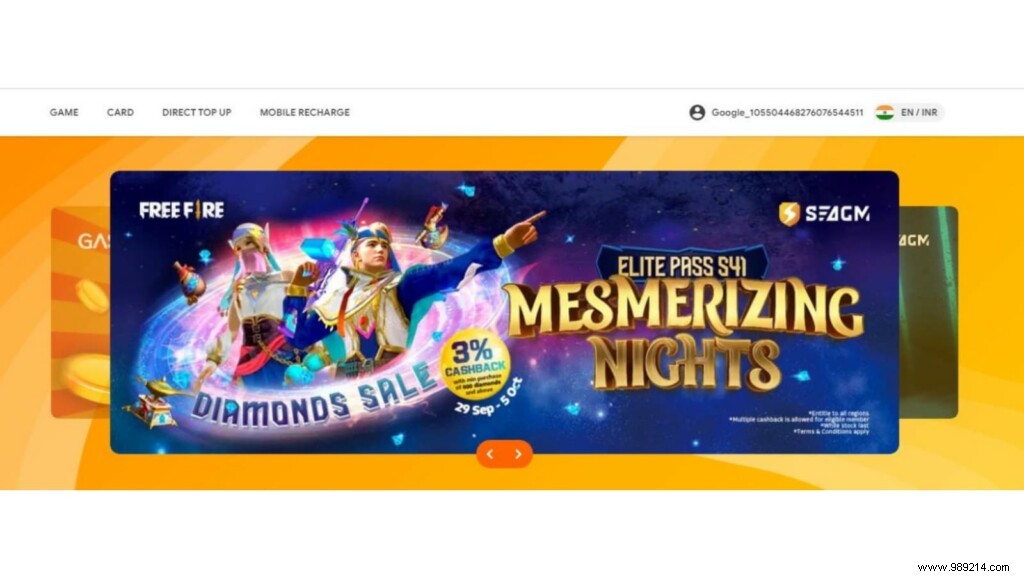
To buy services on SEAGM, you'll need a free account, which works across their app and website for games like PUBG Mobile, Mobile Legends, and more. Here's how to set one up:
Enjoy 3% cashback on qualifying purchases of 800+ diamonds.
Ready to top up? Follow these steps.
Read more: Free Fire Angelic Wish Sweepstakes—Everything You Need to Know!
Step 1: Open SEAGM in your browser and select "Free Fire Diamonds".
Visit the site here.
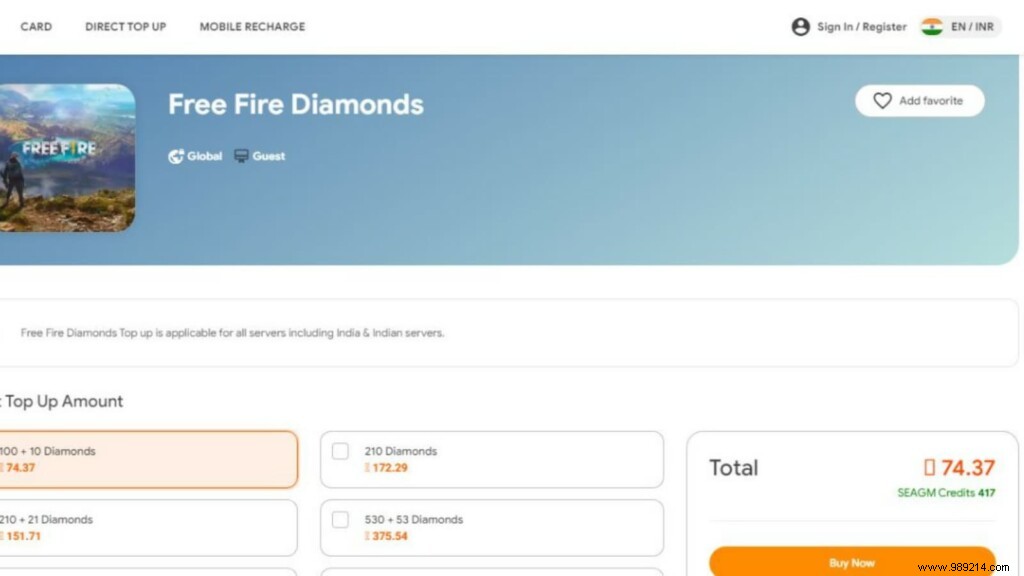
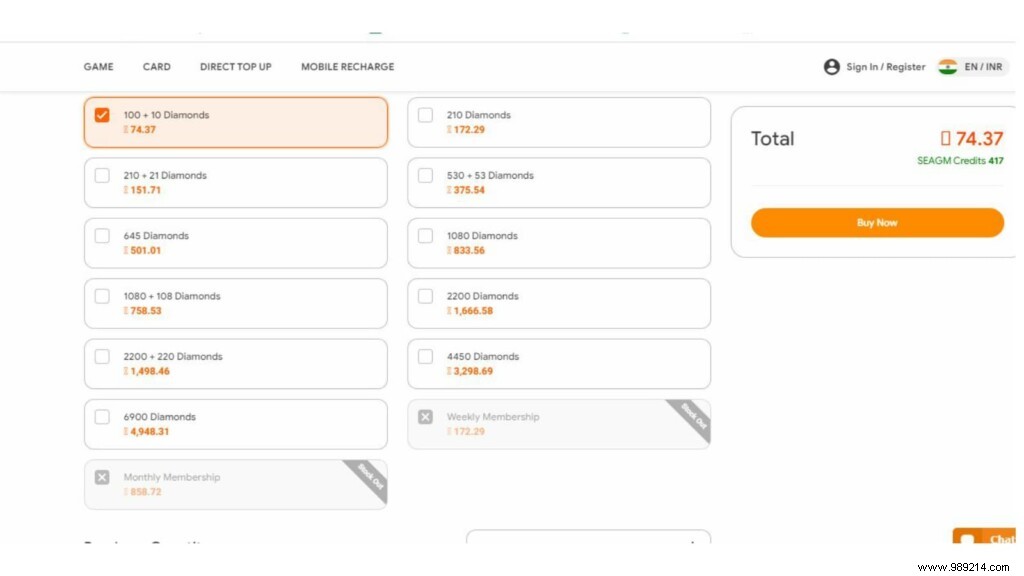
Step 2: Pick your preferred diamond package from the options.
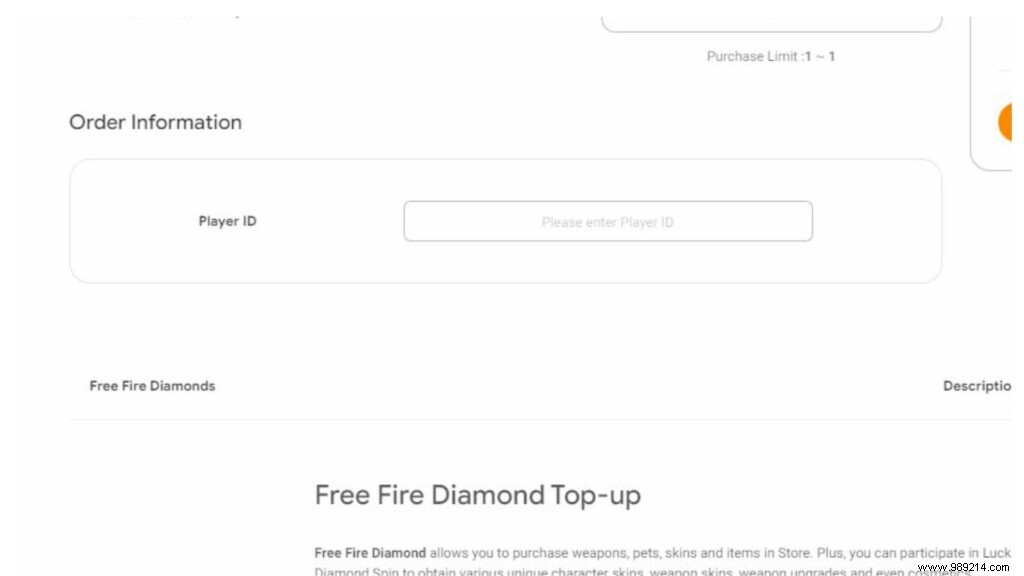
Step 3: Enter your Free Fire Player ID and hit "Buy Now".
Step 4: On the checkout page, select "Pay Now".
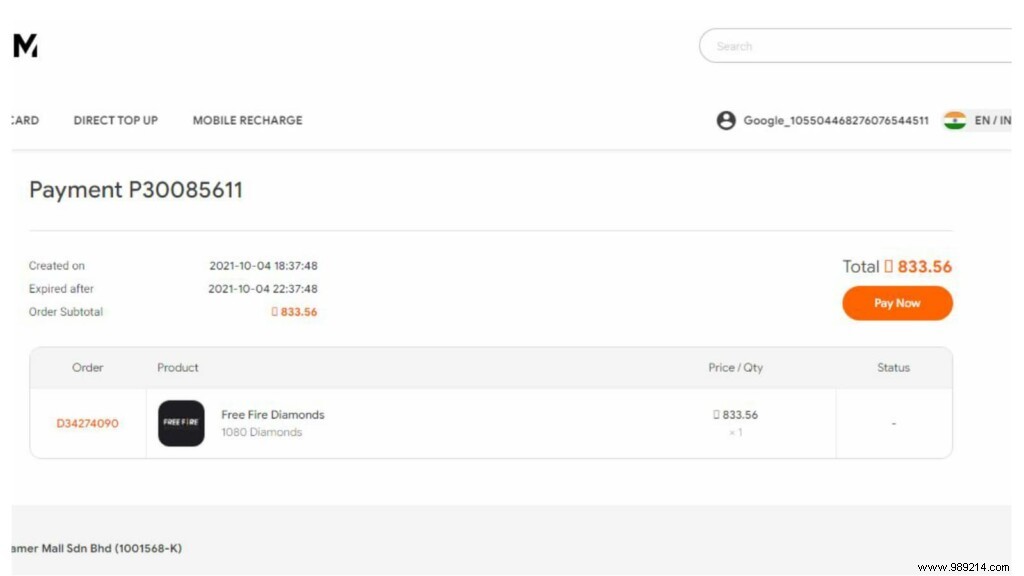
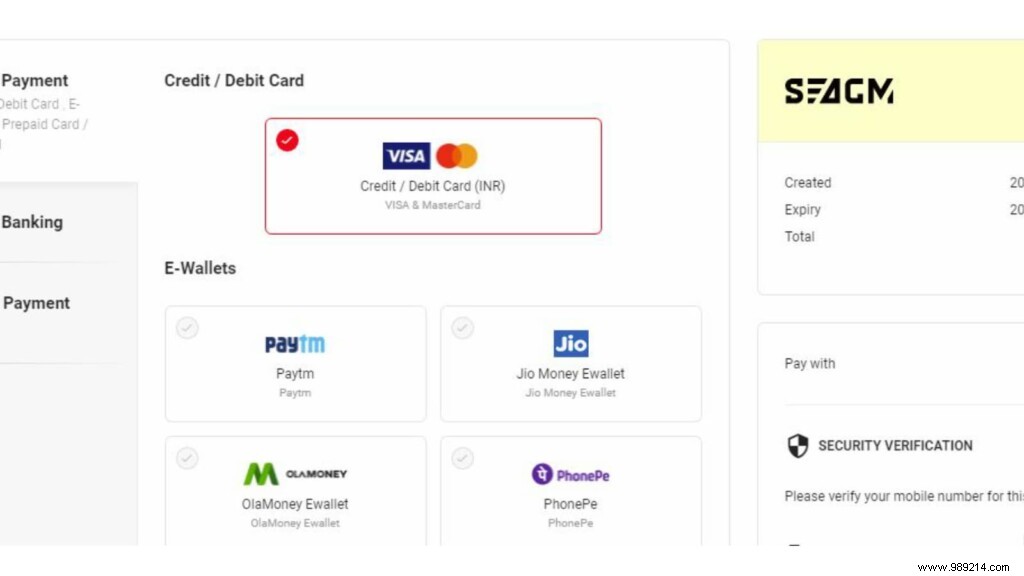
Step 5: Complete payment via your preferred method. Diamonds will credit instantly to your account.
How to Download and Play Free Fire MAX on Windows PC: Best Emulators for Smooth Gameplay
