Valorant has introduced UPI as a new payment method for Indian servers, addressing purchase errors many players faced after recent updates. With Paytm often unreliable, UPI offers a faster, more dependable way to grab Valorant Points (VP) and snag those must-have skins from the store. As seasoned Valorant enthusiasts and gaming experts, we've tested this process to ensure smooth transactions.
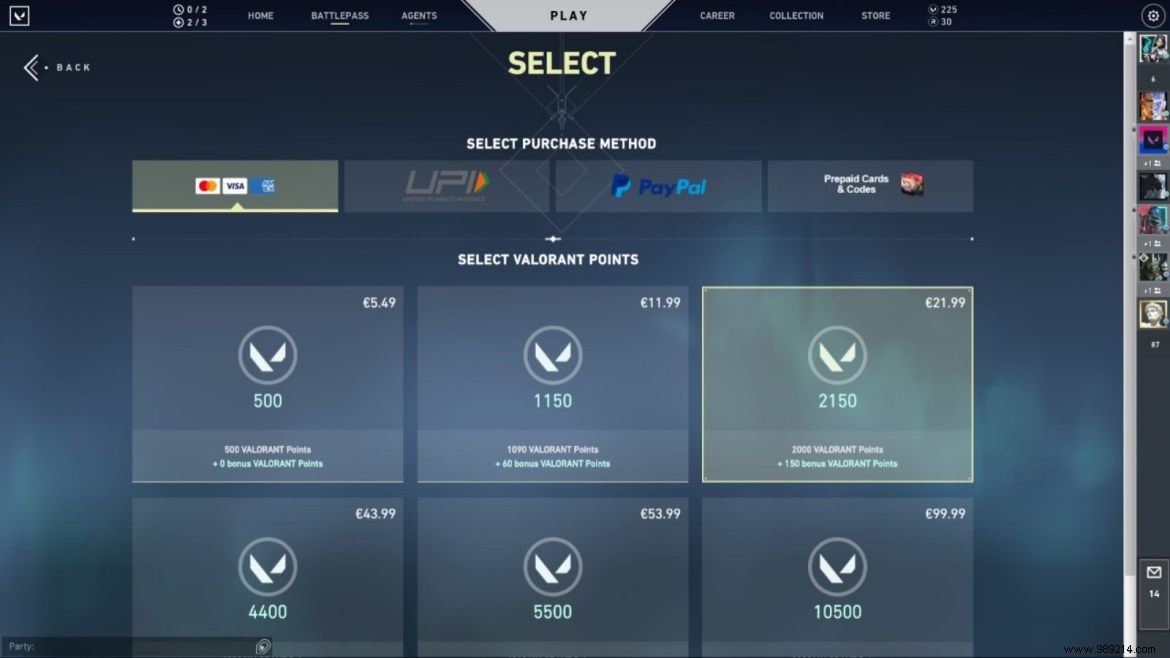
Weapon skins in Valorant customize your arsenal's look and can be purchased with Valorant Points or Radianite Points. Premium collections, including anime and non-animated sets, require substantial VP—previously challenging for Indian players due to Paytm glitches.
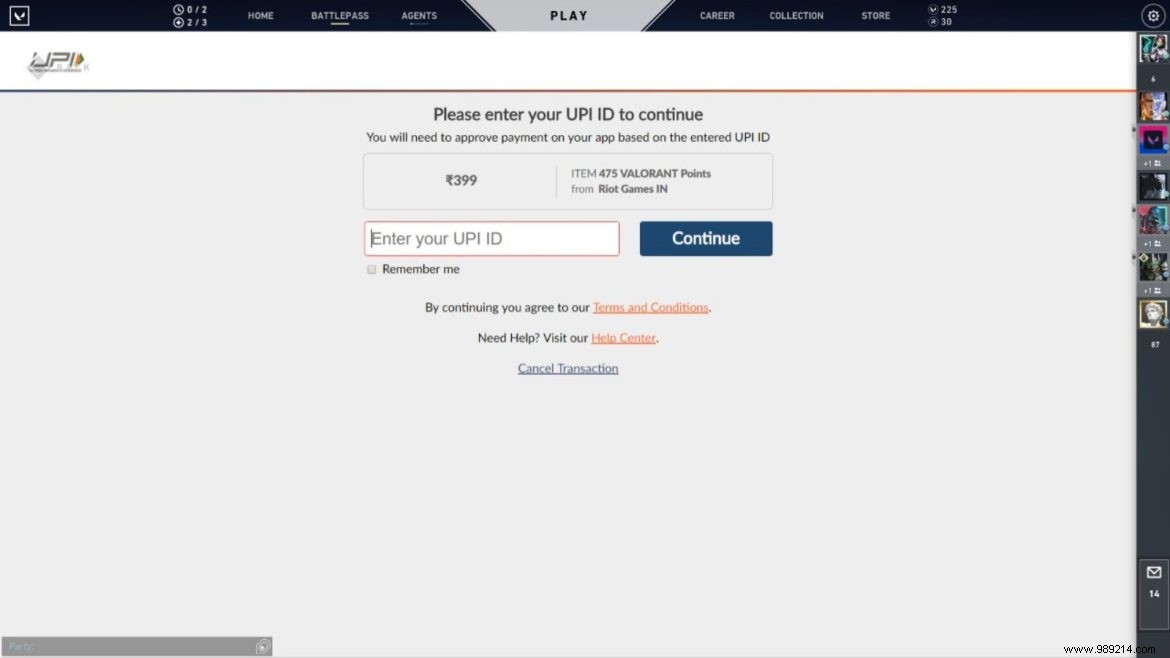
Responding to community feedback, Riot has rolled out UPI support alongside Paytm. Popular options like Google Pay make transactions quick and secure. No more relying on international methods like PayPal—now it's seamless with domestic UPI.
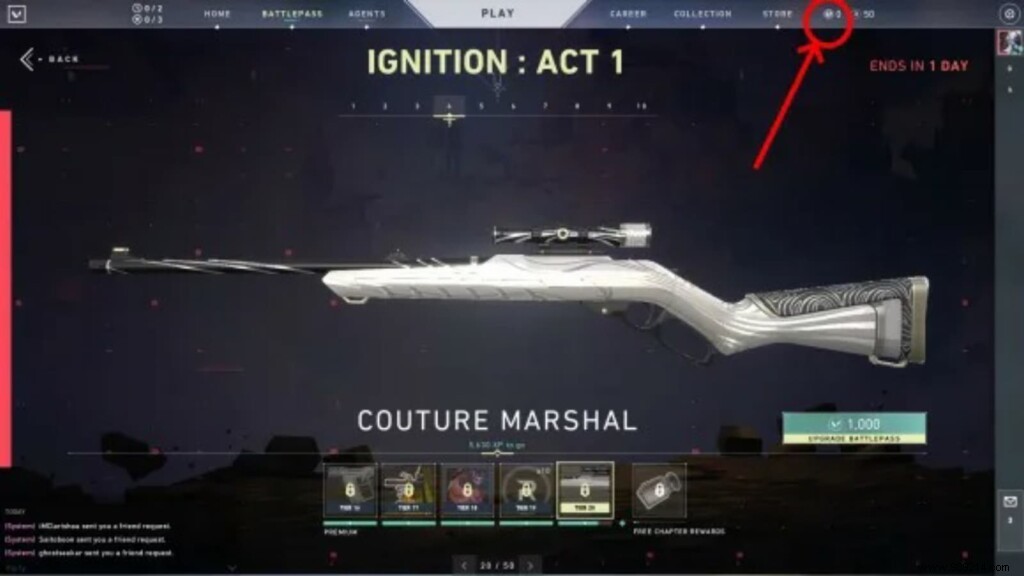
From the main menu, click the VP icon next to the Store tab and select UPI to get started.
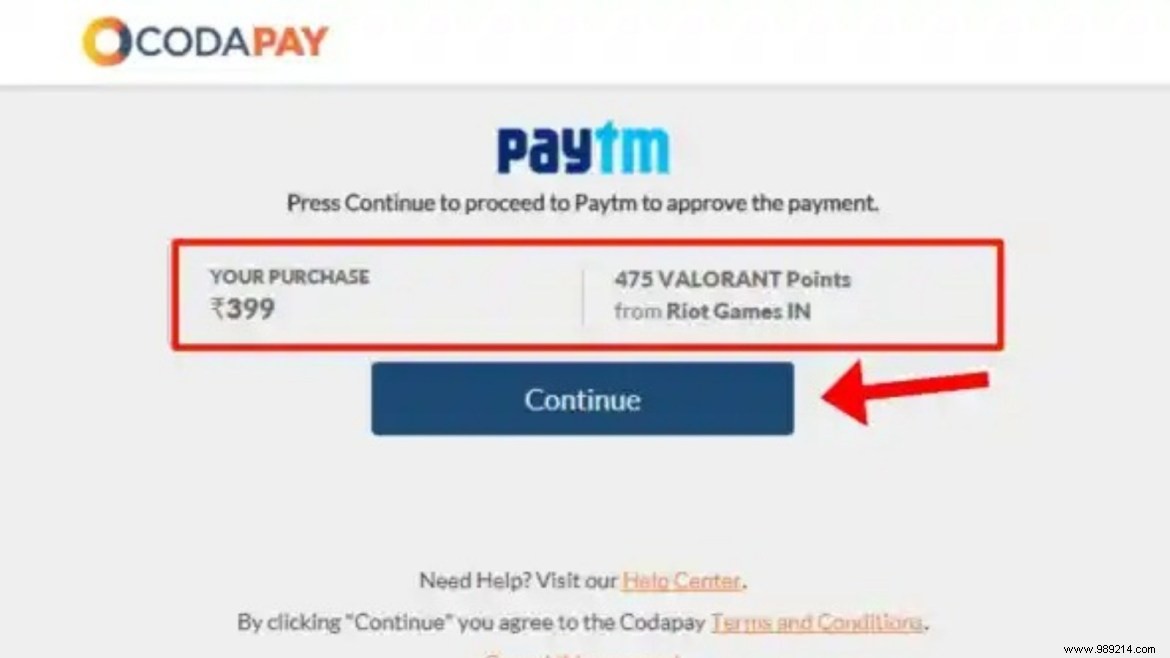
Follow these proven steps to purchase Valorant Points via UPI:
Current Valorant Points prices in India (INR):
