Family Encyclopedia >> Entertainment

Best Controller Settings for Black Ops Cold War Season 5: Pro-Recommended Aim Assist & Sensitivity

Optimizing your controller settings is crucial for dominating in first-person shooters like Black Ops Cold War. As experienced CoD players and analysts, we've tested extensively to bring you the top aim assist, response curve types, target settings, and more for Season 5—proven to boost accuracy and performance.

Cold War offers deep controller customization, letting you tweak aim assist for pinpoint precision. With countless options, choosing the right ones can be overwhelming. Players often report settings resetting to defaults, so here's our battle-tested guide to the best configurations for Season 5.

Use these quick links to jump ahead:

Best Black Ops Cold War Controller Settings

Controller

  • Horizontal Stick Sensitivity: 6
  • Vertical Stick Sensitivity: 6
  • ADS Stick Sensitivity (Low Zoom): 1.00
  • ADS Stick Sensitivity (High Zoom): 1.00
  • Button Layout: Default
  • Flip LT/RT with LB/RB: Flipped (if using claw grip for faster triggers)
  • Aim Response Curve Type: Standard
  • Vertical Invert: Disabled
  • Controller Vibration: Disabled

Sensitivity is personal—6/6 is a popular starting point among pros. Test in a custom game (detailed below) to dial it in perfectly.

Gameplay

  • Target Aim Assist: Enabled
  • Target Aim Assist Type: Standard
  • ADS Aim Assist: Enabled (Campaign & Zombies only)
  • Aerial Mantle Behavior: Manual
  • Mantle Behavior: On Second Press
  • Downsight Behavior: Tap
  • Steady Aim Behavior: Tap
  • Armor Behavior: Apply All
  • Vehicle Attack Control Mode: Objective-Based

Mantle on second press prevents unwanted auto-mantling during jump shots, keeping you agile in fights. Dive deeper into Aim Response Curve and Target Aim Assist below.
Best Controller Settings for Black Ops Cold War Season 5: Pro-Recommended Aim Assist & Sensitivity

Advanced

  • Stick Layout: Default
  • Left Stick Min Input Deadzone: 0 (increase to eliminate drift)
  • Right Stick Min Input Deadzone: 0 (increase to eliminate drift)
  • Right Stick Max Input Deadzone: 100
  • Auto Mantis: Disabled
  • Auto Sprint: Enabled
  • Sprint Cancels Reload: Disabled
  • Auto Parachute: Enabled
  • Equipment Behavior: Hold
  • Interact/Reload Behavior: Tap to Reload

Auto-sprint speeds up movement but requires thumbstick discipline for stealth. Deadzones vary by controller—minimize without drift for responsive control.
  • 10 Best Guns in Black Ops Cold War: Weapon Tier List

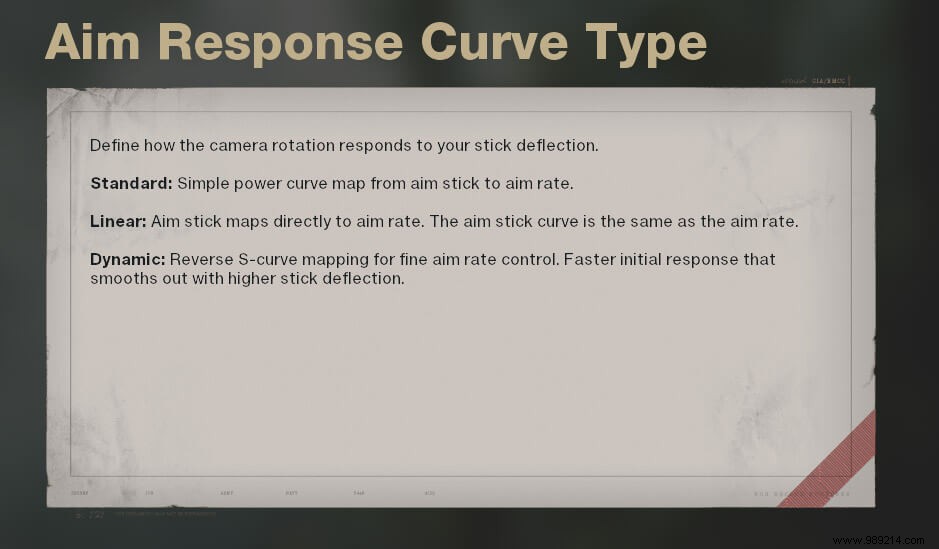
Best Aim Response Curve in Black Ops Cold War

Best Controller Settings for Black Ops Cold War Season 5: Pro-Recommended Aim Assist & Sensitivity

We've broken down all aim response curves based on pro usage and hands-on testing in Treyarch's Black Ops Cold War.

Three options:

  • Standard: Default curve with gradual acceleration—familiar feel for most CoD players.
  • Linear: Instant full speed; great for aggressive play but sacrifices fine control.
  • Dynamic: Hybrid—starts slow, ramps up quickly. Pros like Scump swear by it for balanced precision and speed.

Stick with Standard if you're new; try Dynamic for an edge.
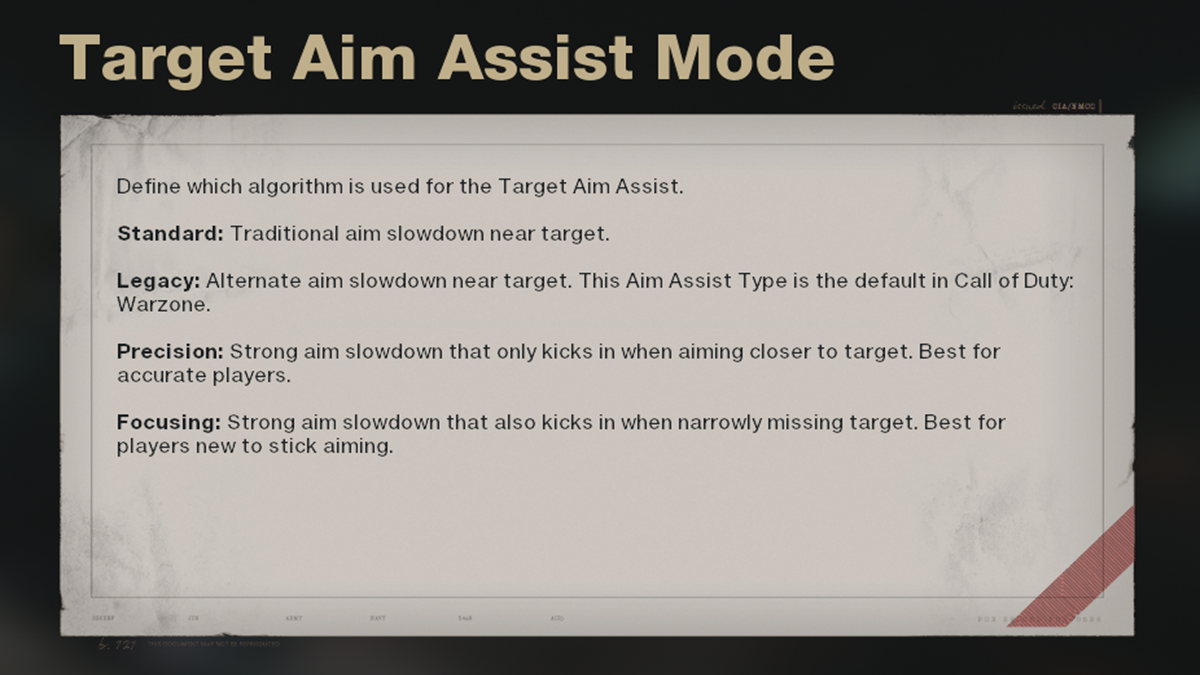
Best Target Aim Assist Mode

Best Controller Settings for Black Ops Cold War Season 5: Pro-Recommended Aim Assist & Sensitivity

Target Aim Assist slows your reticle near enemies for easier tracking.

  • When is the next Cold War & Warzone Double XP event?

Four modes:

  • Standard: Wide slowdown zone—ideal for most players.
  • Legacy: Narrower zone like Warzone—smooth cross-game transition.
  • Precision: Minimal zone for experts only.
  • Focusing: Strong pull for beginners.

Standard feels natural for Cold War mains; Legacy for multi-game players.
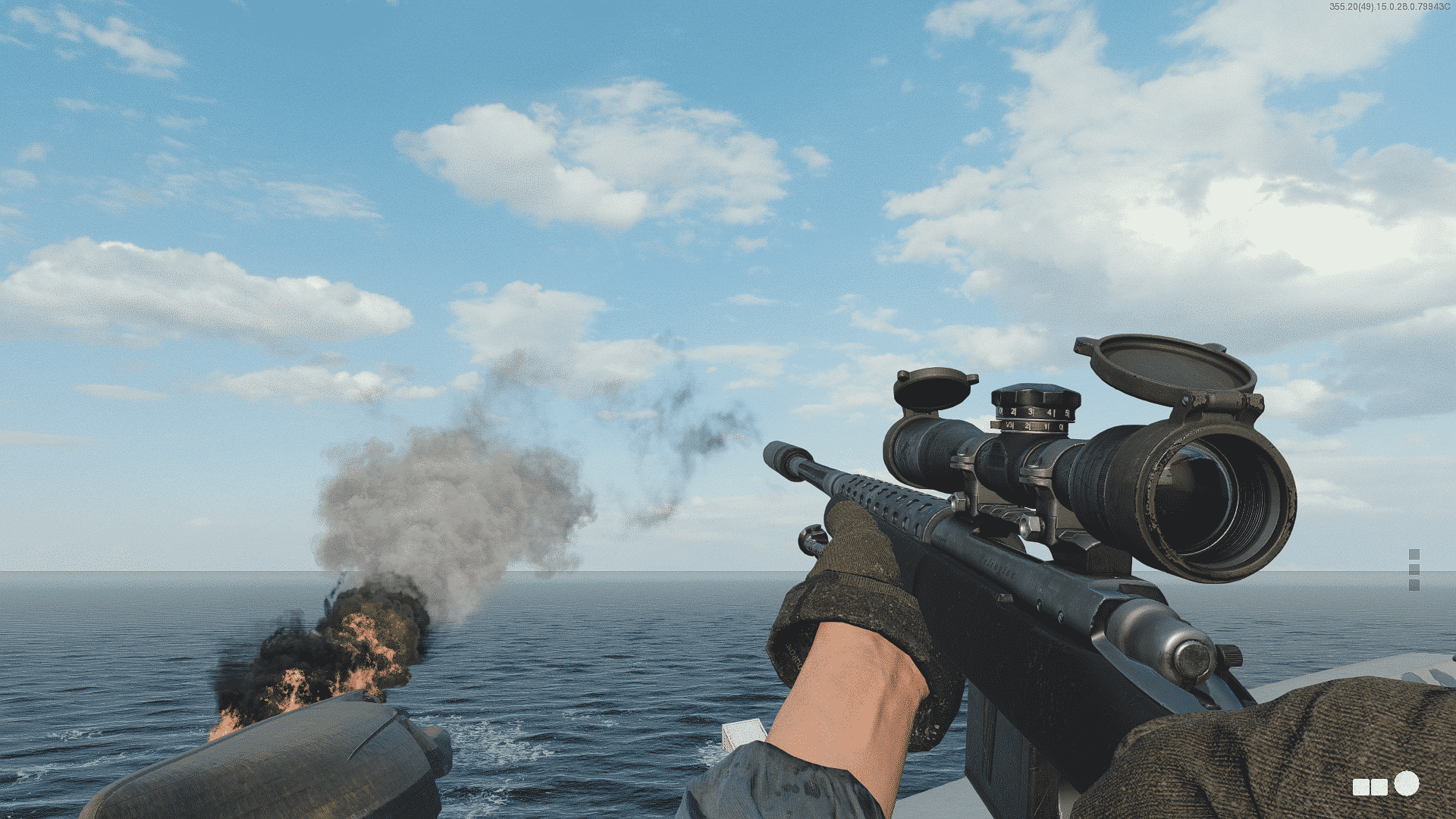
Best Aim Assist for Cold War Sniping

Best Controller Settings for Black Ops Cold War Season 5: Pro-Recommended Aim Assist & Sensitivity

Cold War snipers now have aim assist—a 'bubble' slowdown around targets. Pros: easier tracking. Cons: can pull aim off-target.

  • How to Get a Free Black Ops Cold War Season 5 Secret Calling Card

Use your preferred Response Curve. Switch Target Aim Assist to Precision for tighter control. Or disable entirely (below).
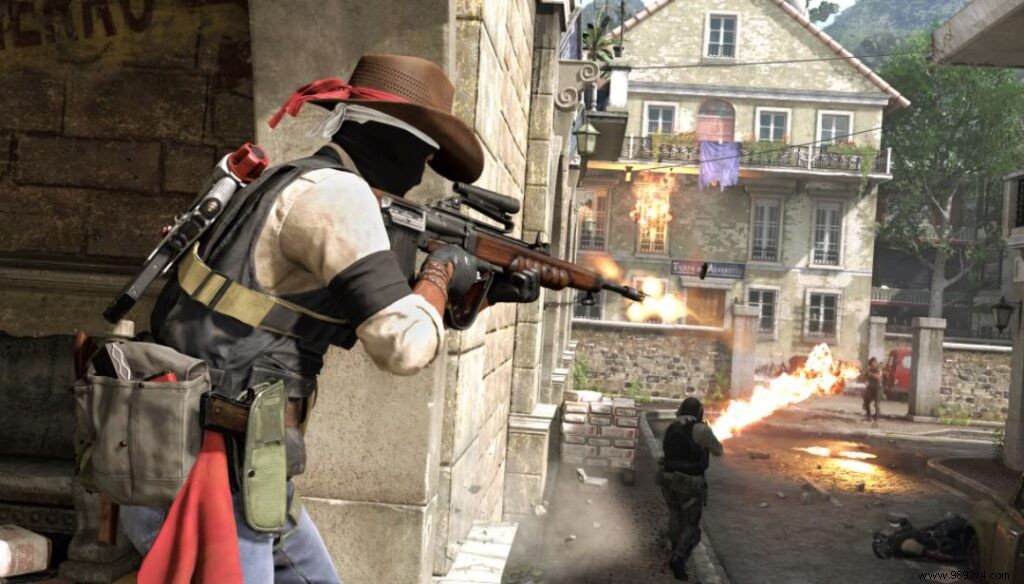
How to Disable Aim Assist in Cold War

Best Controller Settings for Black Ops Cold War Season 5: Pro-Recommended Aim Assist & Sensitivity

Early confusion: ADS Aim Assist is Campaign/Zombies-only.

For Campaign/Zombies: Set ADS Aim Assist to Disabled.

For Multiplayer: Set Target Aim Assist to Disabled.

Classic sniping feel, but harder with autos.
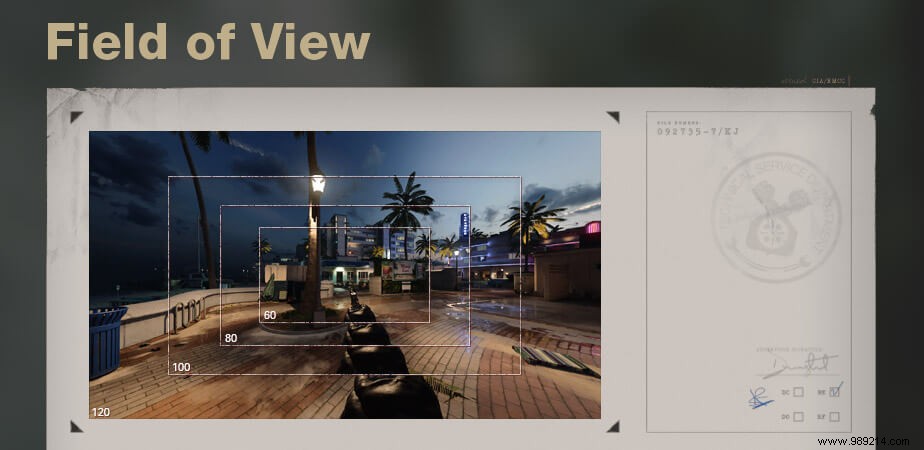
Does FOV Affect Aim Assist in Cold War?

Best Controller Settings for Black Ops Cold War Season 5: Pro-Recommended Aim Assist & Sensitivity

Console FOV slider (60-120) unlike MW/WZ. Higher FOV reveals more but shrinks distant targets and amplifies aim assist quirks.

  • Two Classic Black Ops Maps Returning In Cold War Season 5 Claims Leak

Cap at 105 for controller accuracy.

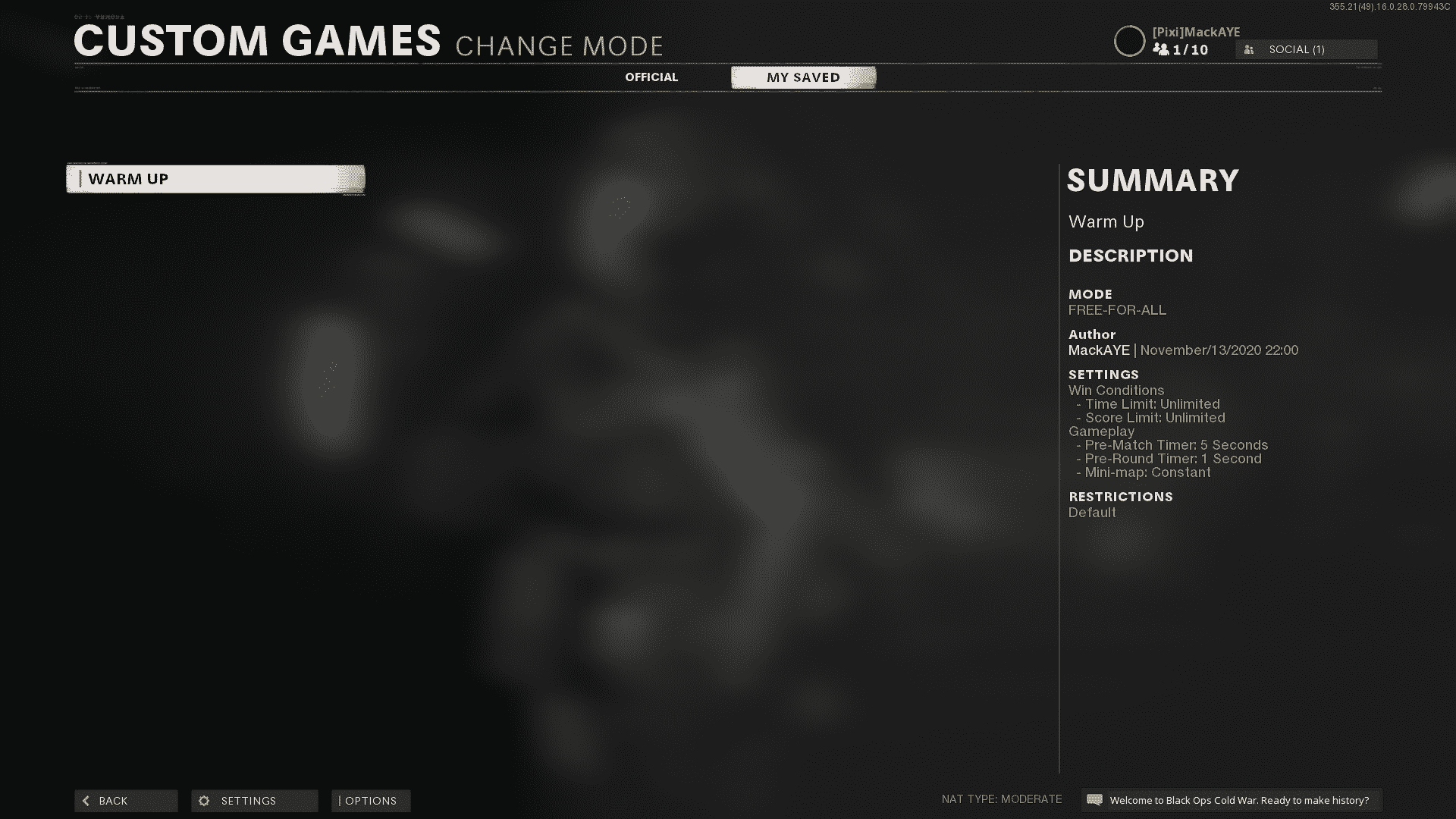
How to Find Your Best Controller Settings

Best Controller Settings for Black Ops Cold War Season 5: Pro-Recommended Aim Assist & Sensitivity

No universal setup—test yours.

  • Map: Nuketown '84
  • Mode: Free-for-All
  • Rules: Unlimited Time/Score
  • Bots: 6 on Recruit
  • Breakthrough Cold War Zombies Glitch Gives Players Unlimited Everything

Practice ranges with varied weapons/settings. Minimize deadzones from 0 up.


Implement these in Season 5 for lethal precision. Images: Courtesy of Treyarch/Microsoft/Sony