Fortnite Battle Royale, Epic Games' blockbuster hit, has conquered PC and consoles. Now, it's storming smartphones with iOS and Android support. Epic Games launched the mobile version starting with iOS, followed by Android shortly after.
But does the mobile edition stack up against its desktop and console counterparts? Can it avoid the pitfalls of subpar mobile shooters? As seasoned gamers who've tested it extensively, let's dive in.
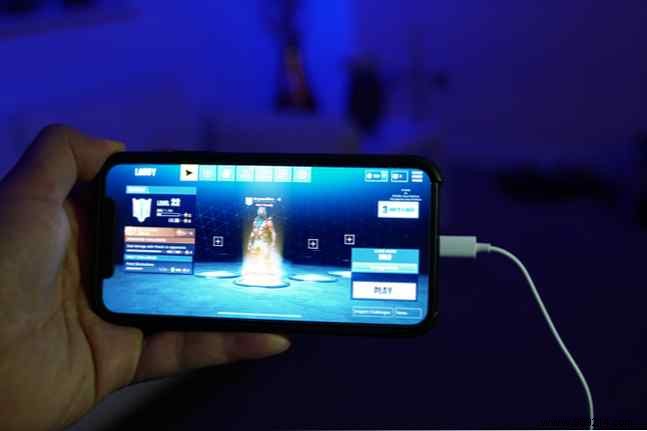
We tested on iPhone X and iPad Pro 10.5" over a 200 Mbps connection. Note: This was during the beta phase, so expect ongoing optimizations.
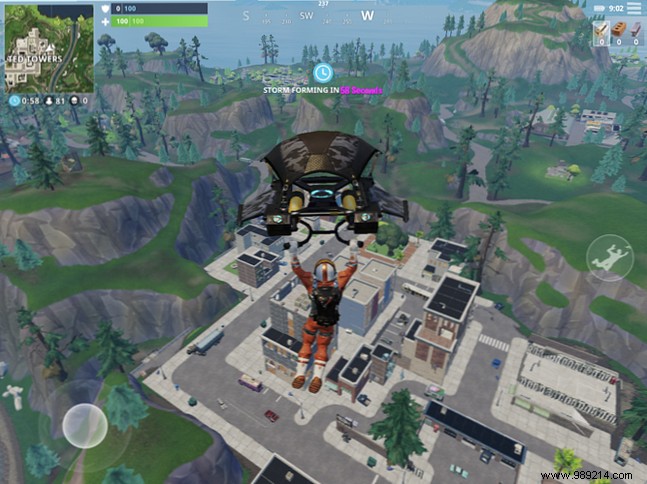
To ensure smooth play on mobile, Epic made smart adjustments to controls and visuals. Don't expect PC-level ultra details, but the game runs flawlessly with impressive fidelity.
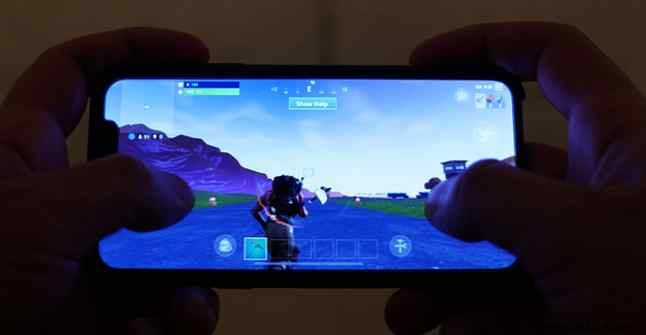
The iPad's larger screen boosts immersion, though on-screen buttons feel spaced out, slowing reactions slightly. iPhone's compact display makes everything feel crisp and responsive.
Sign up for early access via Epic's site. Once invited, download from the App Store. Log in with your Epic account—or create one using Google or Facebook for speed.

Your progress, character, and inventory sync perfectly across platforms. Note: Cosmetic changes may not sync yet, but updates could fix this.
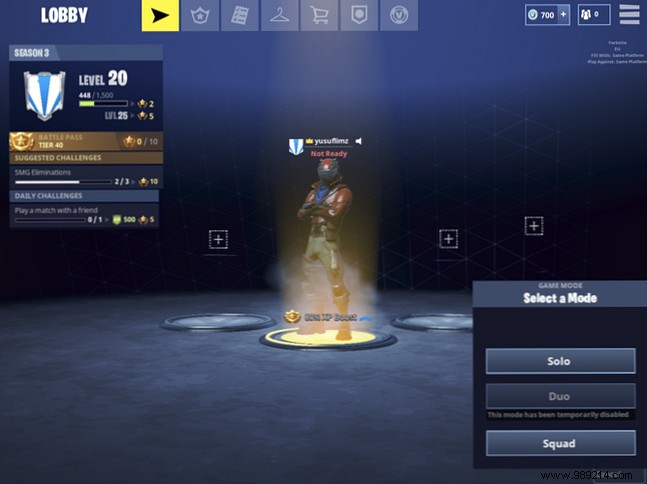
Available modes: Solo and Squad (Duo temporarily off). All touch-based—no controller yet. Navigation feels intuitive after a short adjustment from mouse/keyboard or pads.
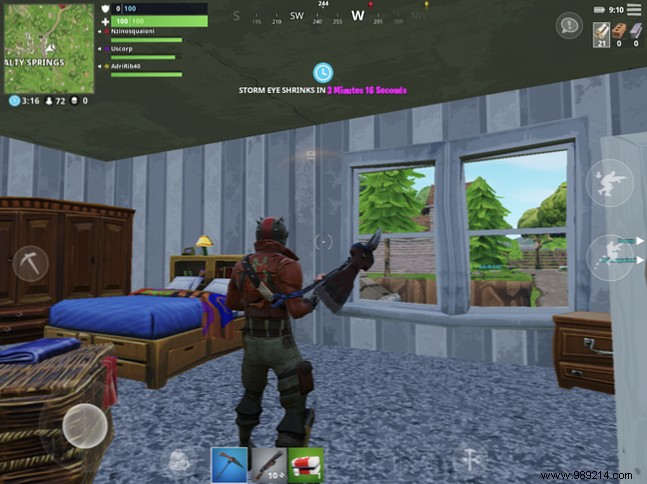
UI tweaks include relocated shields and build slots for better thumb access.
Movement uses virtual thumbsticks: left for walking, right for aiming/shooting. Pro tip: Double-tap left stick for a sprint dash.
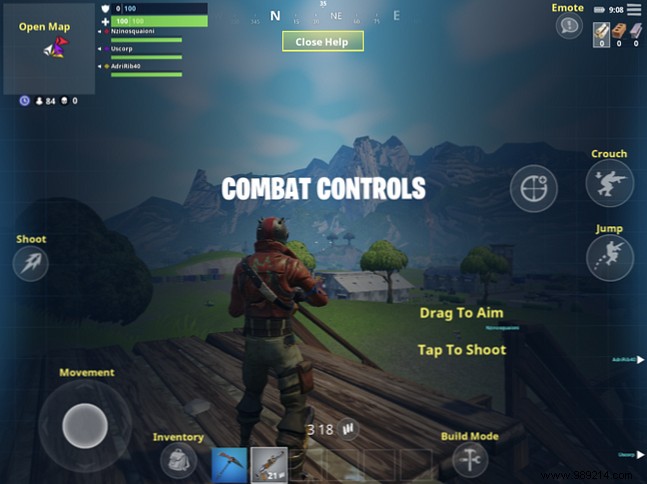
Tap to fire (more natural than the button), with dedicated buttons for ADS, jump, and crouch. Reload is via a top inventory button—could use repositioning. Thumb-focused design shines in close quarters.
Practice multitasking: move, aim, shoot. Accidental fires happen early on. Auto-pickup for items/weapons and tap-to-toggle doors simplify things.
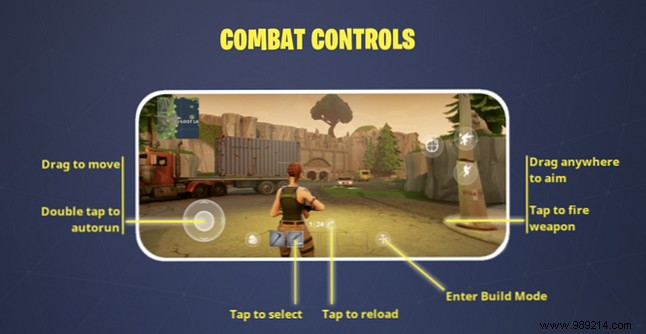
Building is core to victory. Mobile access: Tap tool icon, select piece, place. It's slower than PC/console—no simultaneous run/build at first—but mastery comes with practice.
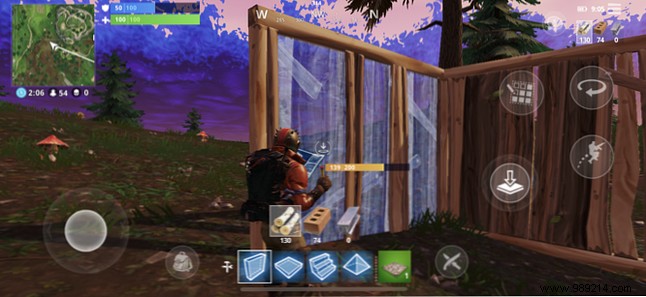
Expect a learning curve; you'll pause to build initially. Fast-paced fights demand adaptation.
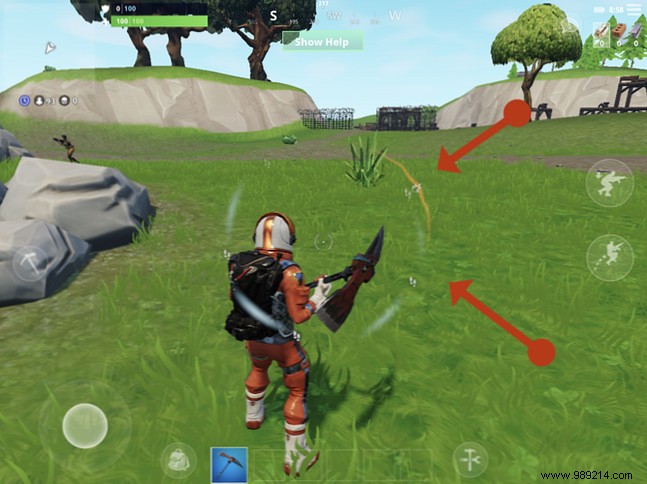
Epic innovated with visual audio cues for shots, footsteps, and chests—vital sans headphones. Boldness scales with proximity.
No in-game voice chat yet; use Xbox app for squads.
Not identical to PC/console, but cross-play lets you compete everywhere. Stick to mobile lobbies if console access is limited.
Epic nailed the port: stellar performance despite building/control challenges. Visual sound cues give mobile edges; controller support looms.
Controls need practice but enable on-the-go Fortnite with full progression. It raises the bar for mobile battle royales—download now!
