While Plex and Kodi have dominated the home media scene for years, Emby is emerging as a strong contender, offering powerful features for cord-cutters.
Compared to Kodi, Plex and Emby are far more similar. Both are dedicated media servers, unlike Kodi, which requires MySQL expertise or additional tools to function reliably as one.
If you're new to cord-cutting and home media servers, Emby or Plex—which should you pick? Based on hands-on testing of both, here's a detailed comparison to help you decide.
Both offer free core functionality with optional premium upgrades. Plex Pass unlocks extras like advanced hardware features (though many users find the free version sufficient—check out 5 Reasons You Really Don't Need a Plex Pass).
Plex Pass costs $14.99 for three months or $119.99 lifetime. Emby Premiere is $4.99/month or $119 lifetime.
Both use a client-server model: install the server on your media storage (PC or NAS) and clients on playback devices.
Client setup is straightforward—install and enter a code. Server configuration is where Plex edges out: it's designed for beginners, with simpler defaults.
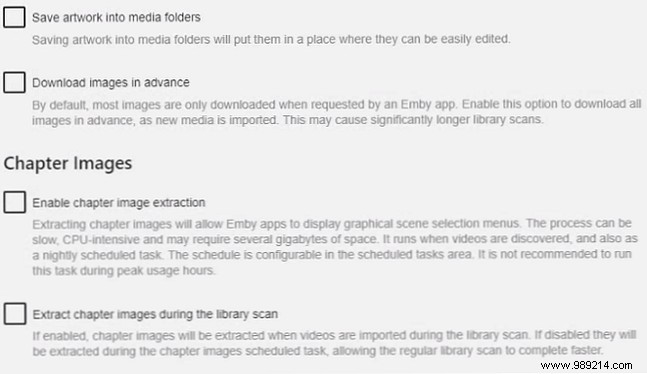
Emby exposes advanced options like chapter image extraction and metadata pre-downloading during library setup, which power users love but can overwhelm newcomers.
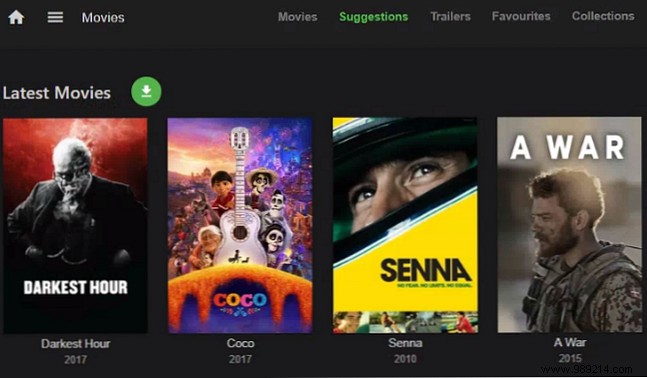
With greater resources behind it, Plex delivers a more refined, intuitive interface. Browsing feels polished and professional, akin to premium streaming apps.
Emby's navigation is solid but less sleek—fine for most, though it may feel clunky if you're accustomed to Apple TV or Android TV UIs.
Emby shines here, rivaling Kodi's customization depth. Tweak UIs extensively: apply custom CSS, swap login screens, install community themes—options Plex lacks entirely.
Emby's open-source roots enable this flexibility; Plex remains closed-source.
Both support Live TV and DVR. Plex restricts it to Plex Pass subscribers; Emby allows free web app access but requires Premiere for other devices.
Plex includes a robust EPG grid guide (see Plex Live TV: Everything You Need to Know). Functionality is comparable overall.
Plex supports more tuners natively (HDHomeRun, DVBLogic, AVerMedia, Hauppauge); Emby favors HDHomeRun (plus Hauppauge on Windows) but adds others via plugins.
Plex's news aggregator, powered by machine learning, delivers personalized stories—no Emby equivalent.
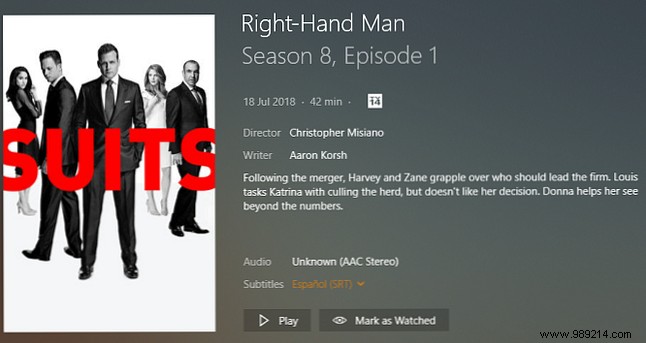
Plex wins decisively: free local streaming across all devices on your network, no subscription needed.
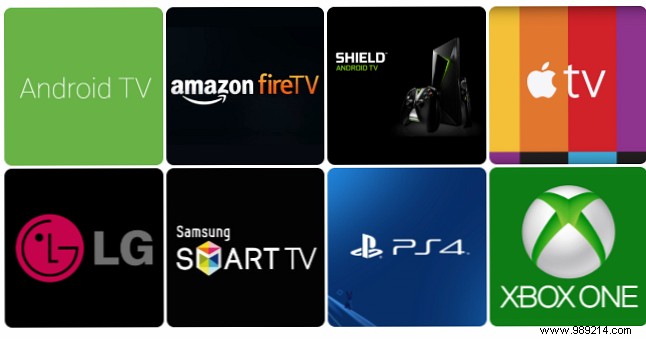
Emby limits free local streaming to web app, Roku, Apple TV, and Samsung TVs. Android TV, Fire TV, mobiles require per-app unlocks or Premiere.
Both require premium for remote access: offline downloads, sync, and server streaming.
Enable it easily in server settings on either platform.
Community plugins extend both. Plex's Unsupported App Store unlocks unofficial channels (see 20 Unofficial Plex Channels You Should Install Right Now and How to Unlock More Channels on Plex With Unsupported App Store); official Channels abound too.
Emby's plugin library is smaller due to its newer status and user base, but covers essentials like TuneIn Radio, Trakt, and ITV Player.
Servers run on Windows, Mac, Linux, FreeBSD, Docker, most NAS (Plex adds Drobo support).
Clients cover major platforms, but Plex supports Sonos and Android Auto; Emby's Alexa plugin needs Premiere.
Emby is excellent and keeps Plex competitive—healthy rivalry benefits everyone.
That said, Plex takes the crown: broader native features, device support, smoother experience, and superior polish. What's your pick? Share in the comments.
For more, explore Top 10 Plex Plugins for Power Users, How to Use Subtitles in Plex: Everything You Need to Know, and Watch Plex in Virtual Reality.
