Family Encyclopedia >> Entertainment

Top 3 Pro Valorant Crosshairs for Episode 3: Exact Settings from ShahZaM, TenZ, and dapr

Crosshairs play a crucial role in Valorant, especially when drawing from the setups of top professionals. Whether you're a beginner or seasoned player, adopting pro configs can sharpen your aim. We've analyzed configs from leading players to bring you the top 3 Valorant pro crosshairs for Episode 3.

Related: TenZ Valorant Settings, Crosshairs, Hotkeys, and PC Specs

Valorant Pro Crosshair Settings

While abilities matter, precise aim is the foundation of success in Valorant. Pros prioritize crosshairs that enhance accuracy without distraction. Here are three battle-tested setups:
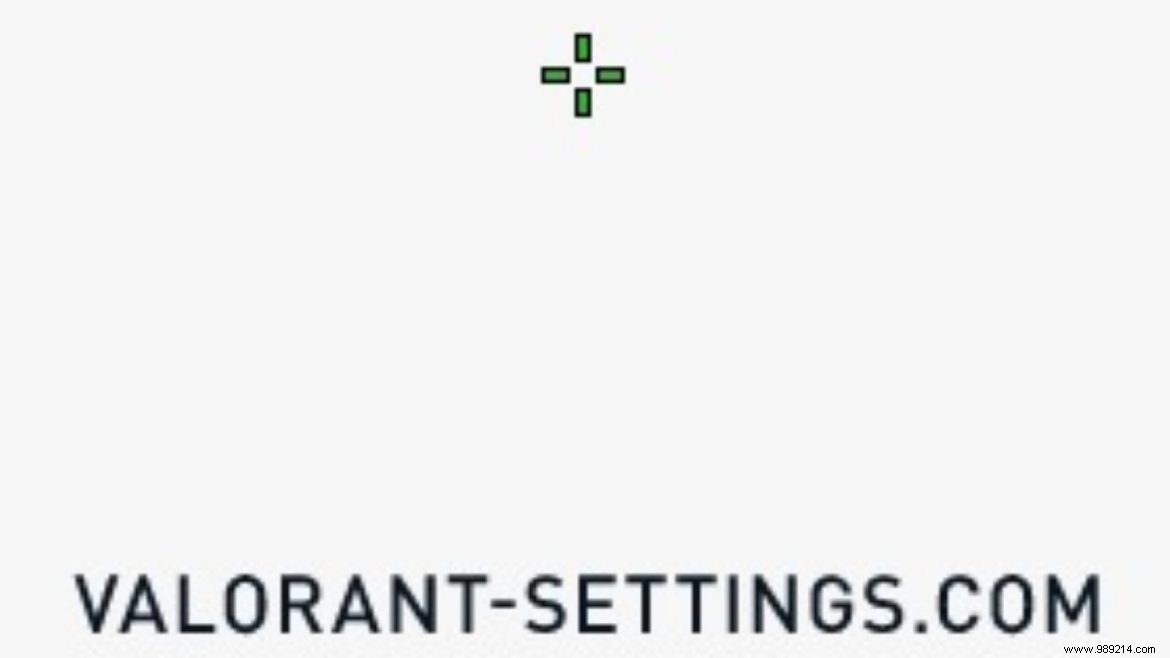
3. ShahZaM

Top 3 Pro Valorant Crosshairs for Episode 3: Exact Settings from ShahZaM, TenZ, and dapr

Shahzeb 'ShahZaM' Khan has dominated Valorant scenes with his precise playstyle. His crosshair emphasizes clean inner lines:

  • Color: Green
  • Outlines: On
  • Outline Opacity: 1
  • Outline Thickness: 1
  • Center Dot: Off
  • Center Dot Opacity: 0
  • Center Dot Thickness: 0
  • Fade Crosshair with Firing Error: Off
  • Show Inner Lines: On
  • Inner Lines Opacity: 0.754
  • Inner Lines Length: 5
  • Inner Lines Thickness: 2
  • Inner Lines Offset: 4
  • Outer Lines Opacity: 0
  • Outer Lines Length: 0
  • Outer Lines Thickness: 0
  • Outer Lines Offset: 0
  • Movement Error: Off
  • Firing Error: Off

2. TenZ

TenZ, the North American superstar, relies on a minimalist cyan crosshair that keeps focus on targets:
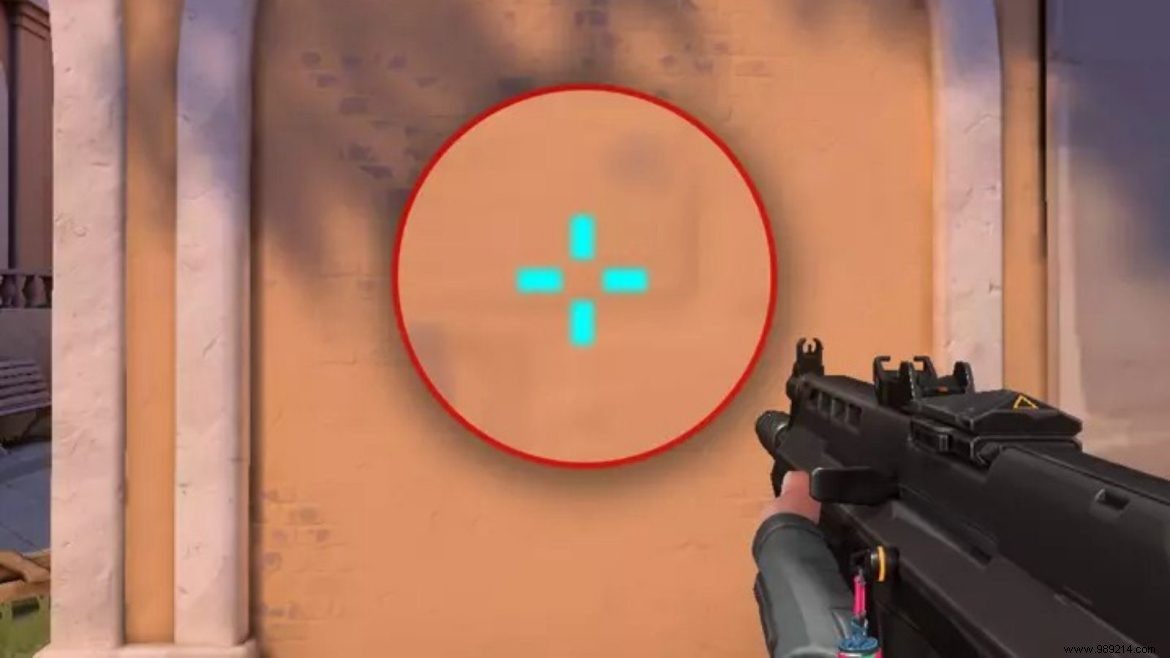
  • Color: Cyan
  • Outline: 0.0
  • Inner Lines: 1/4/2/2 (Opacity/Length/Thickness/Offset)
  • Outer Lines: 0/0/0/0
  • Movement Error: Off
  • Firing Error: Off

1. dapr

Top 3 Pro Valorant Crosshairs for Episode 3: Exact Settings from ShahZaM, TenZ, and dapr

Michael 'dapr' Gulino, formerly a CS:GO pro now with Sentinels, uses a green crosshair with bold inner lines for duels:

  • Inner Lines Opacity: 1
  • Inner Lines Length: 3
  • Inner Lines Thickness: 2
  • Inner Lines Offset: 6
  • Outer Lines Opacity: 0
  • Outer Lines Length: 0
  • Outer Lines Thickness: 0
  • Outer Lines Offset: 0
  • Center Dot: Off
  • Outlines: On
  • Movement Error: Off
  • Firing Error: Off
  • Crosshair Color: Green

Also Read: Shroud's Valorant Settings, Gear, and Setup
