Fortnite has introduced the innovative Skydive Volume device to its Creative mode, enhancing the creative competition within Fortnite Creative. Community members share map codes, allowing players to explore beyond Battle Royale. This guide details the Skydive Volume device in Chapter 3 Season 1, drawing from hands-on experience building dynamic maps.
Related: Fortnite Creative Mayhem | Everything you need to know
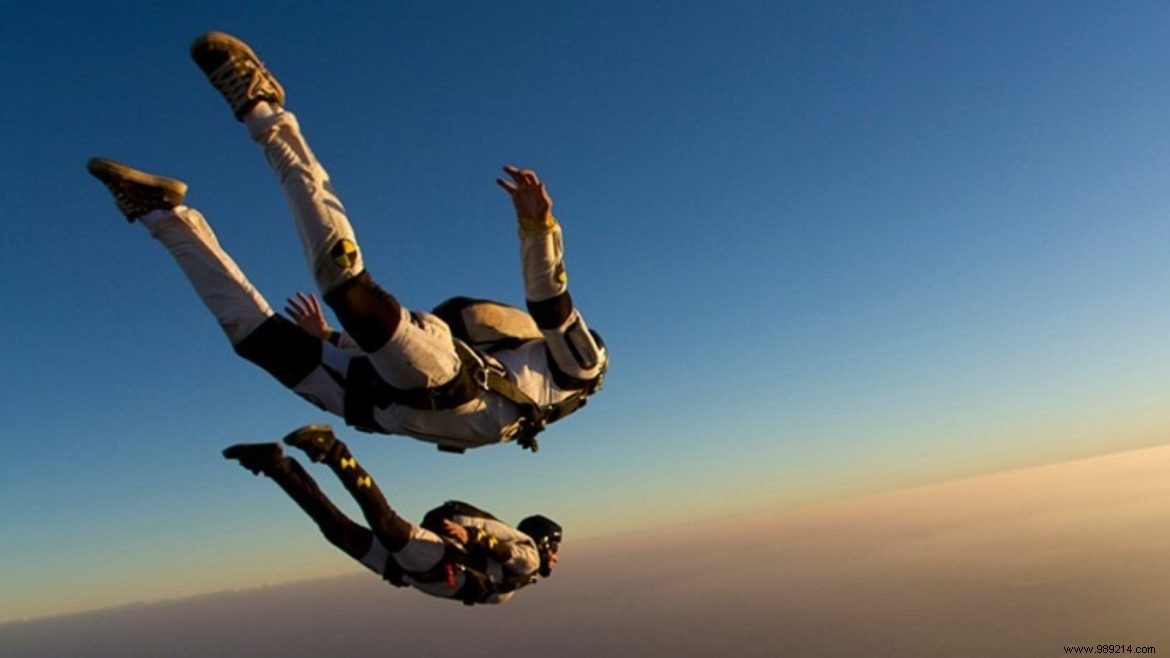
As a veteran Fortnite Creative builder, I've tested this device extensively. It creates zones where players enter a skydive state, with customizable push force and launch speed. Core settings include visibility toggles and volume dimensions for precise control.
Rotate and layer multiple devices with varied speeds to craft pneumatic tubes that launch players in unique directions, opening up creative traversal paths across your island.
| Option | Value | Description |
|---|---|---|
| Visible area during gameplay | Yes / No | Determines whether the area is visible during the game. |
| Area width | 0.5, 1 (pick a number) | Sets the width of the area, in tiles. |
| Area depth | 0.5, 1 (pick a number) | Sets the depth of the area, in tiles. |
| Height of areas | 0.5, 1 (pick a number) | Sets the height of the area, in tiles. |
Advanced settings let you fine-tune thrust force and launch speed. Fortnite Creative empowers builders to craft custom islands using the full suite of game assets.
| Option | Value | Description |
|---|---|---|
| Enabled during phase | None, All, Pregame Only, Game Only | Determines the phases in which the device is activated. Pre-match only includes all phases before the game starts. |
| Affected Team | Any | Choose a team to affect. |
| Affected class | No class, Any | Determines which class is affected. No class targets unassigned players; Any affects all classed players. |
| Pushing Force | 0.0 (positive/negative number) | Sets the constant push strength. Negative pushes down; positive lifts up. Default 0.0 applies no force. Relative to device rotation for directional control. |
| Lock relevant players into the volume | No / Yes | Prevents affected players from exiting once entered. |
| Launch Speed | (Choose a number) | How fast players launch upon entry. |
| Allow glider deployment | Yes / No | Allows glider use during skydive. |
| Player Skydive FX | On / Disabled | Enables skydiving audio/visual effects like wind noise and trails. |
Also Read: Robo-Ray DLC Pack, BluGlo Injector Back Bling, Free V-Bucks
