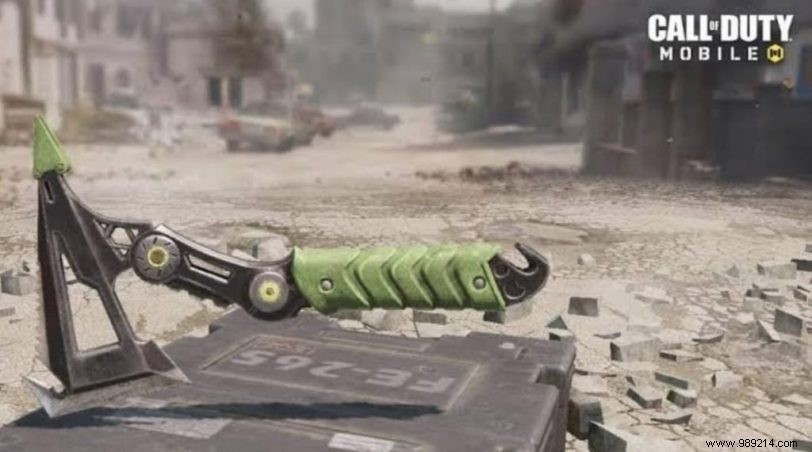
Call of Duty Mobile has solidified its place as a top battle royale game since launching on mobile platforms. Its massive popularity stems from intense multiplayer action and frequent updates packed with new gear. Today, we're diving into how to unlock the devastating Combat Axe—a lethal weapon that's become a staple for skilled players.
The game offers a wide array of customizable items, including Operators, weapons, cosmetics, attachments, and emotes. Your loadout typically features an Operator, primary and secondary weapons, Operator Skills, lethal and tactical equipment, and perks for that perfect setup.
Related: Best guns to play in Call of Duty Mobile (COD): everything you need to know

Unlike some items tied to events, the Combat Axe unlocks automatically once you hit player level 49—no special quests required. Grind MP or Battle Royale matches to level up efficiently.
With the Combat Axe equipped, you'll have a reliable throwable for close-quarters dominance. Leveling to 49 takes dedication, but the payoff in gameplay versatility is worth it.
Follow our Instagram for the latest COD Mobile updates and tips.
Among Us modes are coming soon to Call of Duty Mobile
